Creating a Boiler without a Scaffold starts in the same way as creating a Boiler with a Scaffold. However, in this case you elect to not configure the Scaffold, which tells Avontus Designer to not build one.
To create a Boiler without an internal Scaffold:
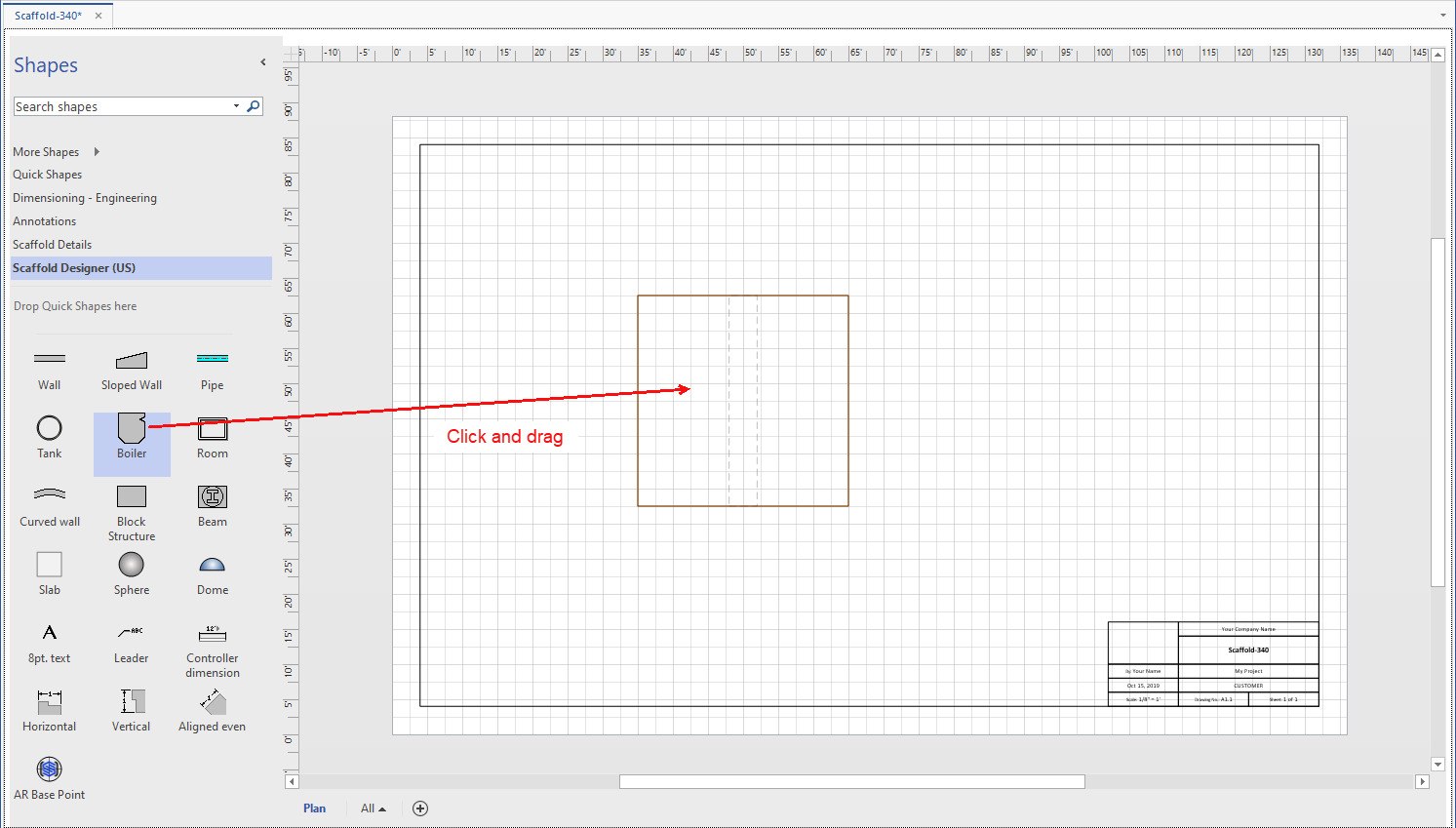
Click and drag the Boiler object from the Shapes palette onto the Drawing Page.
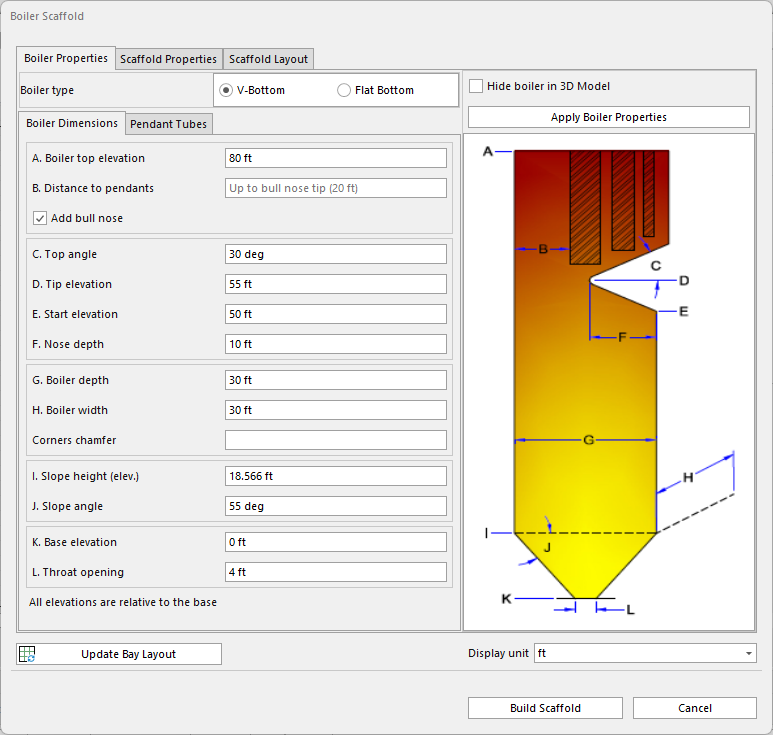
The Boiler Scaffold dialog appears.Click Cancel.
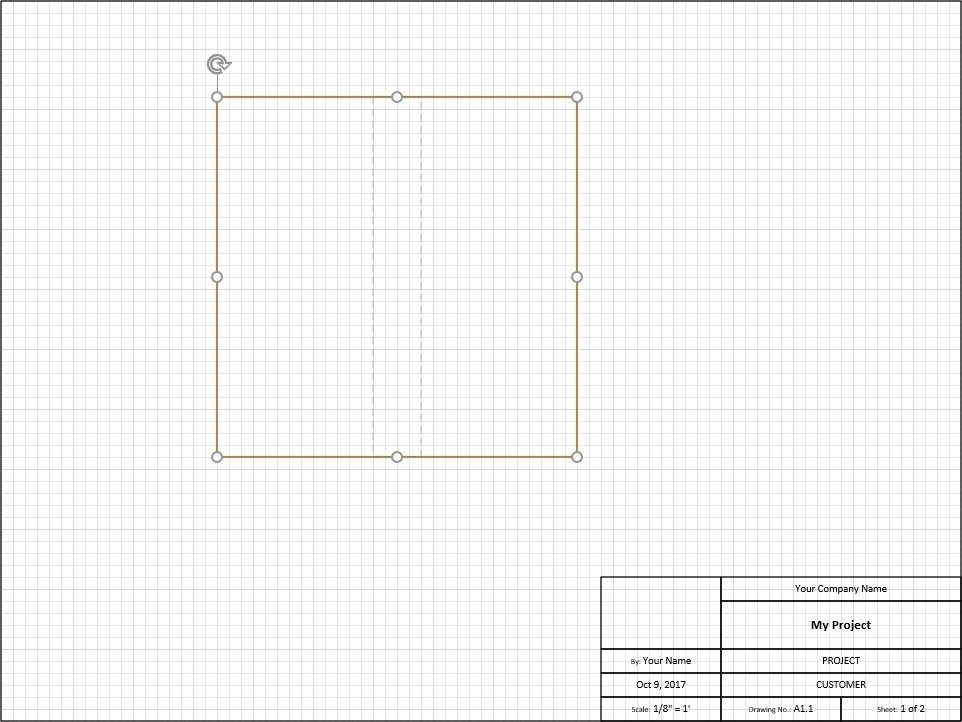
Avontus Designer places the Boiler object onto the Drawing Page without creating Scaffolding for it.