You can sort Inspection and Handover questions into groups. These questions will be separated into different sections on the Inspection and Handover Forms. You could create a group like Safety, and assign safety-related inspection/handover questions to that group.
To create a group and assign a question to it:
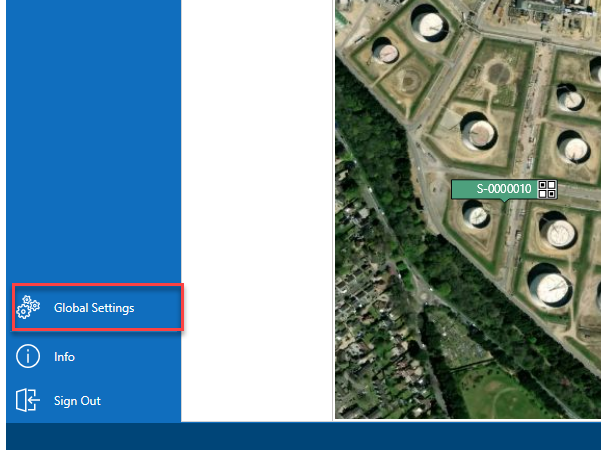
From the Map screen, select Global Settings
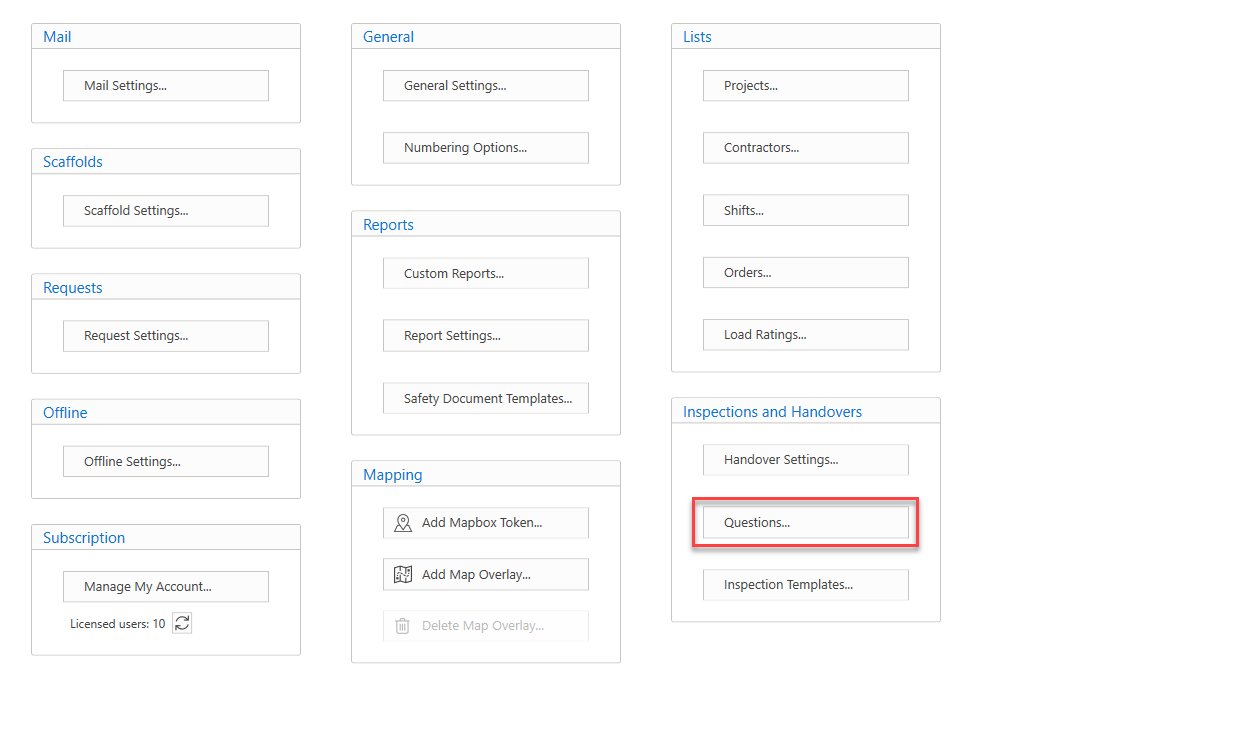
In the Global Settings screen, select Custom Properties
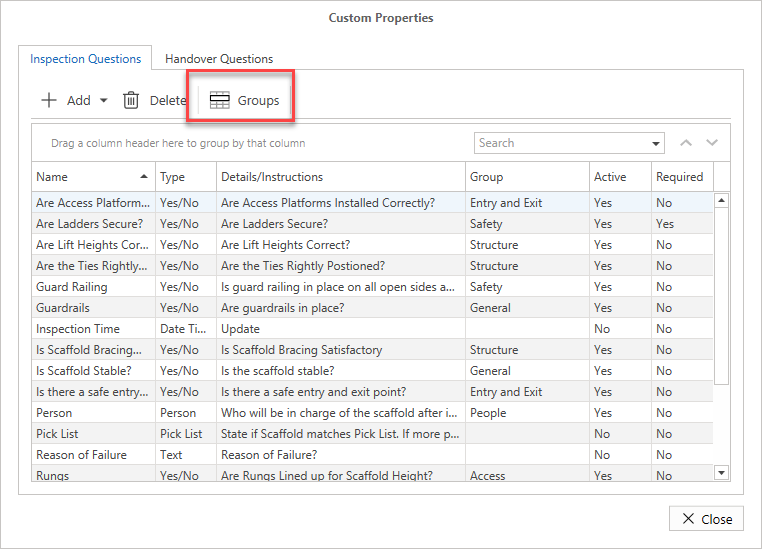
In Custom Properties, select Groups
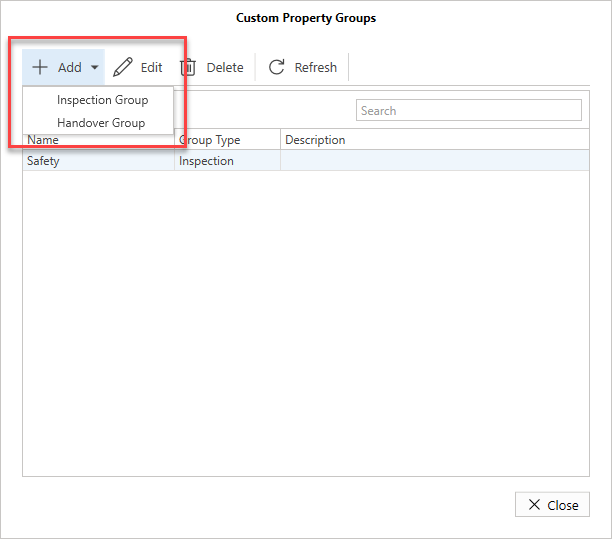
Select Add and click either Inspection Group or Handover Group
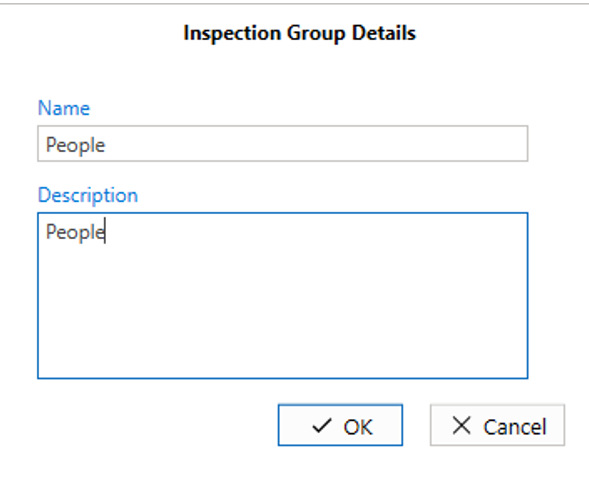
Specify the name and description of the new Group
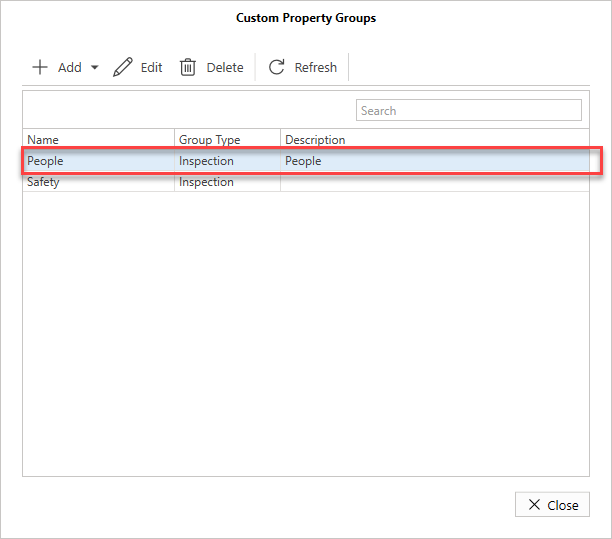
The People group will be added.
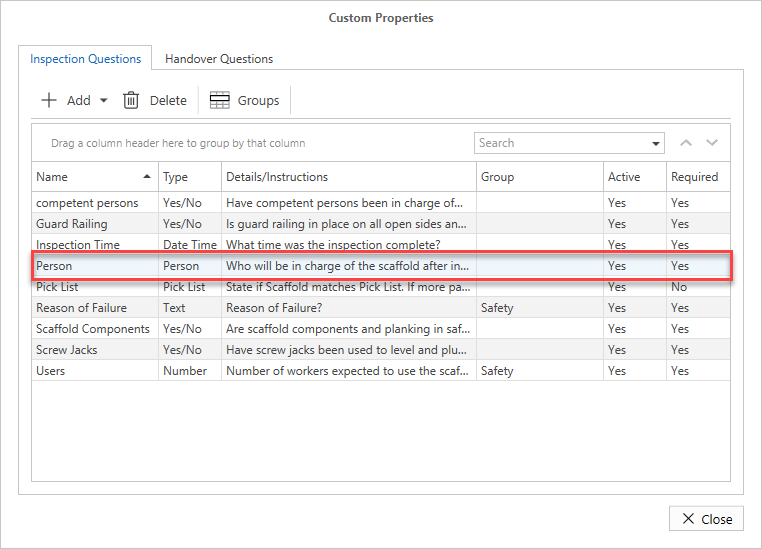
In the Inspections Questions screen, double-click the question to assign the group to
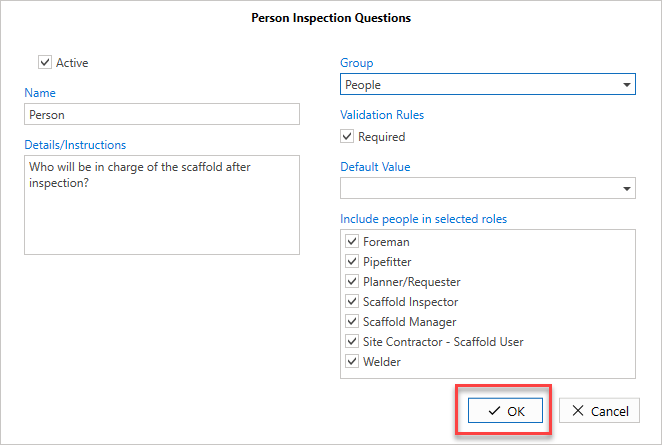
In the Group drop-down, select to assign the question to the People group
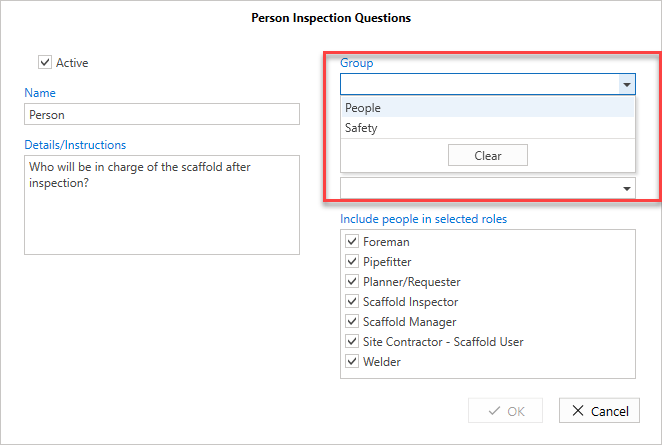
Click OK and the question will be assigned to the select group.