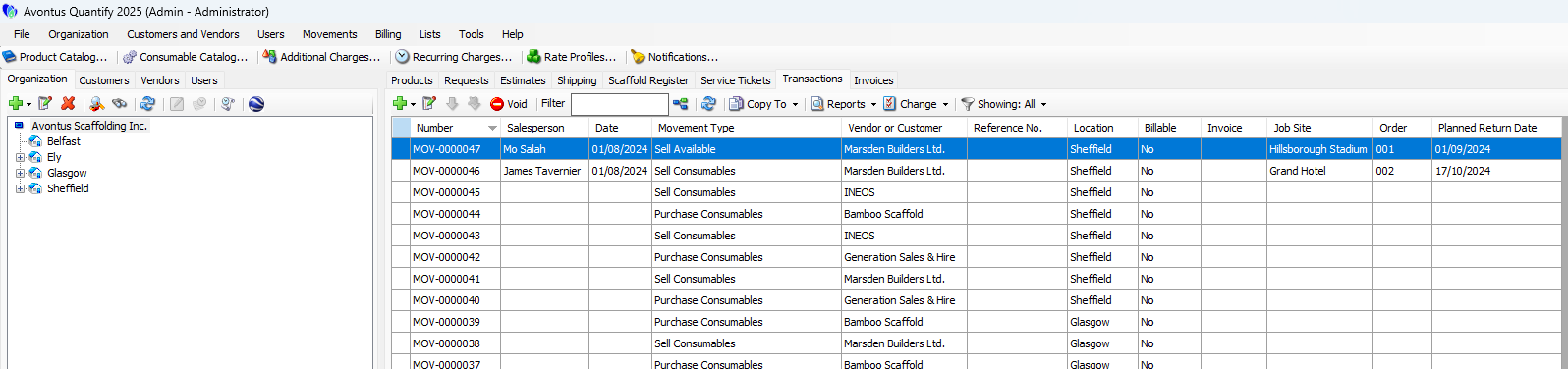
Quantify enables you to easily create a sell available Transaction from an Estimate. The procedures below show you how to do that.
To create a sell available Transaction from an Estimate:
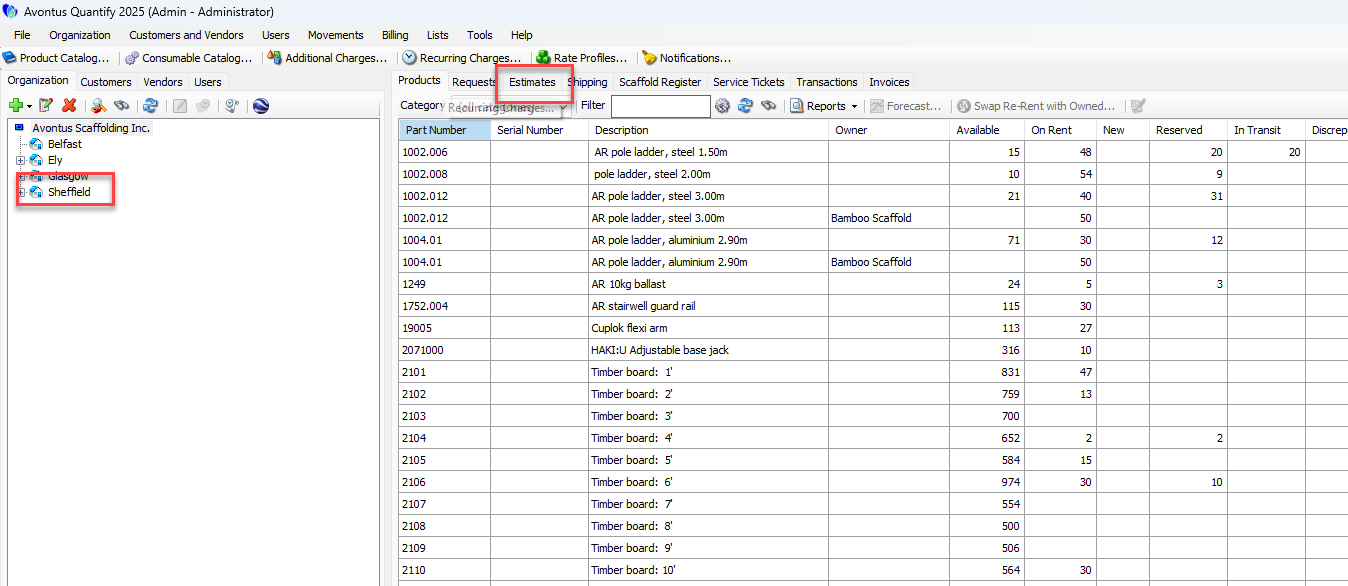
Click the appropriate Branch Office, then click the Estimates tab.
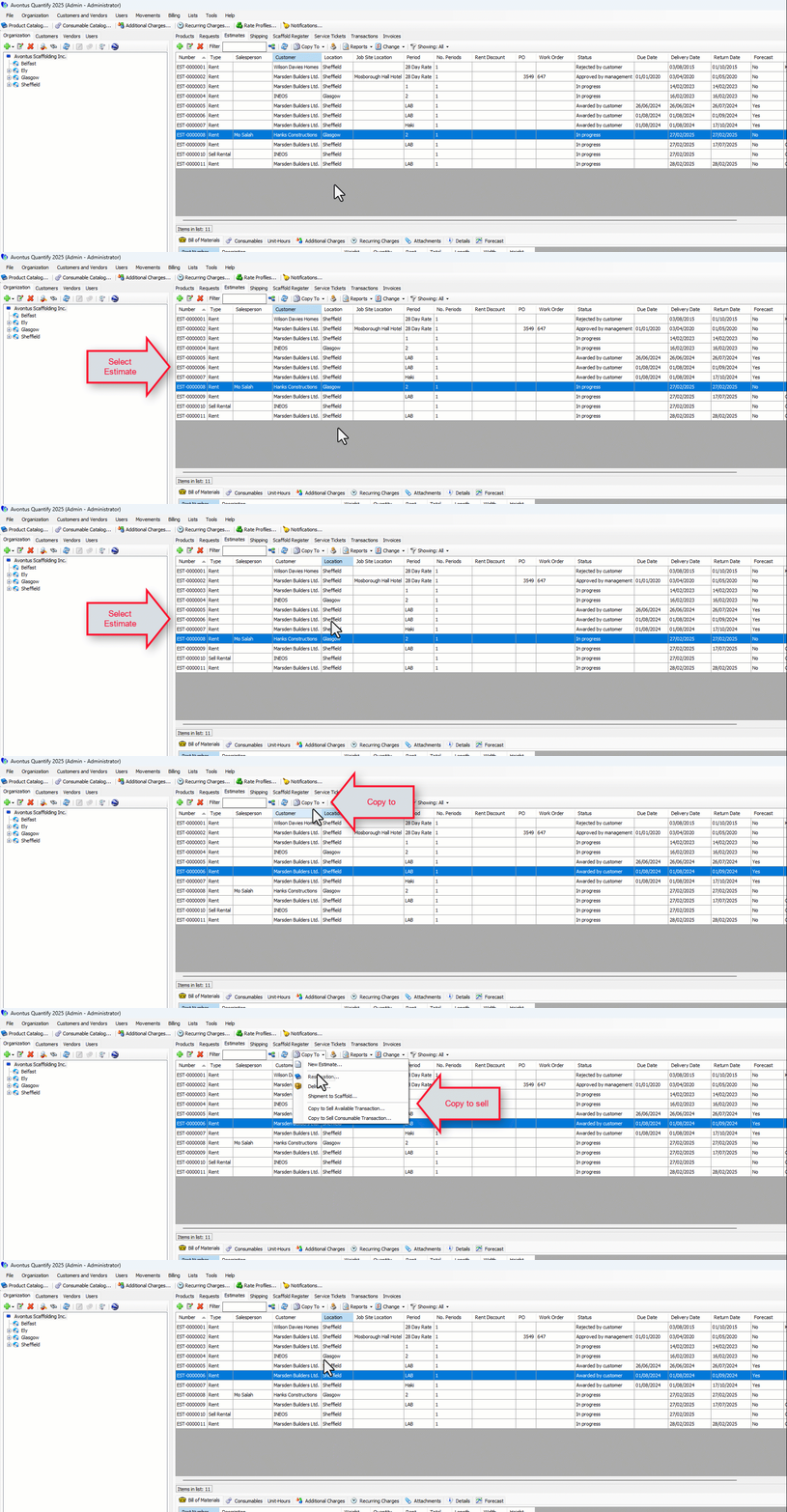
Locate and select the appropriate Estimate, then click the Copy To menu and select Copy to Sell Available Transaction.
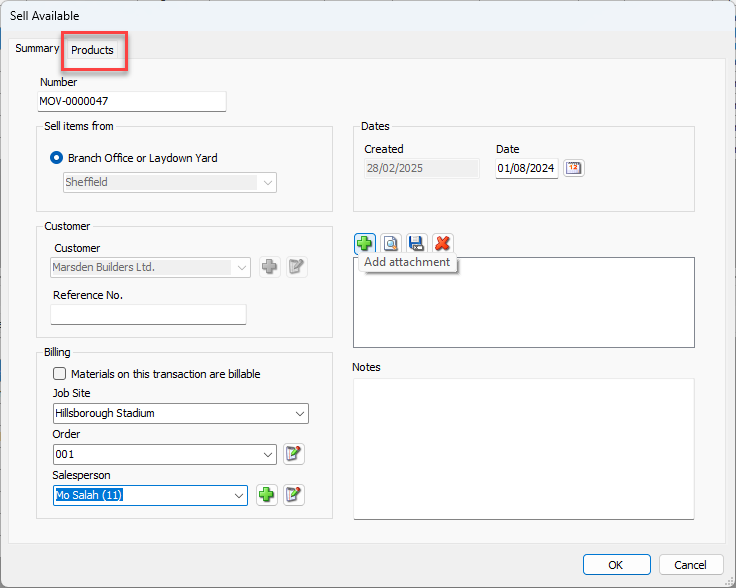
The Sell Available dialog appears.
The Sell items from and Customer settings are assigned from the Estimate.Click the Products Tab.
The Sell Available dialog refreshes.
Locate the appropriate product, click in its cell in the Quantity column and enter the counts of material ordered.
Click in its cell in the Price Ea. column and enter the price of one piece.
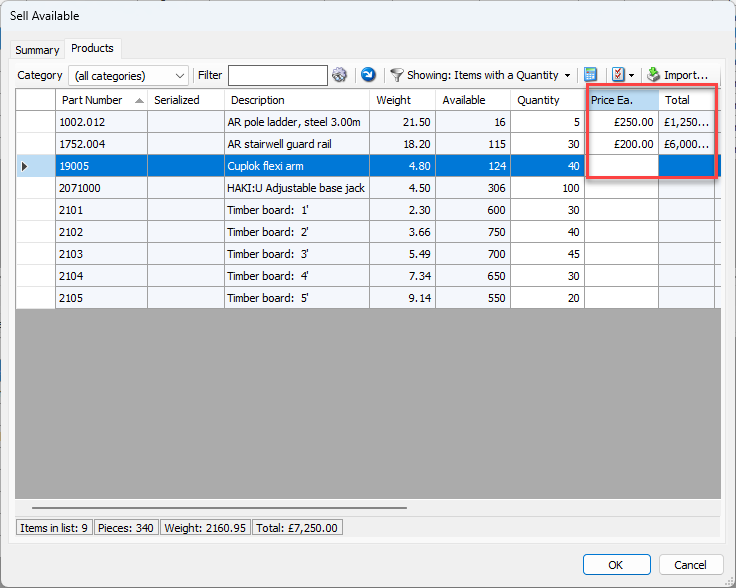
Repeat the above two steps as many times as necessary.
Click OK.
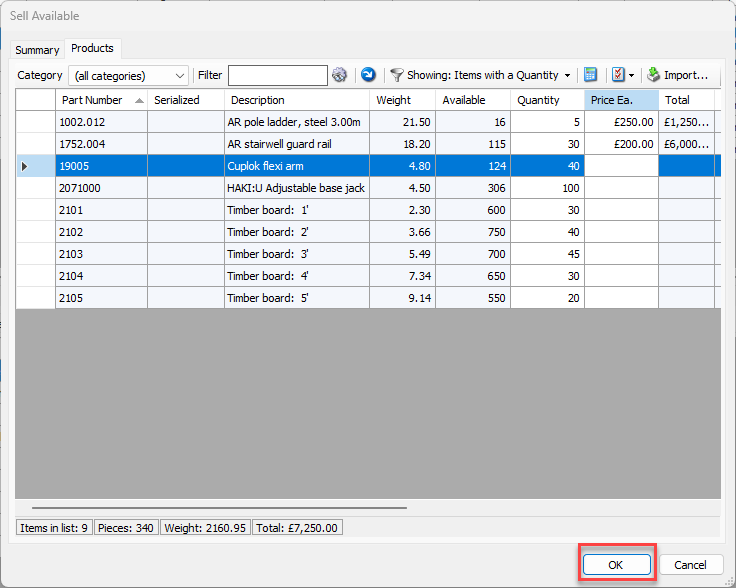
Quantify adds the completed sell available Transaction to the Transactions tab with Sell Available in its Type column.