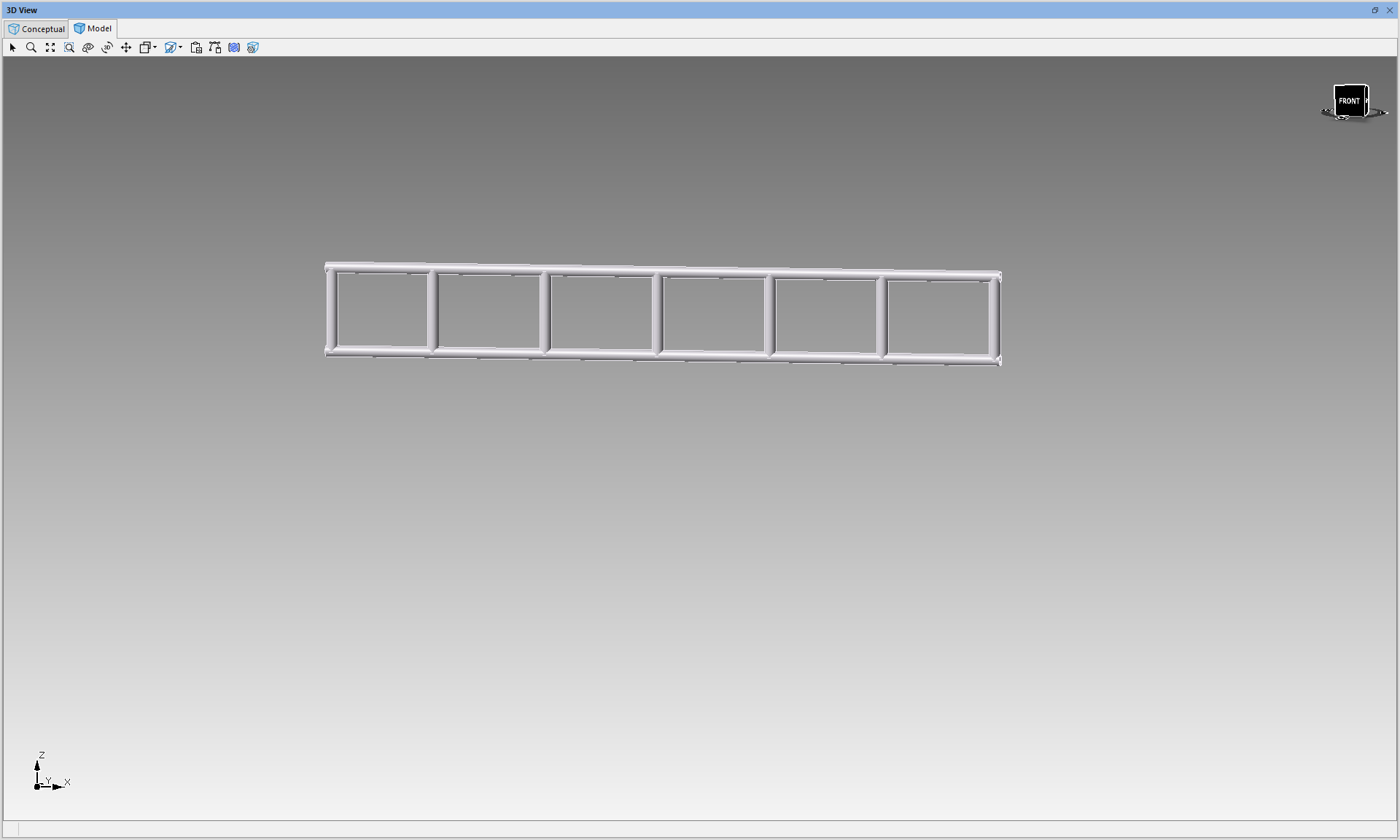
In this article, we'll demonstrate how to create a steel ladder beam using building objects. When constructing a steel ladder beam, utilizing building components can save time and is essential for creating ramps, roofing structures, and other angled designs as the components can be rotated. This approach provides a more accurate representation within the design, making it one of the most sought-after techniques among Avontus Designer users.
You can see a video version here.
To do this
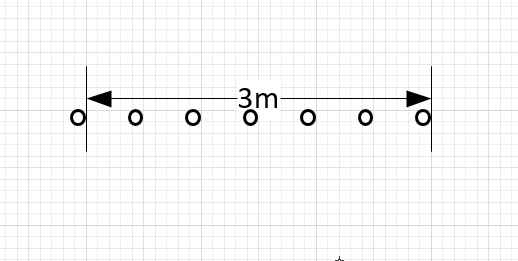
We have started with a Horizontal with markers to indicate where we are going to place our tubes.
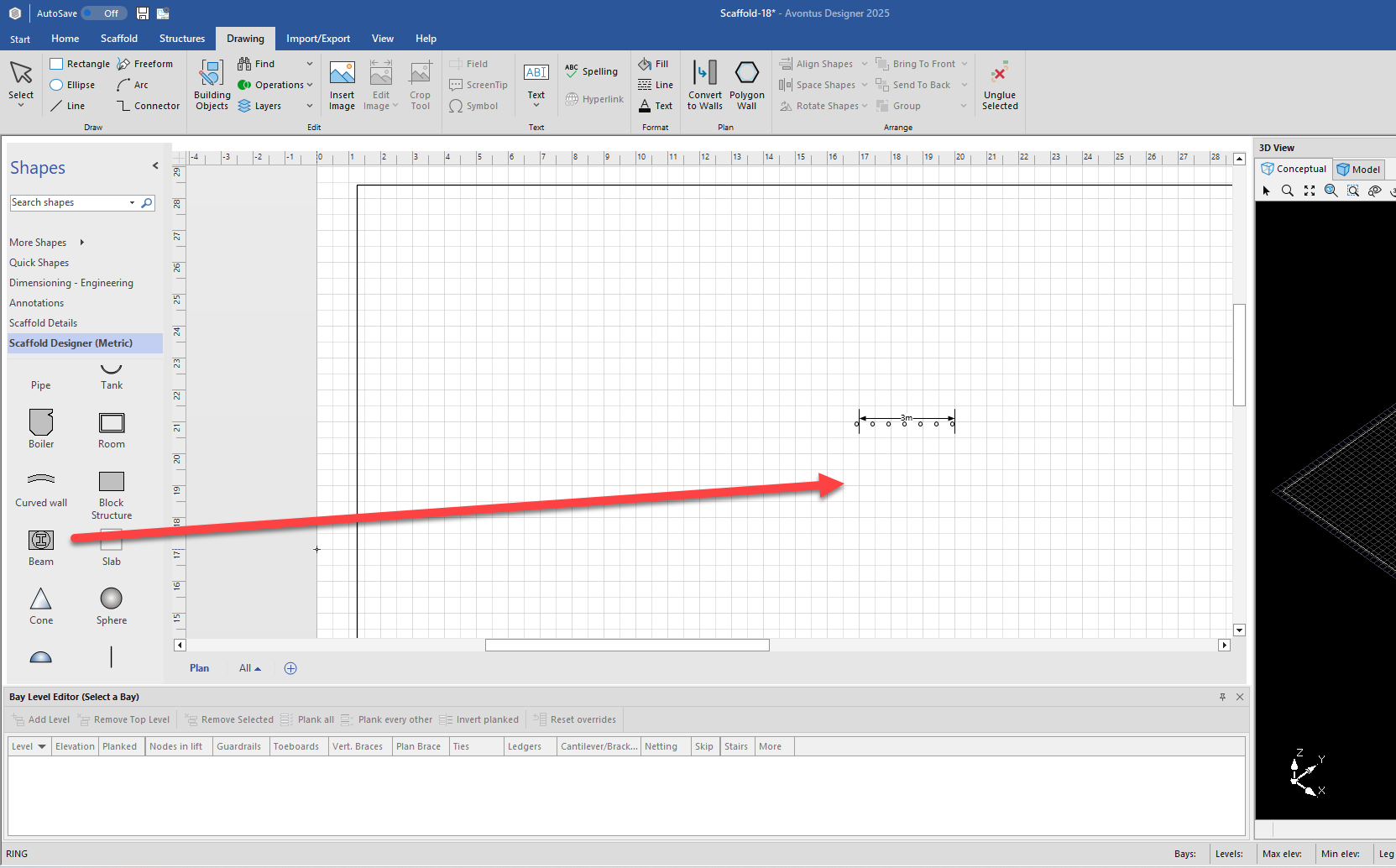
Drag in a Beam from the shapes panel. This will be our bottom tube.
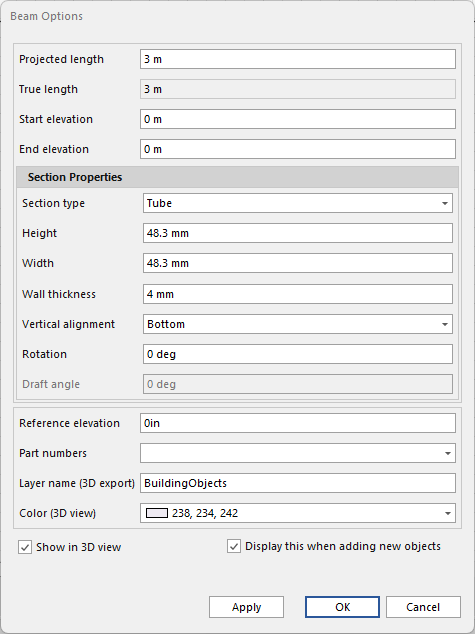
Open the beam/tube’s options
Set Section Type to Tube
Set Height and Width to 48.3mm
Set Wall Thickness 4mm
Set Vertical Alignment to bottom
Click OK
We are now going to create our top tube.
Either copy and paste the tube or select the tube, hold Ctrl and drag to create a copy of the tube.
You will now have two tubes. We will make one of them the upper tube.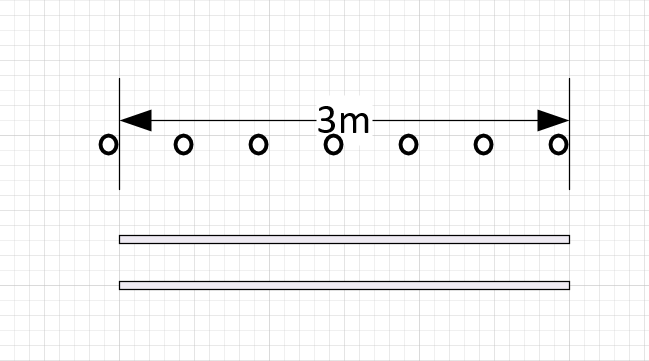
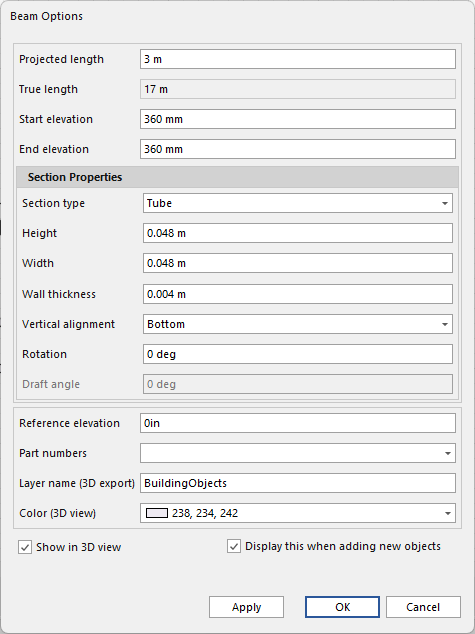
Double-click the upper tube
Set the Start and End Elevation
Click OK
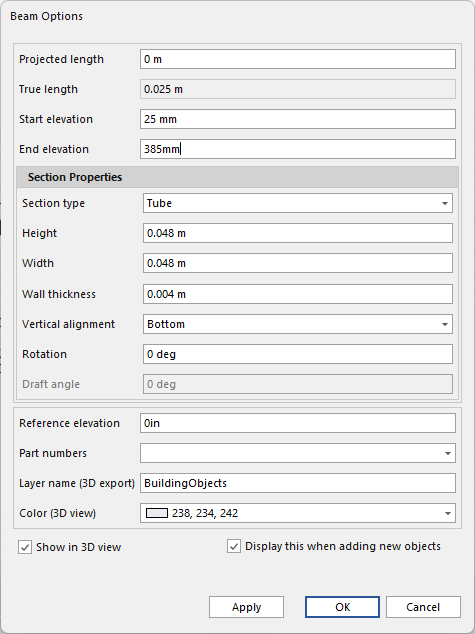
Next, we will create the centrepieces.Copy one of the tubes to create the centrepieces
Open the centerpieces, and set the Projected Length to 0
Set the Start and End elevation
Note: when setting the Start and End elevation, ensure you add an extra 20-25mm to both the End and Start Elvation. This may require trial and error, to get the desired result
Click OK
Next, move the bottom tube on top of the top tube
Move the centerpiece onto the tubes
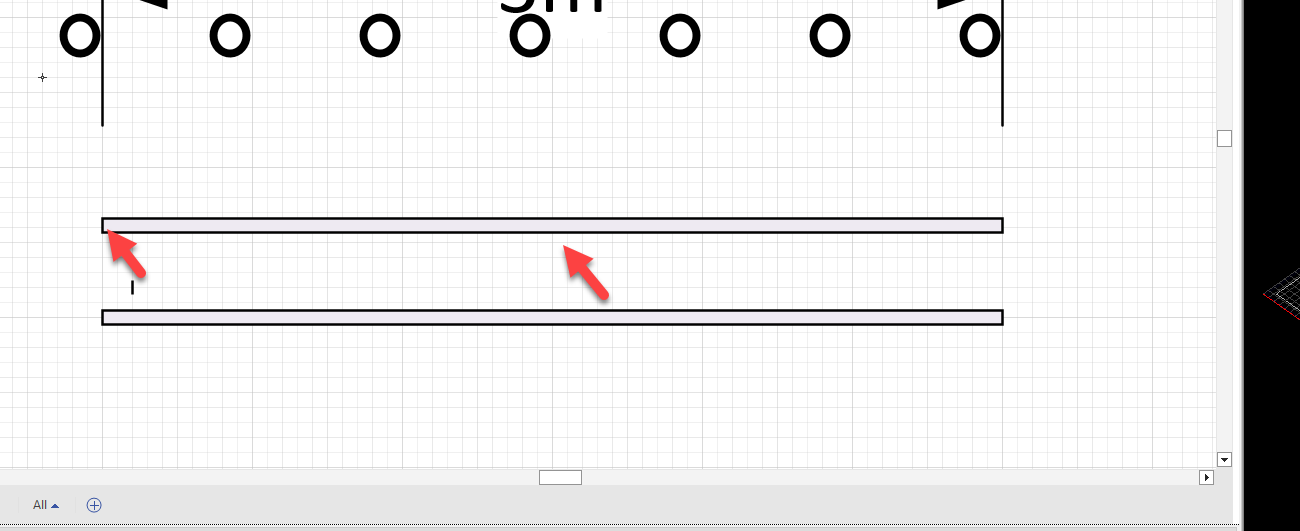
Your centrepiece should fit nicely between the two tubes.
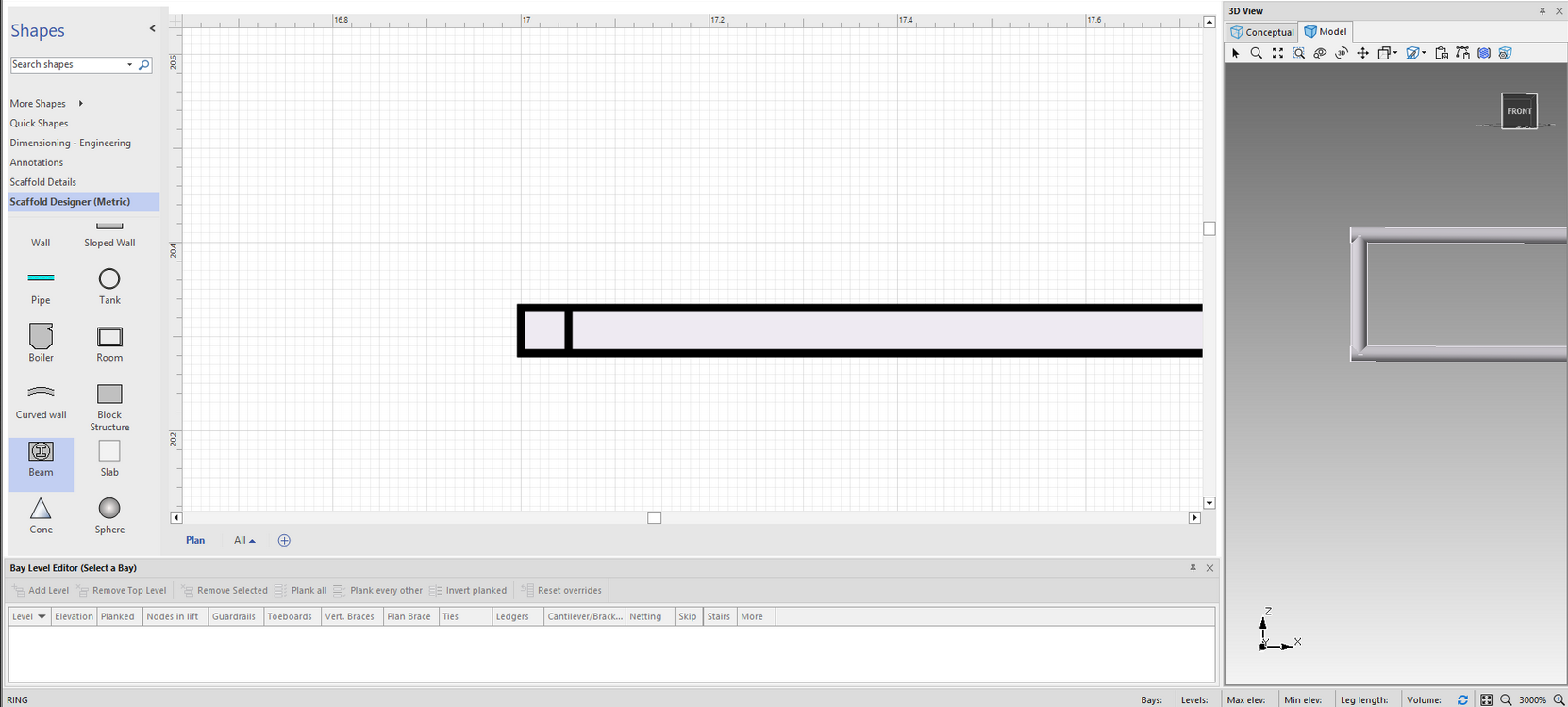
Copy and paste multiple centrepieces and place them along the tubes.

Your design will look like this.