You can deactivate your licence at any time
Note: You can only activate and deactivate Avontus Designer four (4) times in a single day.
Note: Each Avontus Designer license comes with one license of Microsoft Visio. If you share a license of Avontus Designer on multiple computers, you must have additional Visio licenses. You can purchase them from any software retailer. Refer to the Activation Troubleshooting section of Activating Avontus Designer for details.
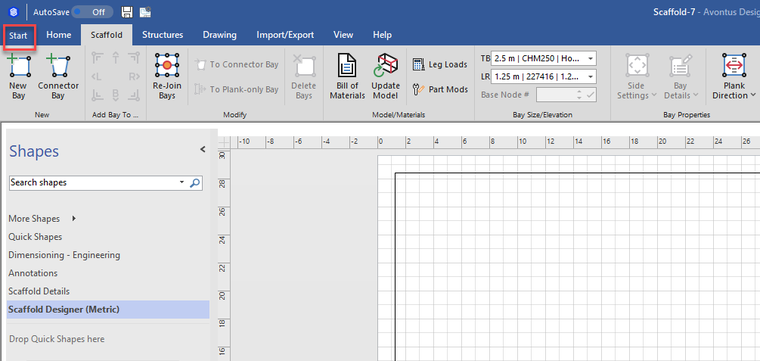
Click Start.
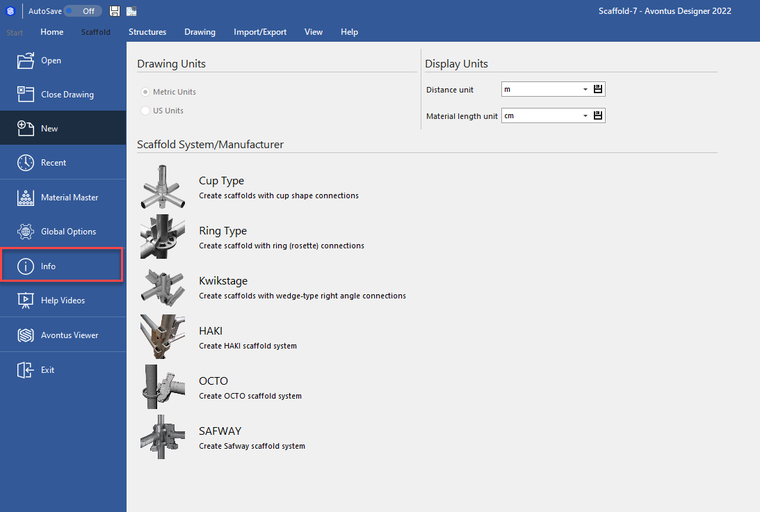
Click info.
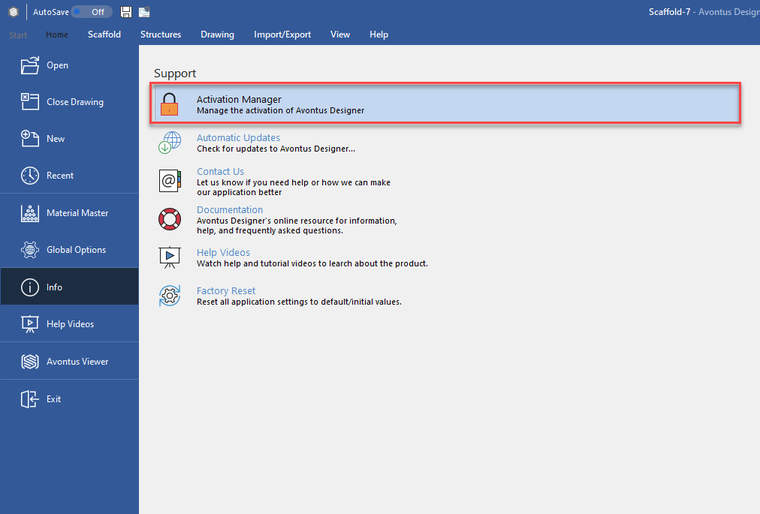
Click Activation Manager.
Click Deactivate License.
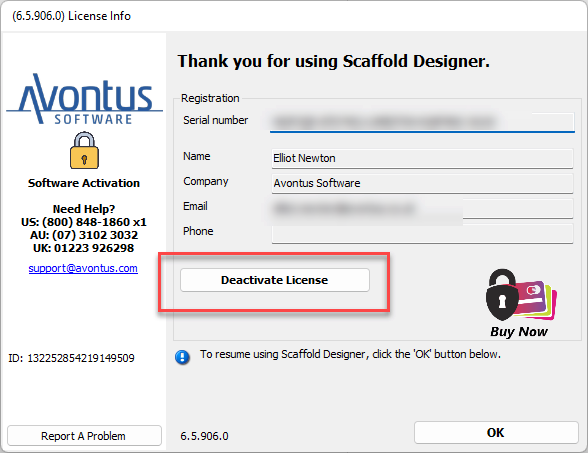
After Avontus Designer confirms that it has deactivated the license, you can use the activation Manager on the alternate computer by clicking Activate Online.
Note: Each Avontus Designer license comes with one license of Microsoft Visio. If you share a license of Avontus Designer on multiple computers, you must have additional Visio licenses. You can purchase them from any software retailer. Refer to the Activation Troubleshooting section of Activating Avontus Designer for details.