Whenever Avontus Designer requires updating, you will be notified when you open the application. However, you can check for updates to see if your version is out of date.
Click the Start tab
Click Info
In the Info section, click Automatic Updates.
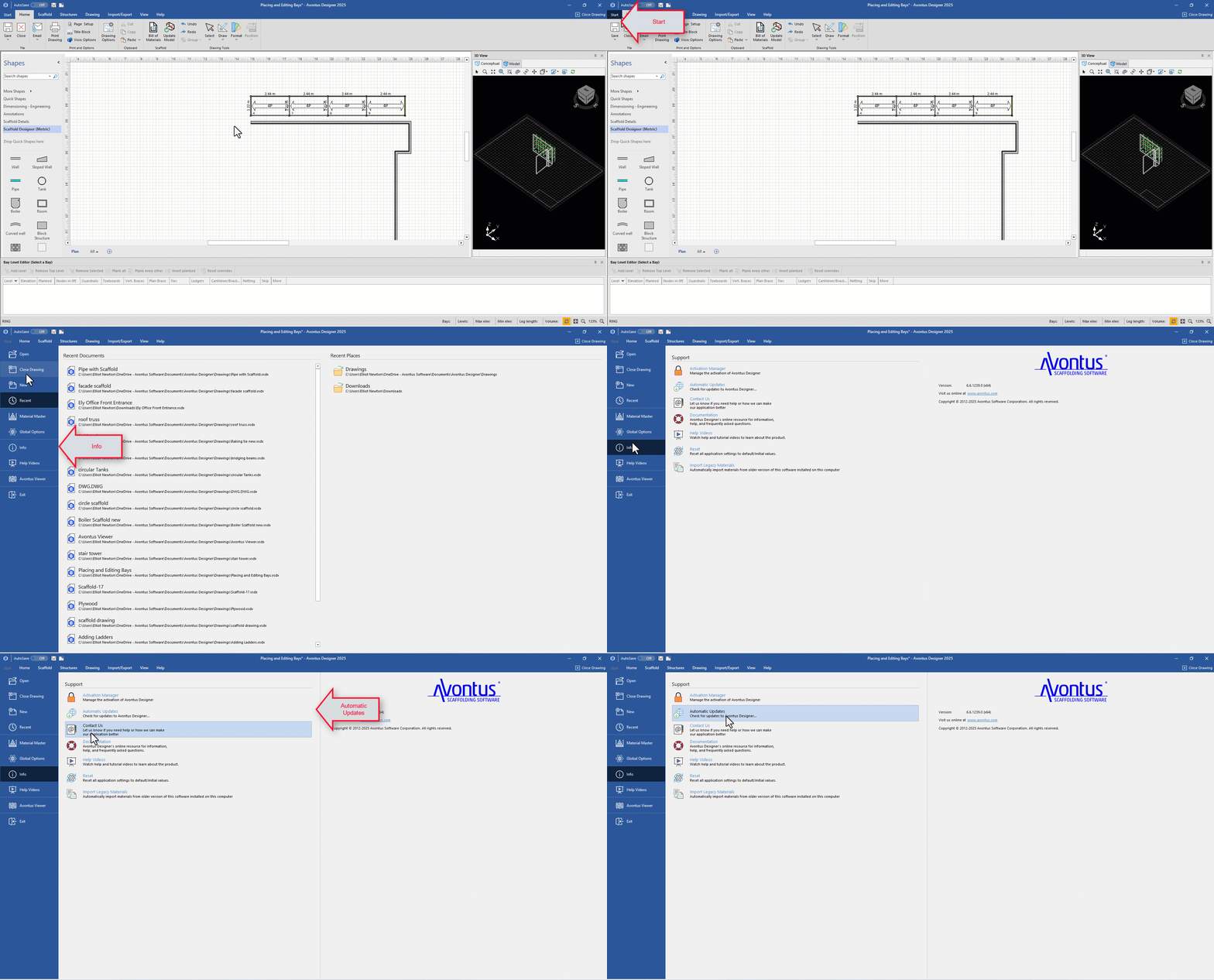
Avontus Designer will check for updates.
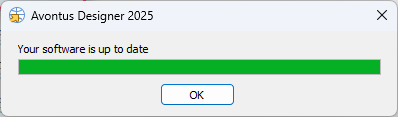
If there are any required updates, you will be prompted to update your software to the latest version. Please see Installing Avontus Designer for more information.