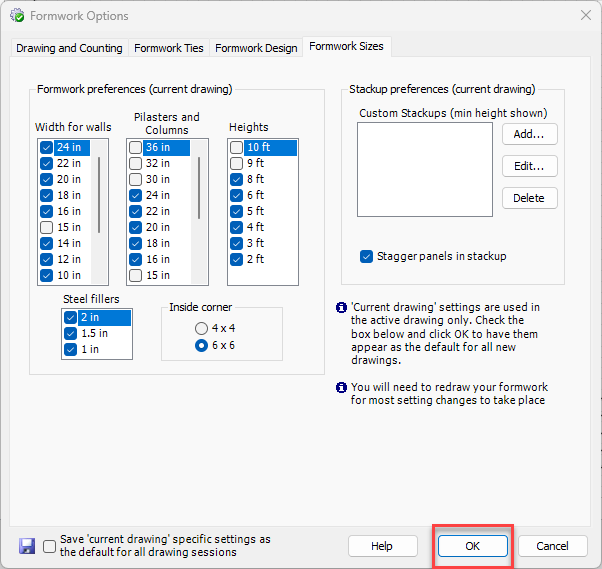
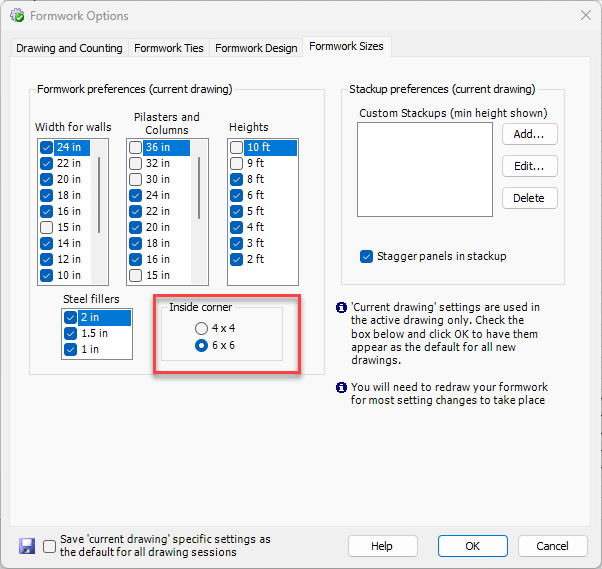
The Formwork Sizes tab in the Formwork Options dialog enables you to determine Formwork size preferences. The settings you configure in this tab only apply to the current Handset Designer project. For a complete description of all items in the Formwork Sizes tab, refer to Formwork Sizes Tab.
WARNING! This software is intended for use by qualified formwork designers and competent persons as defined by OSHA. Use by unqualified persons may result in DEATH, SERIOUS PERSONAL INJURY OR PROPERTY DAMAGE. Loading determined by this software is based on the load-carrying capacity of panels, fillers, ties, and other hardware. The total loads on individual components as well as the loading of the formwork assembly must be considered. Bracing and platform design is to be performed by a competent person before proceeding with the work.
To configure Formwork sizes:
- Click the Handset Designer tab and click Formwork Options.
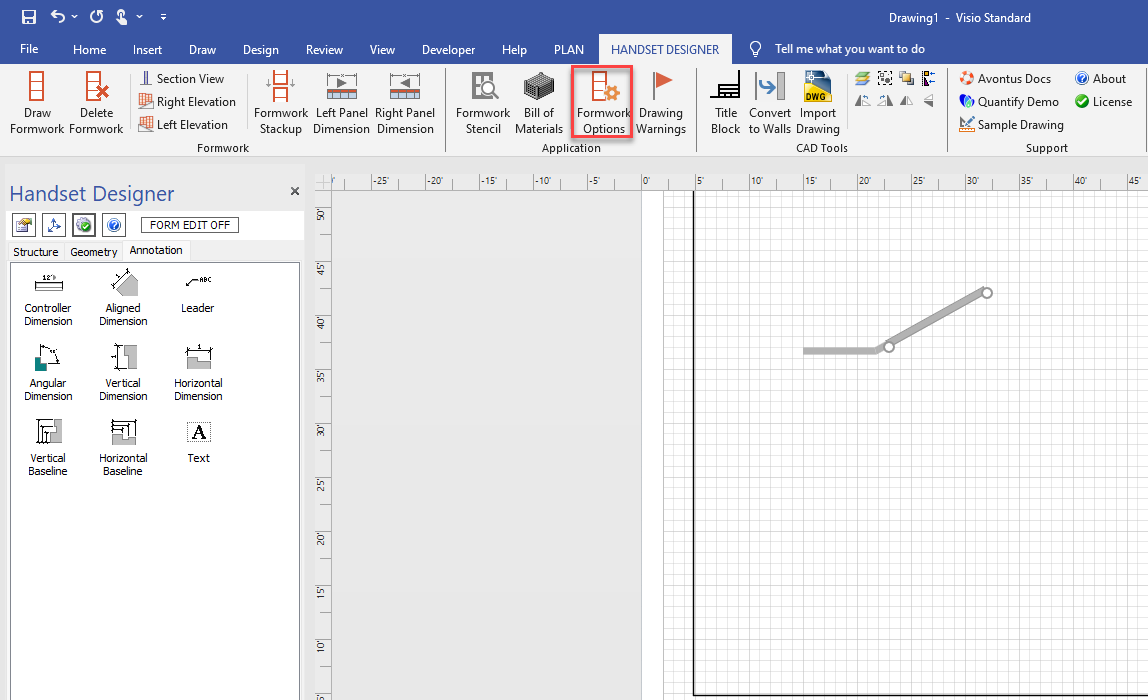 The Formwork Options dialog appears, with the Drawing and Counting tab selected.
 - Click the Formwork Sizes tab.
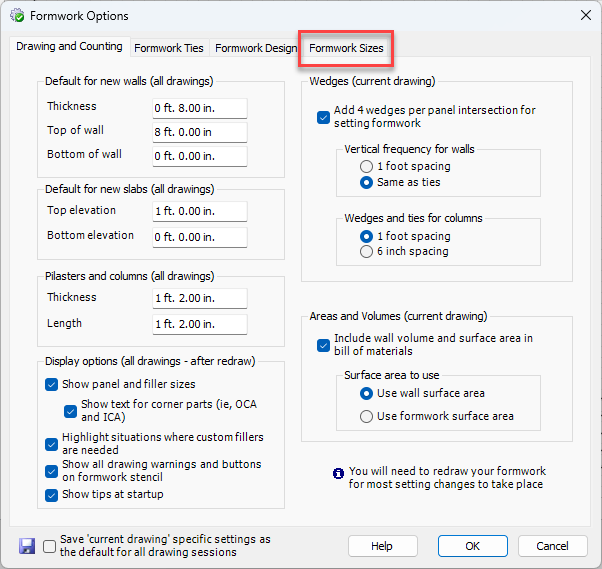 The Formwork Options dialog refreshes, displaying the means for configuring Formwork size preferences.
 - Click the appropriate checkbox(es) to determine the default widths and heights for Formwork that Handset Designer will place on Walls, Pilasters, Columns and Steel Fillers.
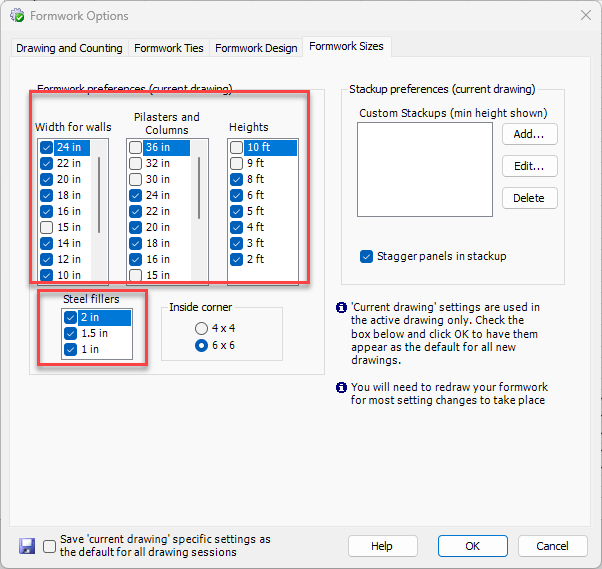
- Click the appropriate Inside corner radio button.
- Click OK.