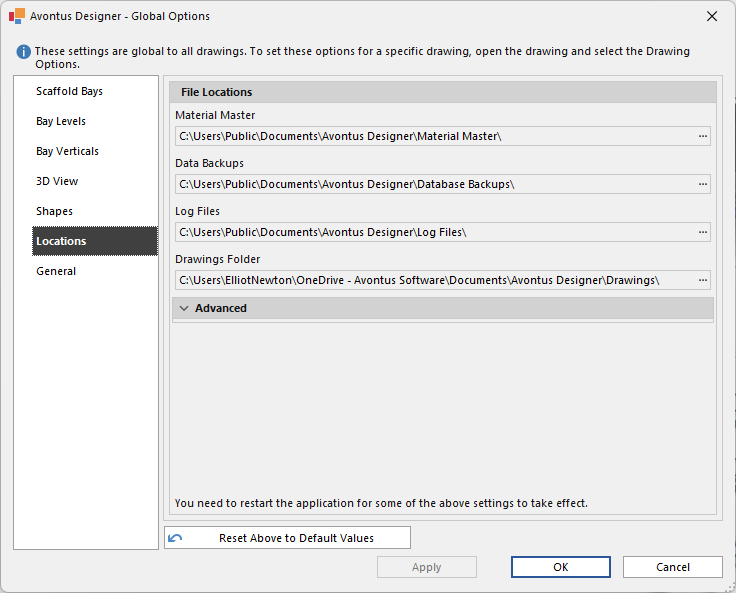
In the Locations tab, you can specify the file directory locations. This is where the files will be stored. For example, if you wish to access your Avontus Designer drawings, follow the path in the Drawings folder location.
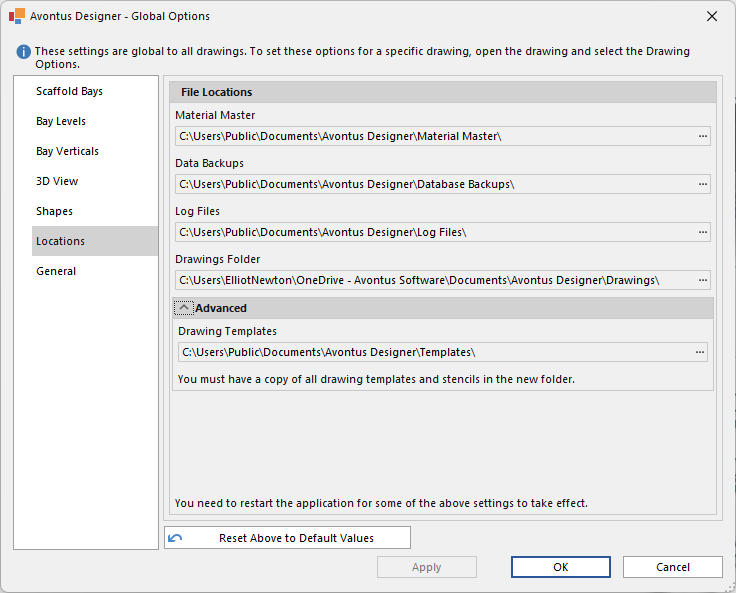
Click Advanced to reveal the Drawing template location where you can use your own modified template. If you create your own template it will not be overwritten when updating the software.
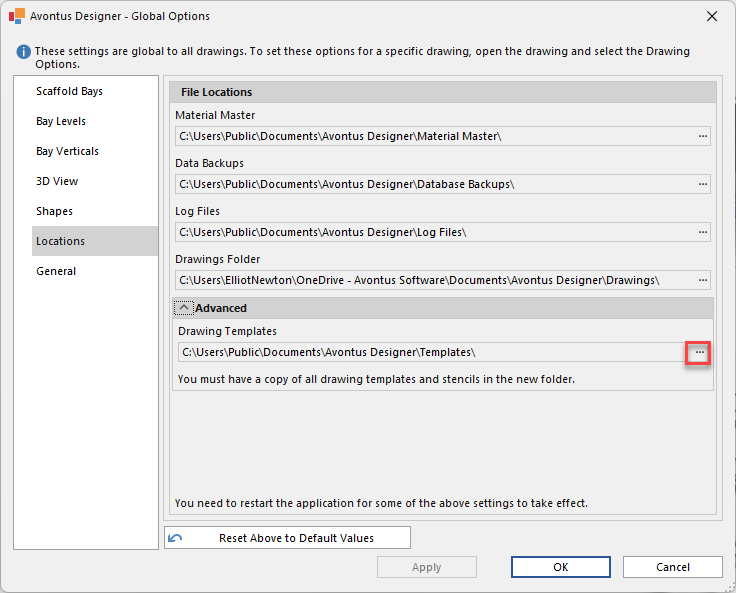
To specify a path, click the ...icon
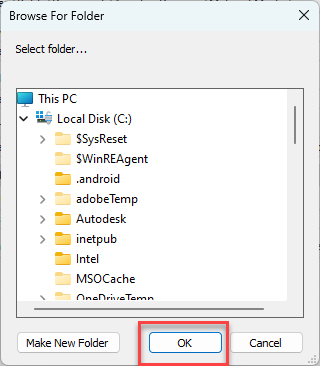
Navigate to the required file location and click OK