In the Shapes section of Global Options, you can manage the shape properties of Building Objects.
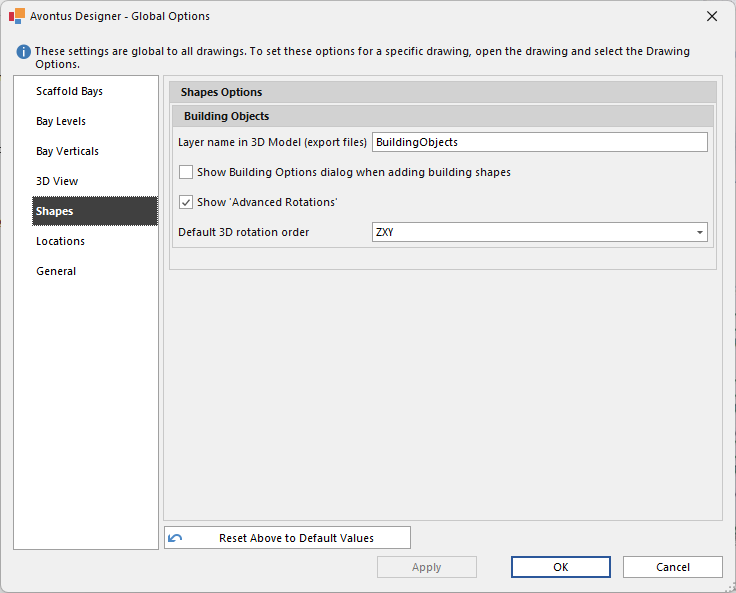
Layer name in 3D Model (export files) - In Report files, this will be the default name of the 3D Model. This can be changed in each Building Object
Showing Building Options dialog when adding build shapes - Enable this to show the Building Options dialog whenever you drag a building object out from the sidebar. if it is disabled, you will have to double-click on the object to view its Building Options.
Show 'Advanced Rotations' - The Show 'Advanced Rotations' allows the Default rotation order of an object to be selected using the Default 3D Rotation Order
Default 3D Advanced rotations - This is the default 3D rotation order