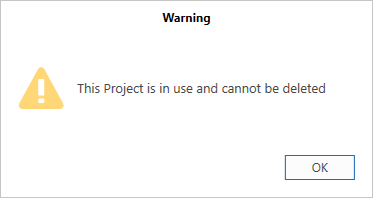
It is possible to delete a Project when it is no longer required. However, you will have to unassign that project from all Requests and Scaffolds it is assigned to, including dismantled Requests and Scaffolds.
It is possible to rename Projects, this may be easier than deleting a whole Project.
To delete a project
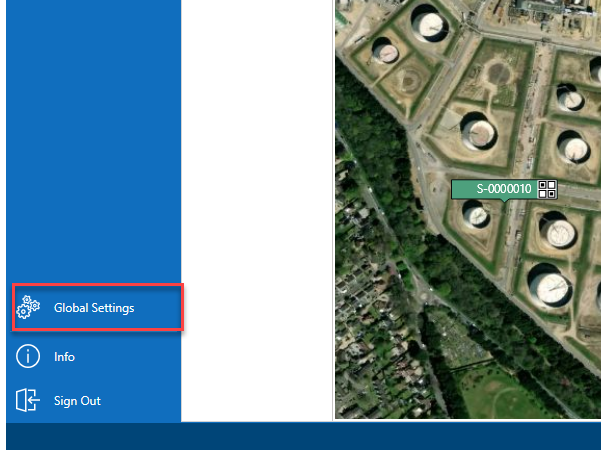
From the Map screen, select Global Settings in the left-hand menu.
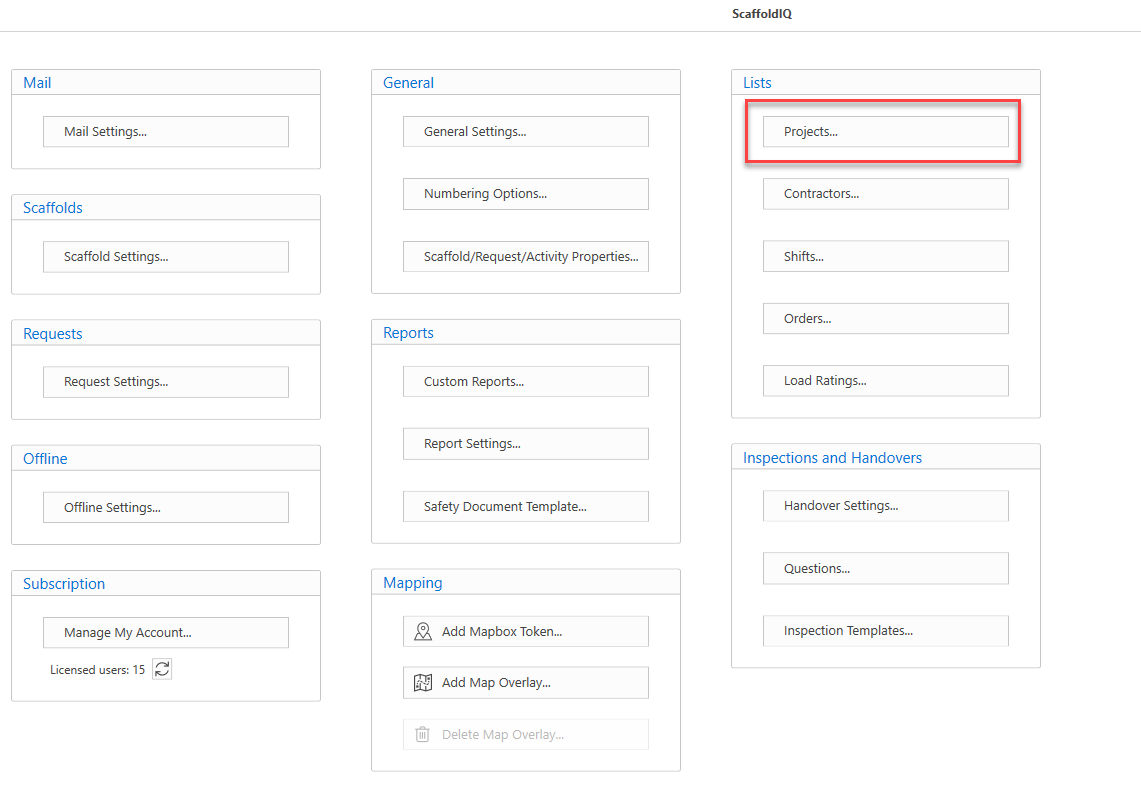
Under the Lists menu, select Projects.
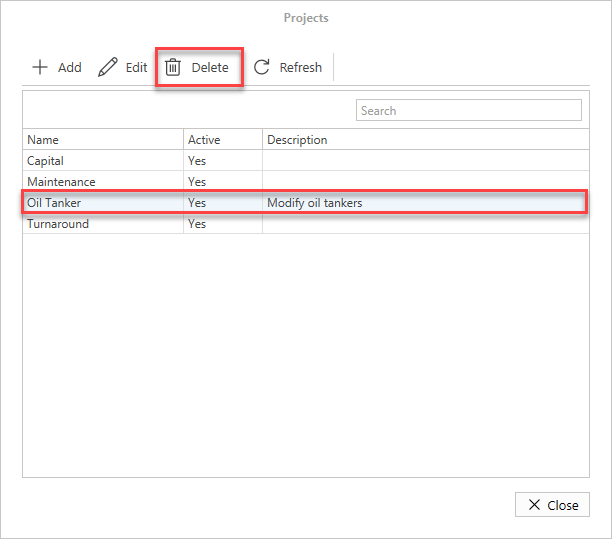
In the Projects screen click on a project and select Delete.
Click Yes, Delete to confirm the deletion of this project
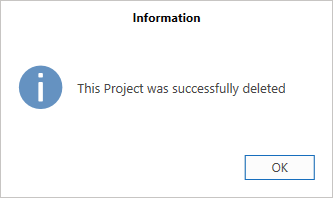
The project will be deleted.
Note: You will be unable to delete a project if it is assigned to a Request or Scaffold.