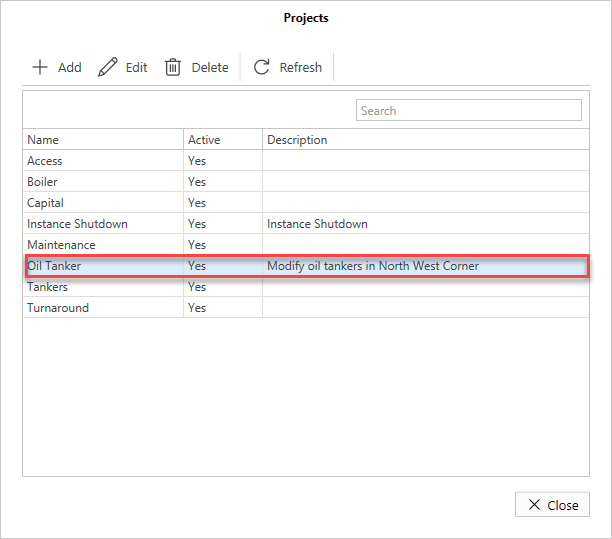
You can make changes to any existing Projects.
To edit a project
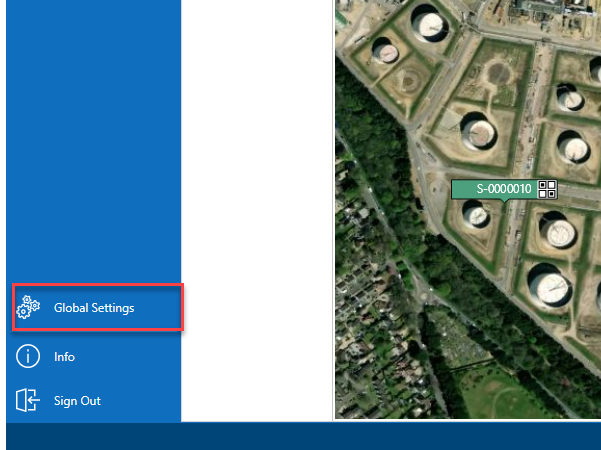
- From the Map screen, select Global Settings in the left-hand menu.
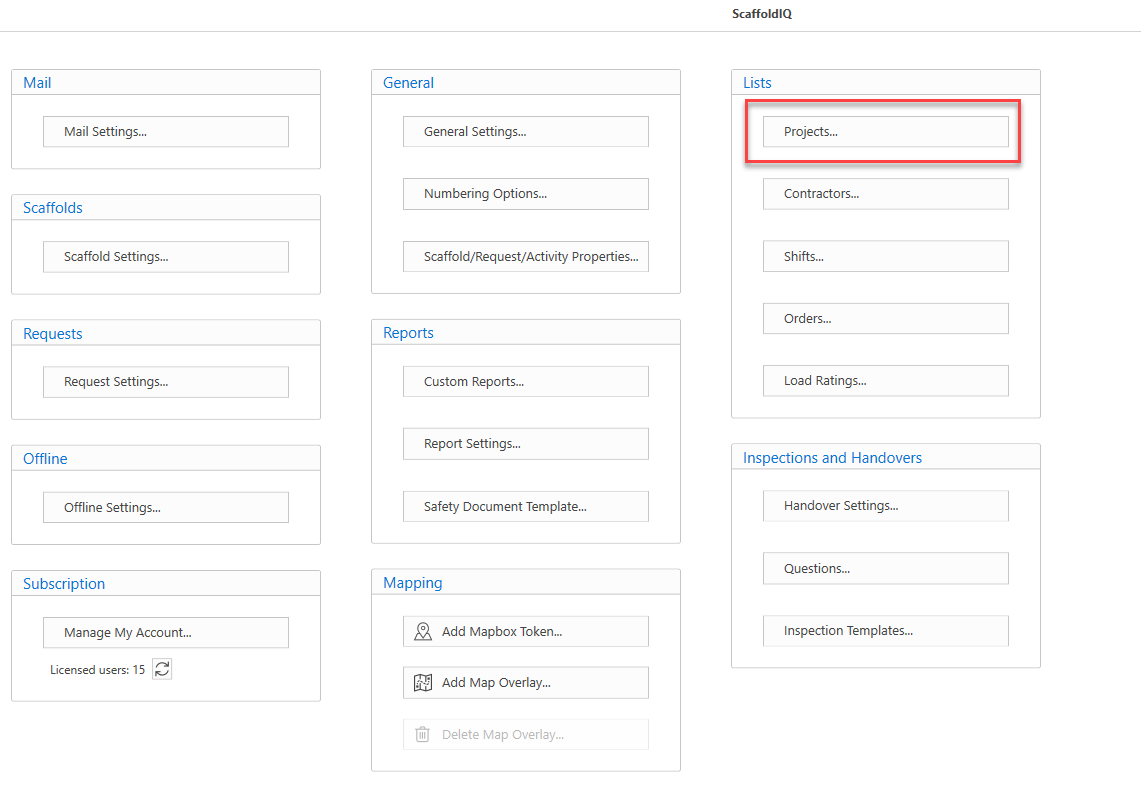
- Under the Lists menu, select Projects.
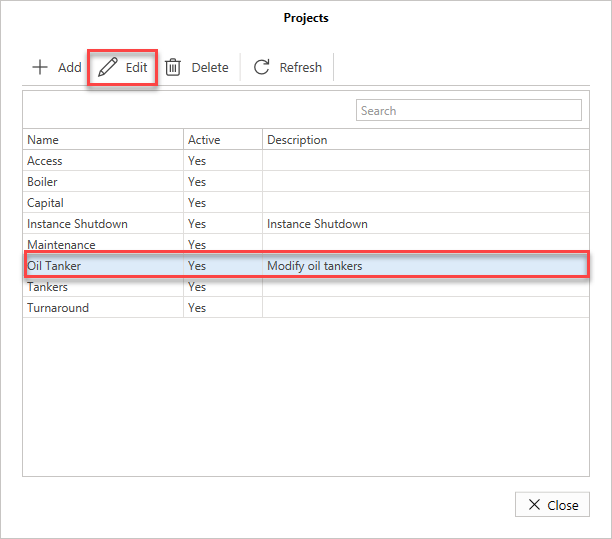
- In the Projects screen, select the project to modify and click Edit.
- Make the required changes and click OK.
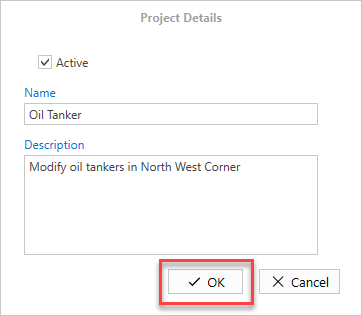
The project will be updated.