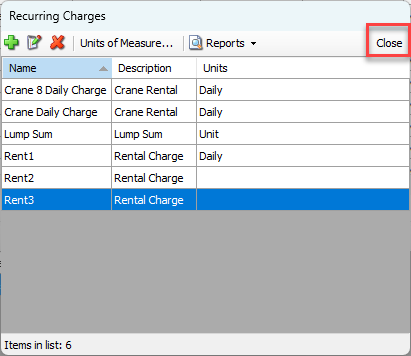
Quantify enables you to easily delete a Recurring charge with just a mouse click.
Note: You can only delete a Recurring Charge if it is not in use.
To delete a Recurring Charge:
Click Recurring Charges.
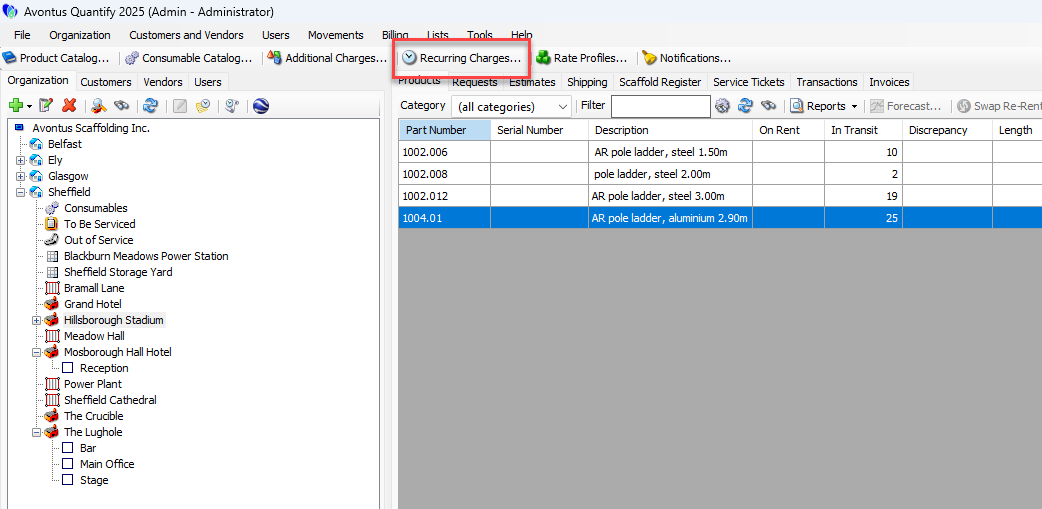
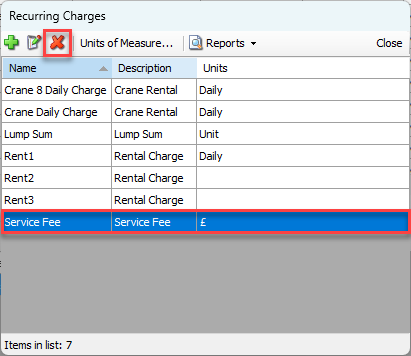
The Recurring Charges dialog appears.Click the charge you want to delete, to select it.
Click the Delete Selected Item button (
 ).
).
A confirmation dialog appears.Click Yes.
The Recurring Charges dialog returns.Click Close.