You may need to clean up the model by removing unwanted objects
Remove entire areas (rooms, buildings, etc.)
Remove unwanted objects (driveways, landscaping, etc.)
Remove unnecessary detail for performance
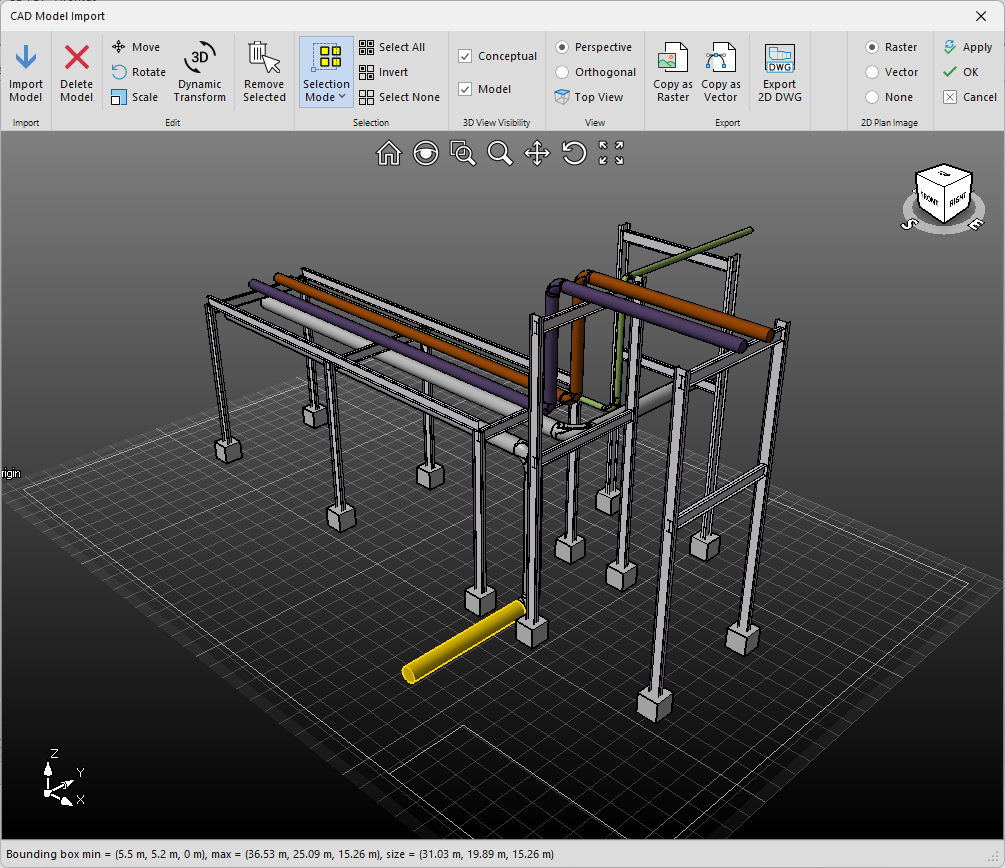
In the CAD Model Import dialog, select any object (object highlights in yellow)
Note: Multi-select objects by holding down the Ctrl key
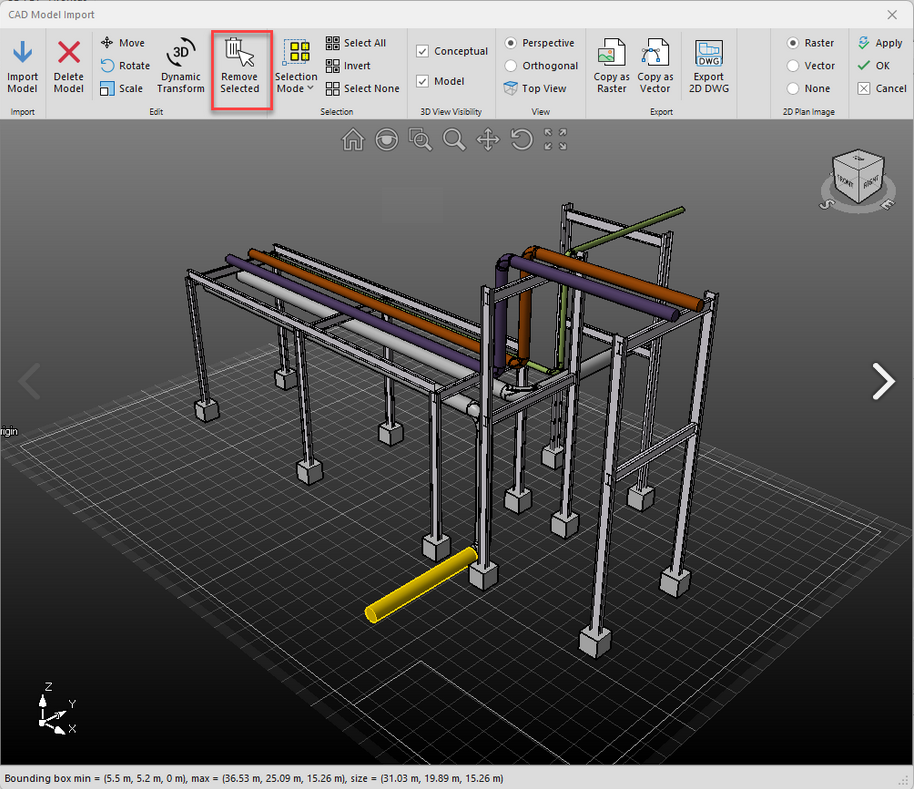
Click Remove Selected
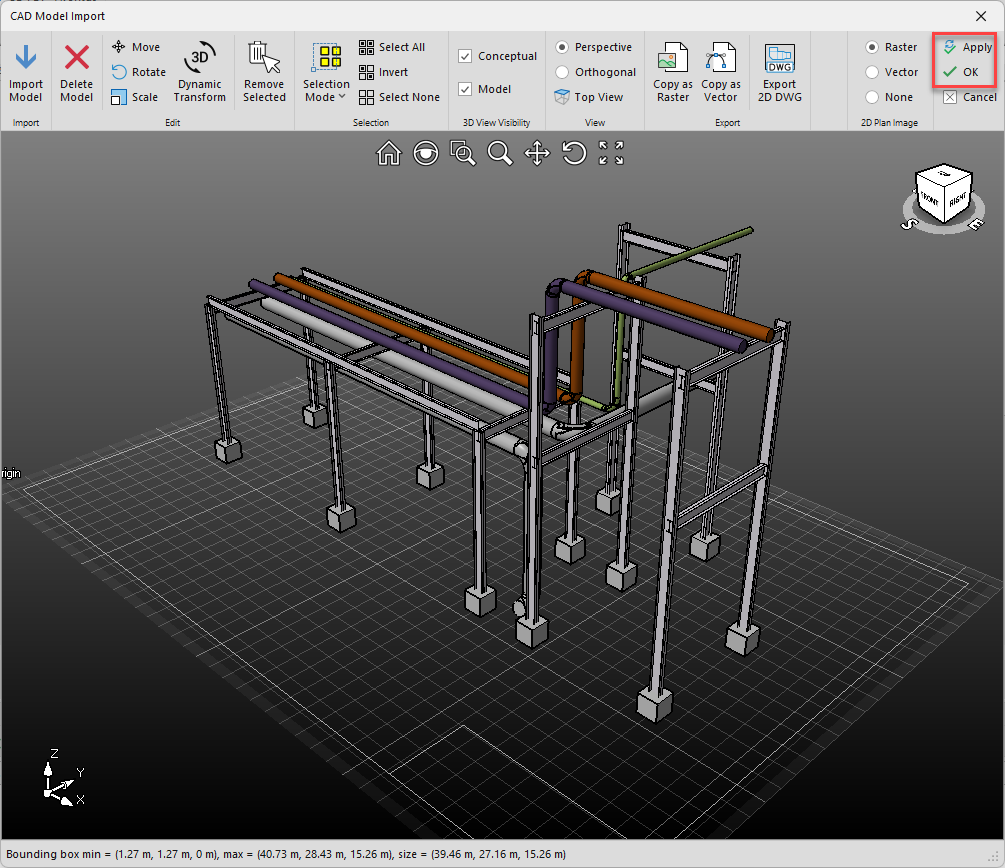
Click Apply or OK to see the updated model in 3D Conceptual view