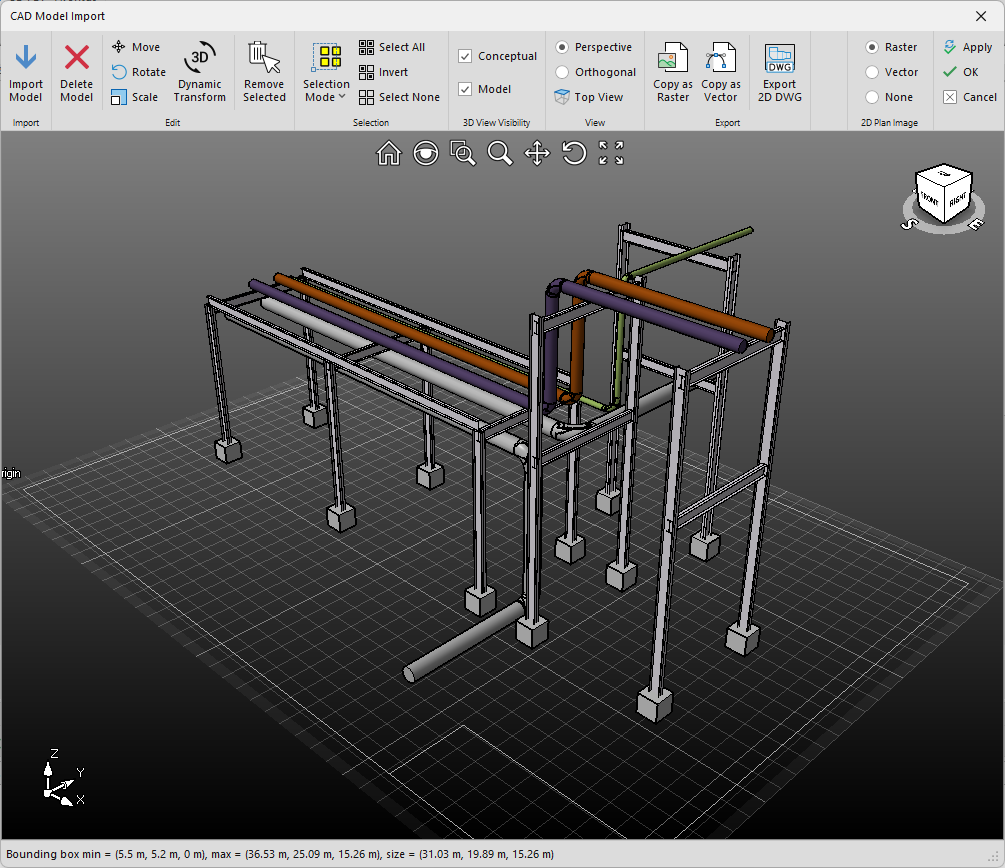
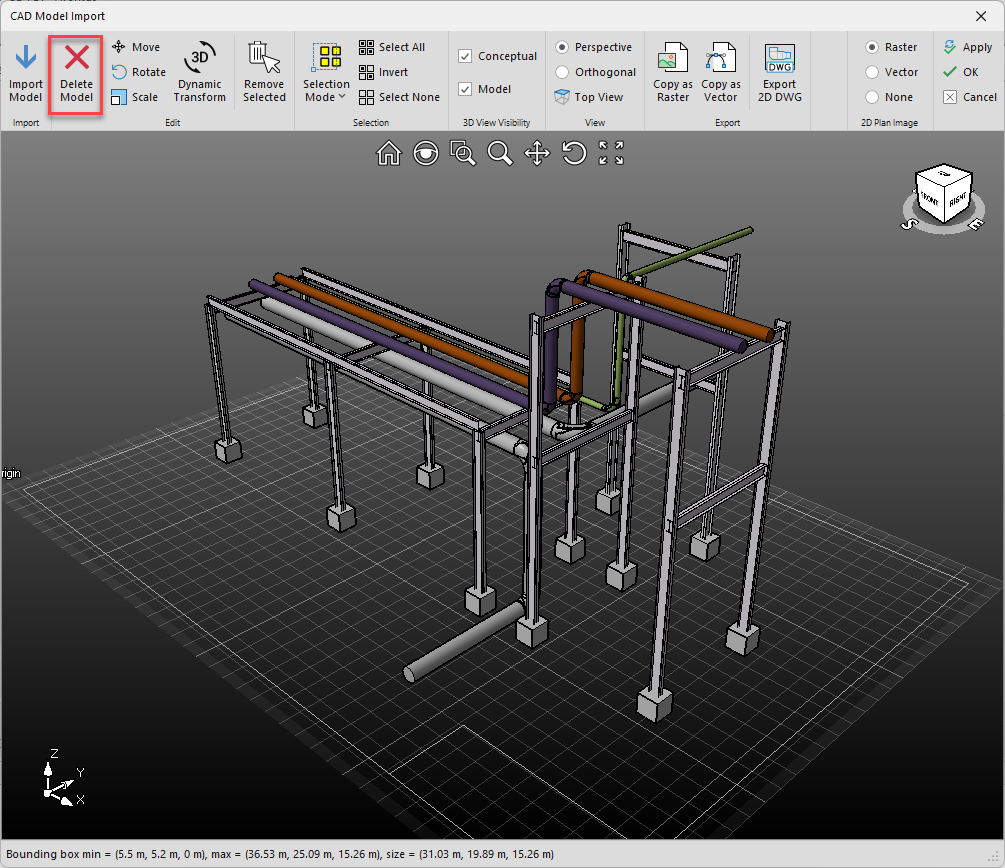
The CAD Model Import will always display your imported model for that project. If you select Import Model, you will add another model to the existing model. If you want to replace the model, you will need to delete it.
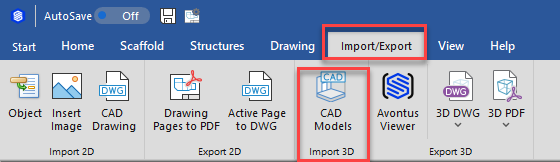
- Select the Import/Export Tab
- Click CAD Models
The CAD Model Import will open with your CAD model displayed
- Click the Delete Model icon
- Click Yes
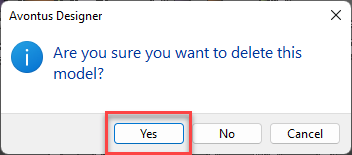
Your model will be deleted.