When work has been completed on the scaffold, the scaffold will need to be dismantled. There are two ways to dismantle a scaffold. You can create a dismantle request or a scheduled dismantle. A dismantle request will go through the request process (like a scaffold request) and will be approved by an approver.
- Tap the Scaffold pin
- In the Scaffold Details, tap the status
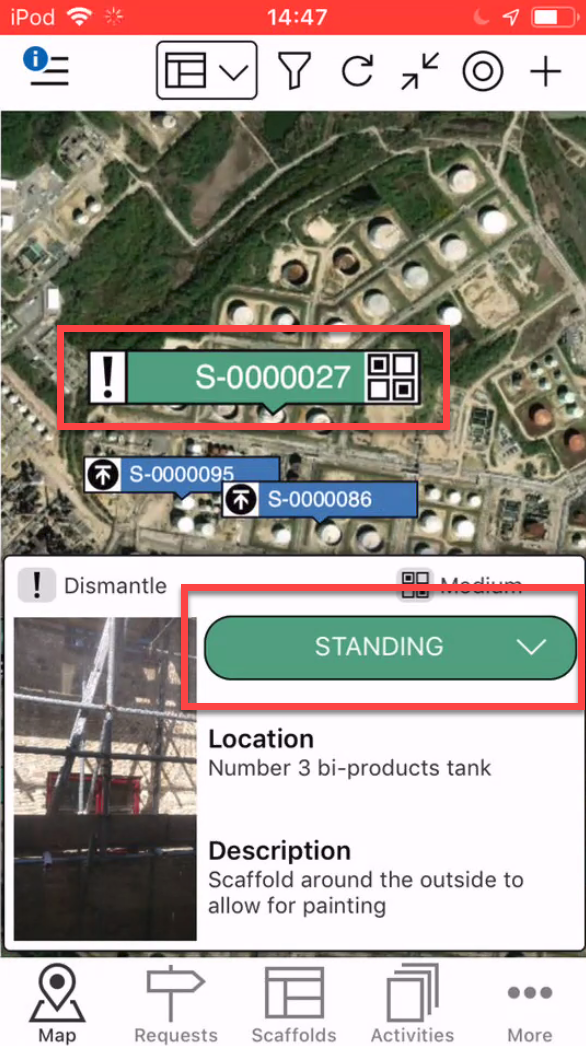
Note: You can create a dismantle request from the Scaffold Details screen. - Select Dismantle
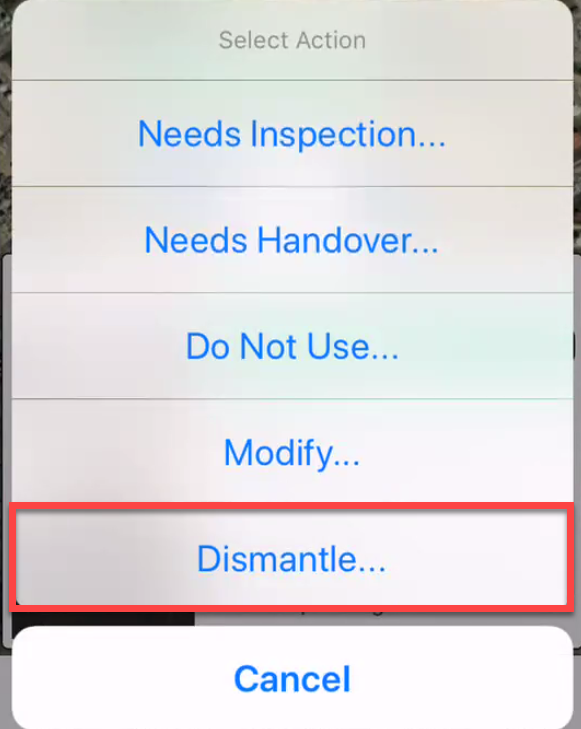
- Select Create a new Request and tap the tick icon

This will create a new Request - Make any changes and tap the tick icon

- Tap the View button
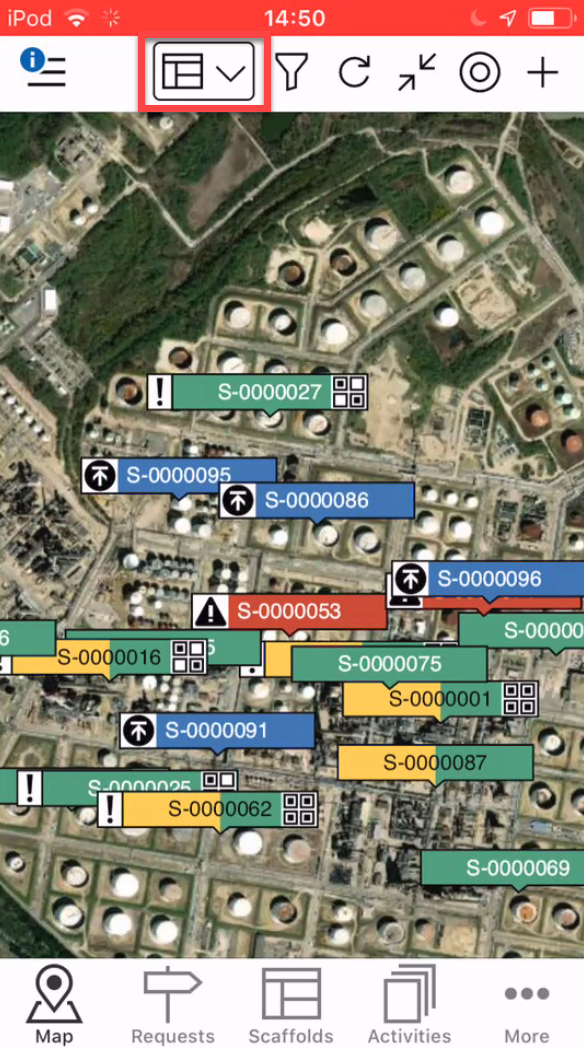
- Select Requests

- Tap on the request and select the status

- Select Approve

- Repeat the step above until the Request is in the Awaiting Dismantle status
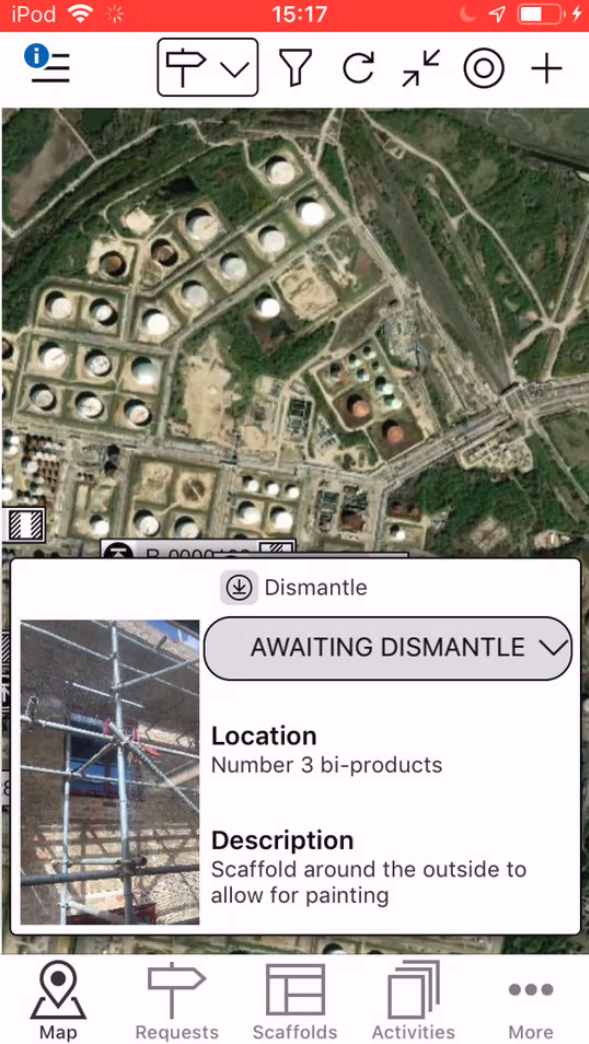
- Return back to the Scaffold view
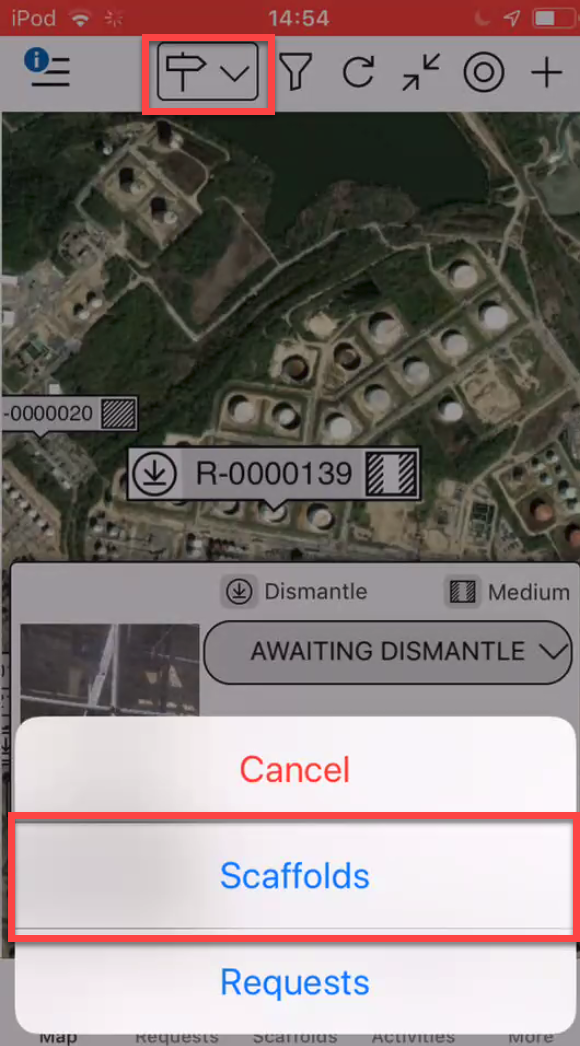
- Locate the Scaffold to dismantle
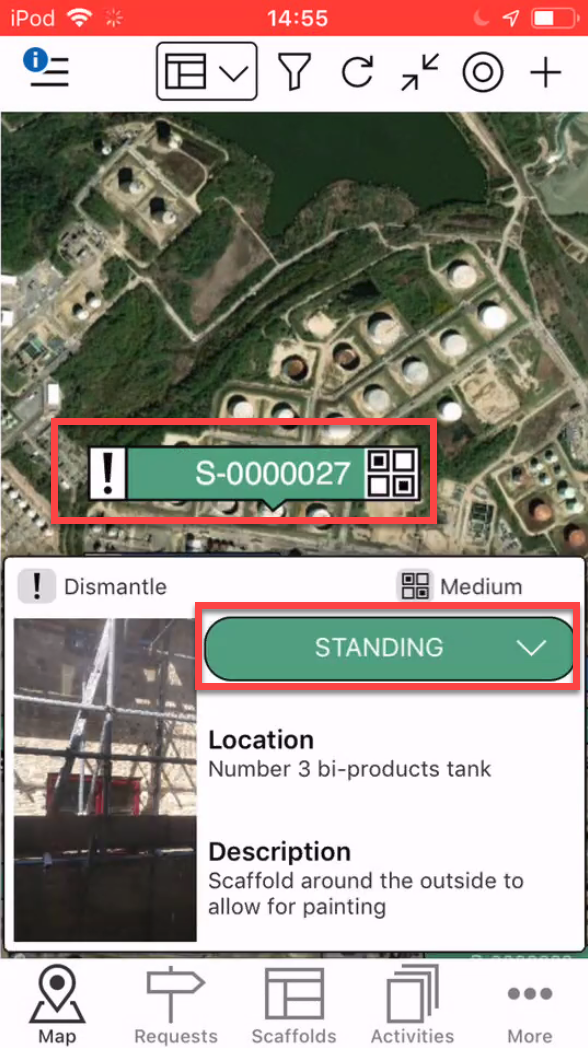
- Tap the status
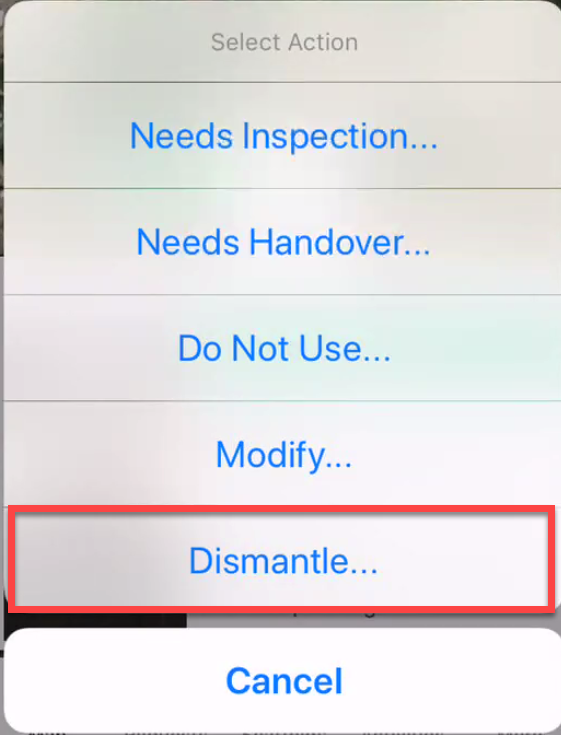
- Select Dismantle
- Select the already existing dismantle and tap the tick icon

- In the Activity screen, tap the status
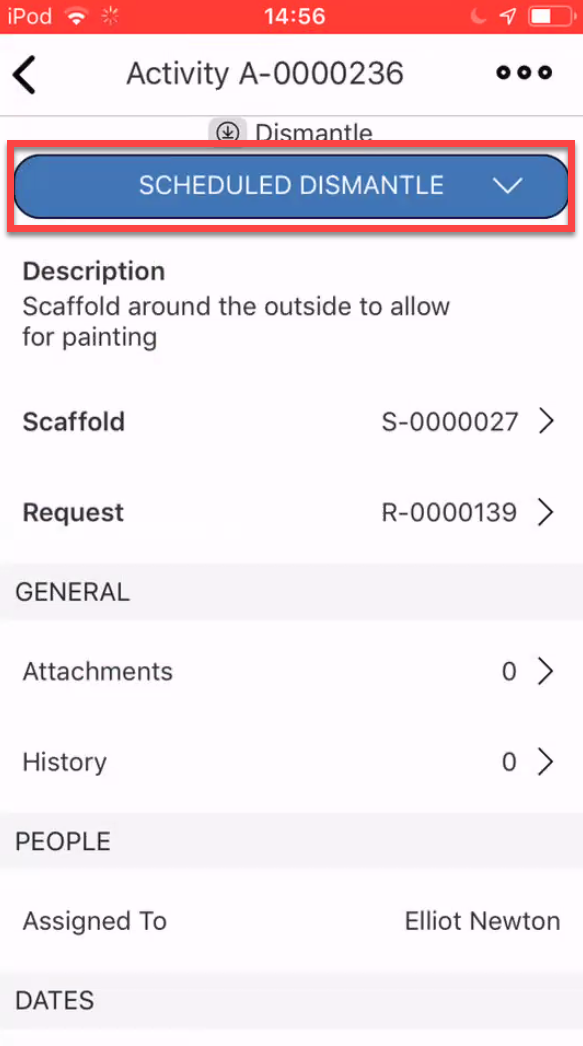
- Select Begin Dismantle
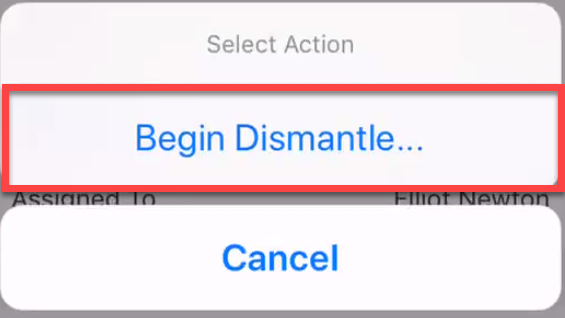
- Tap Yes, Change Status

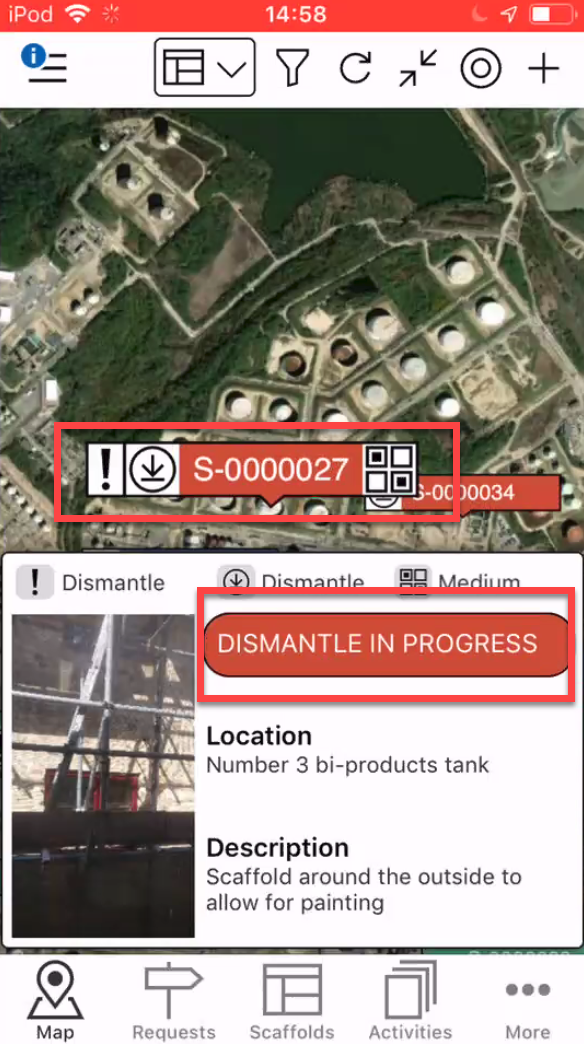
- Select the Scaffold pin and tap Dismantle in Progress
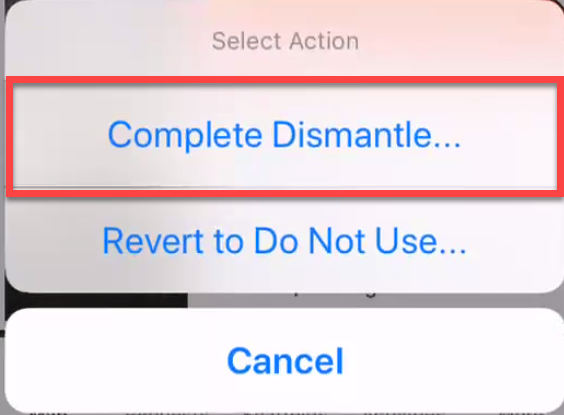
- Select Complete Dismantle
- Tap Yes, Change Status
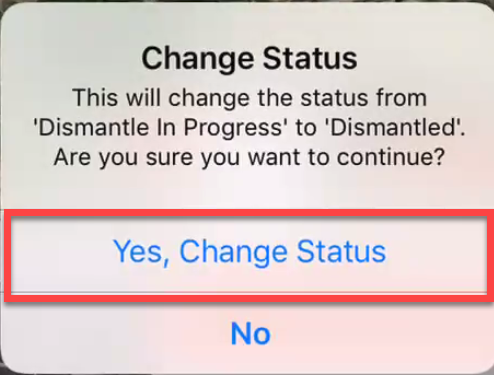
The Scaffold will be dismantled