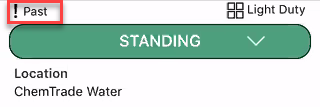
When work has been completed on the scaffold, the scaffold will need to be dismantled. There are two ways to dismantle a scaffold. You can create a dismantle request or a scheduled dismantle. A scheduled dismantle allows a user to specify the date the scaffold should be dismantled. If this date is passed and the scaffold is still standing, an icon will appear on the scaffold stating that it has passed its dismantle date.
To arrange a scaffold dismantle.
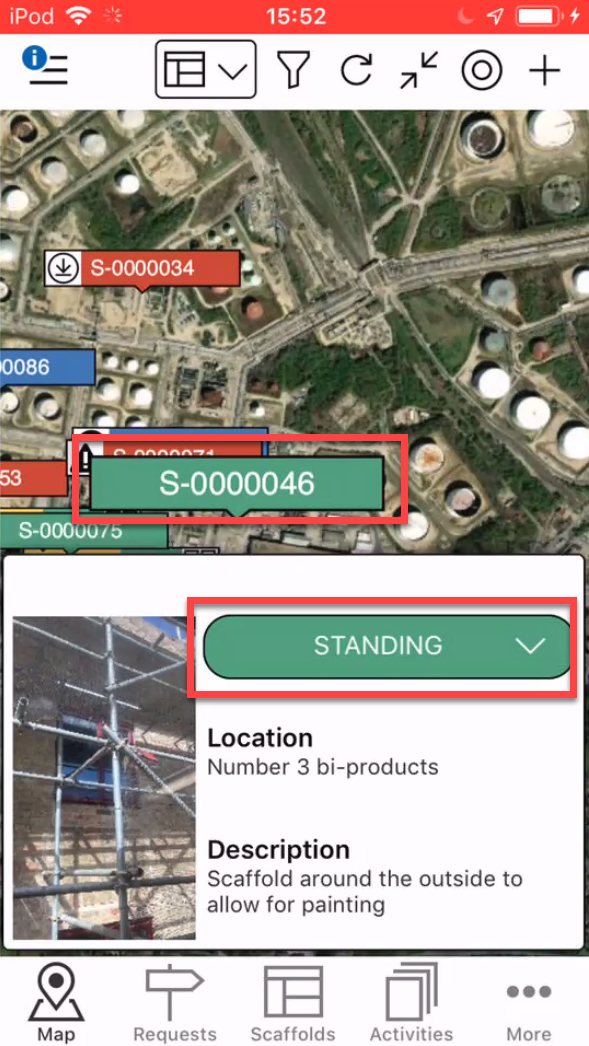
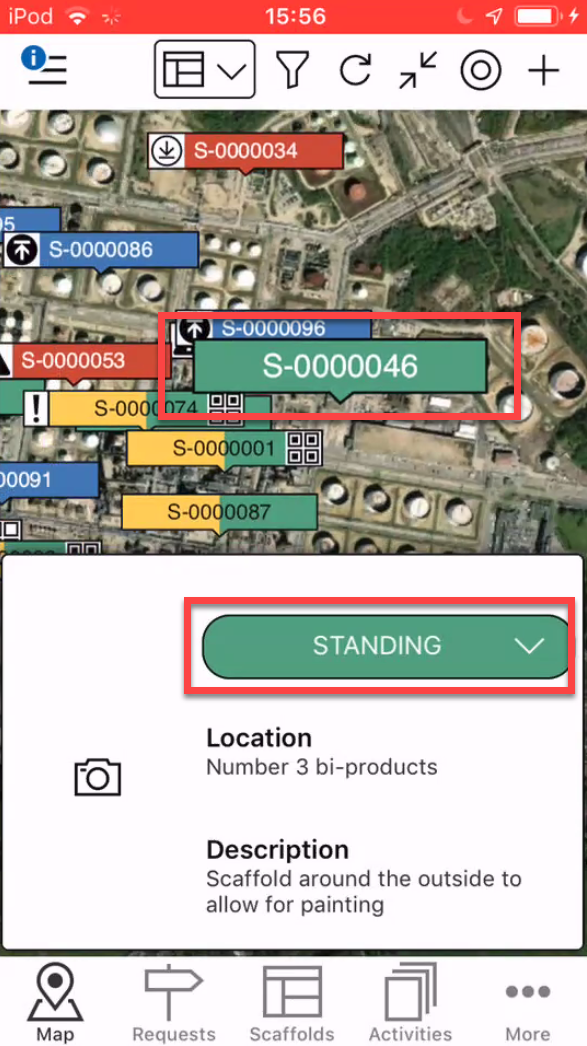
- From the Map Screen, tap the pin of the Scaffold to dismantle
- Select the Scaffold status
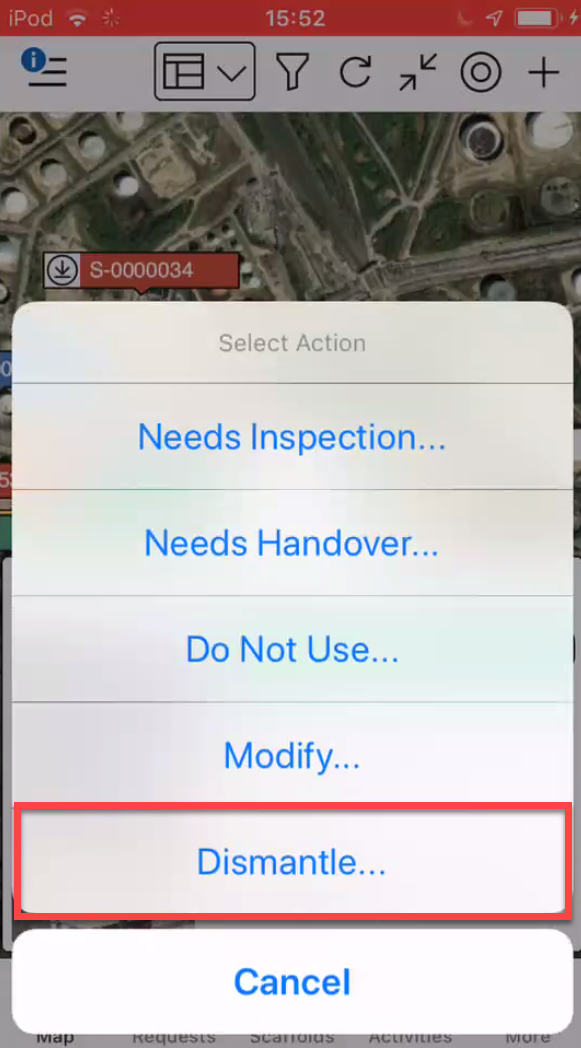
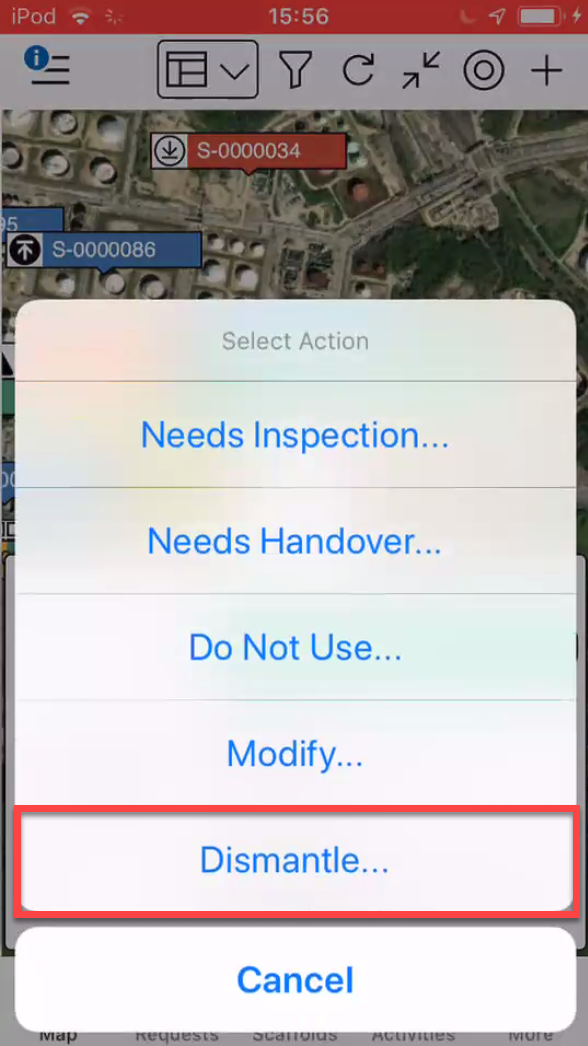
- Tap Dismantle
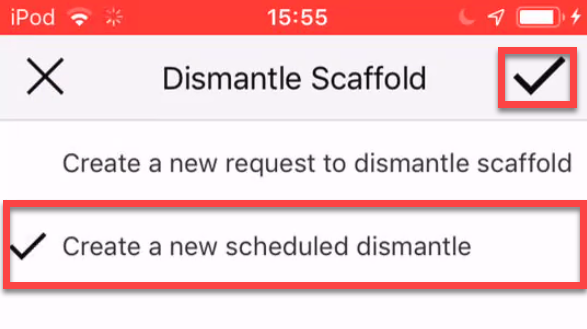
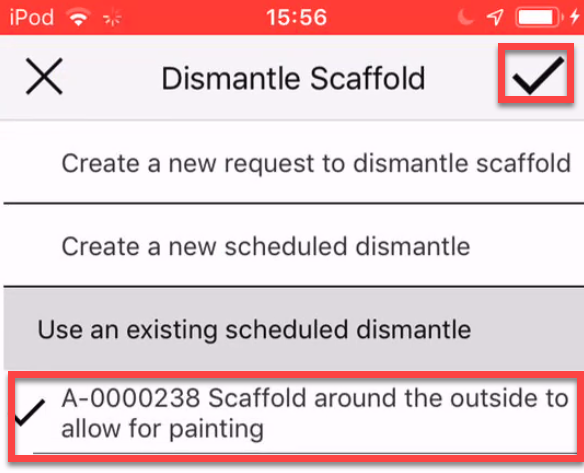
- Select Create a New Scheduled Dismantle and tap the tick icon.
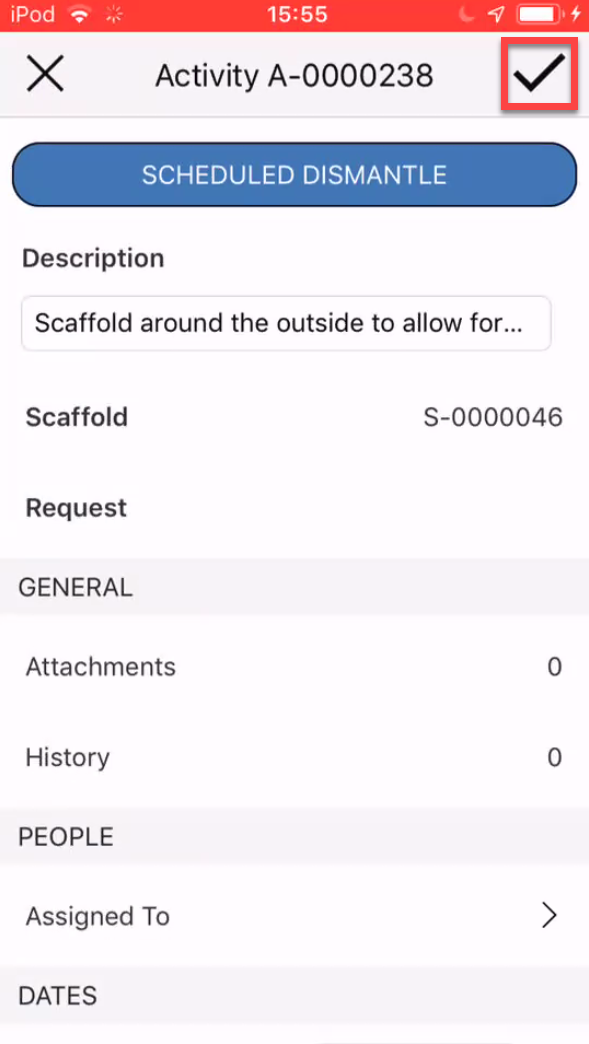
- Make any modifications to the Activity and then tap the tick icon to create the Activity
- Tap the Scaffold pin and select Standing
- Select Dismantle
- Select to use an existing scheduled dismantle and tap the tick icon
- Tap Scheduled Modification
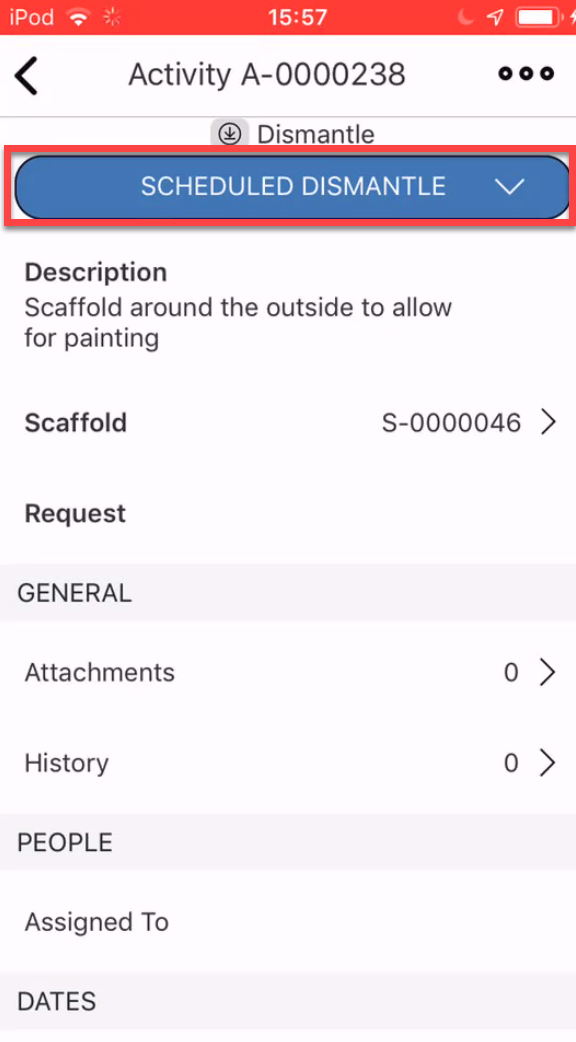
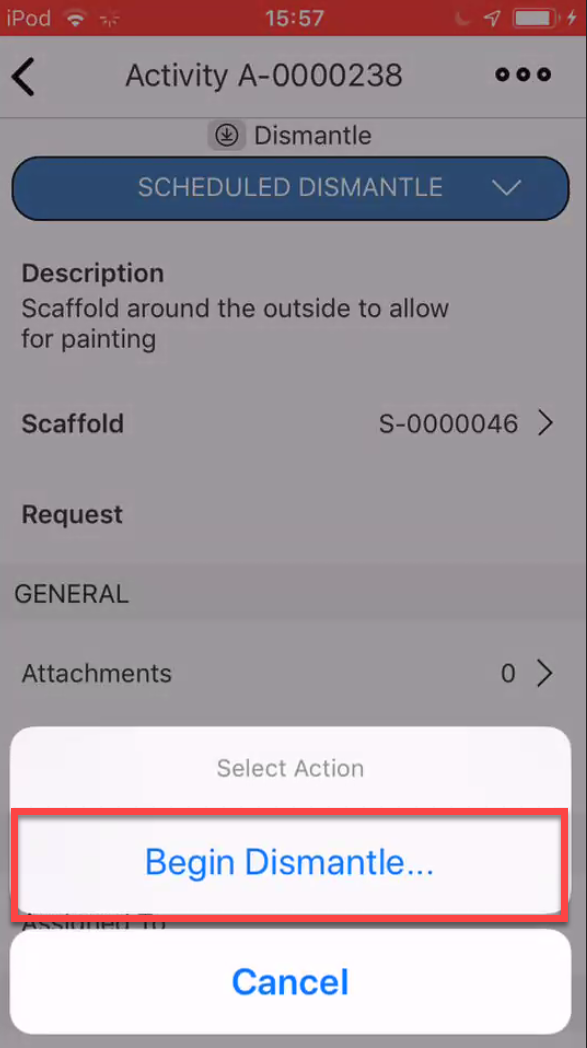
- Select Begin Dismantle
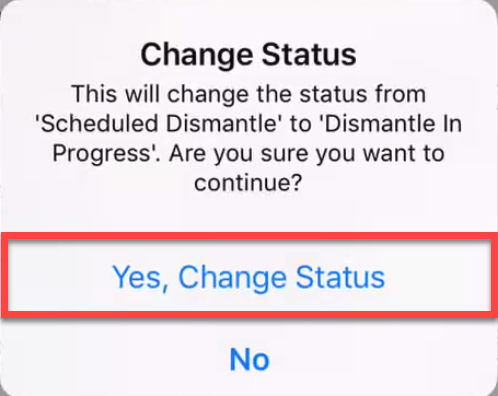
- Tap Yes, Change Status
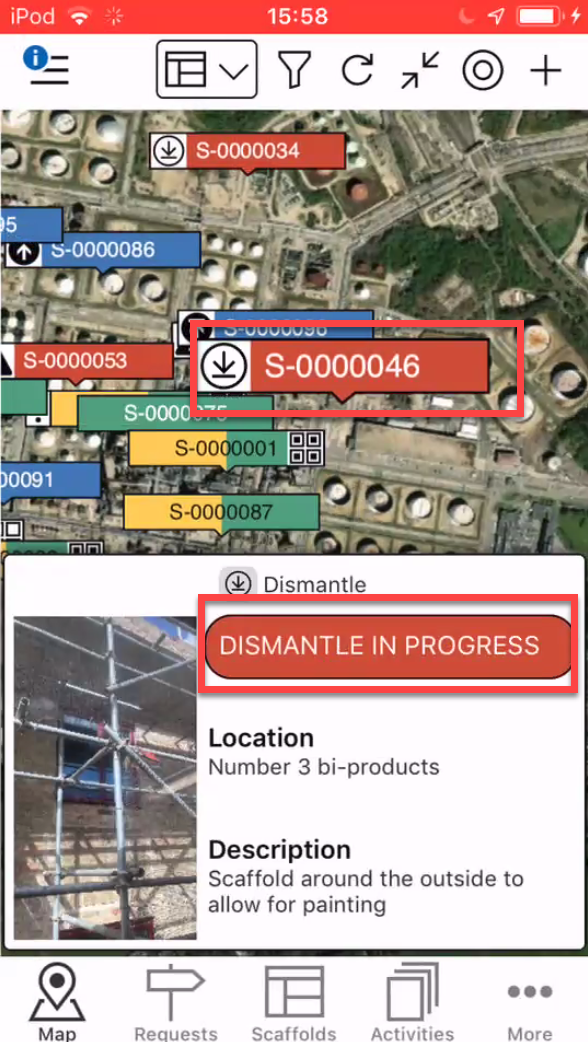
- Tap the Scaffold pin and then select Dismantle in Progress
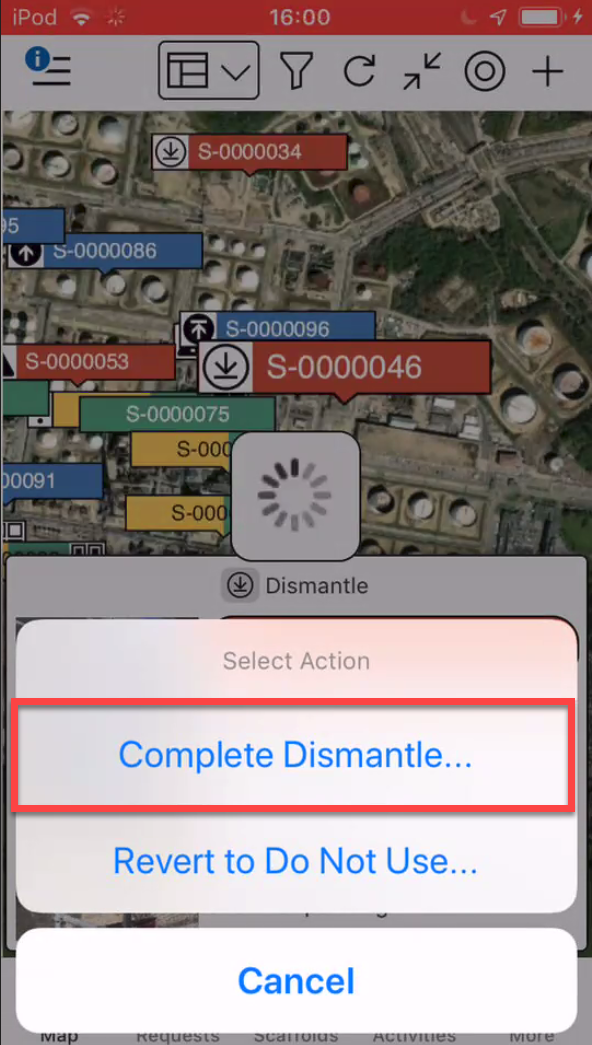
- Select Complete Dismantle
- Tap Yes, Change Status
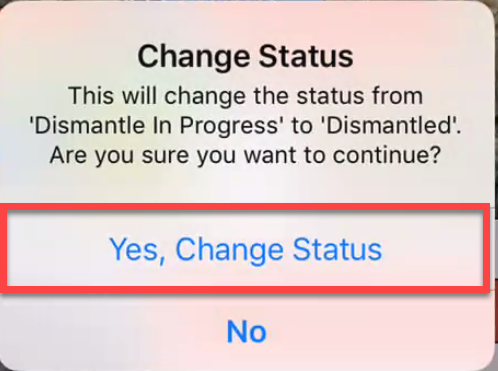
The status will be Dismantle Complete and removed from the mobile app.
Note: You can see dismantled scaffolds in the desktop app.