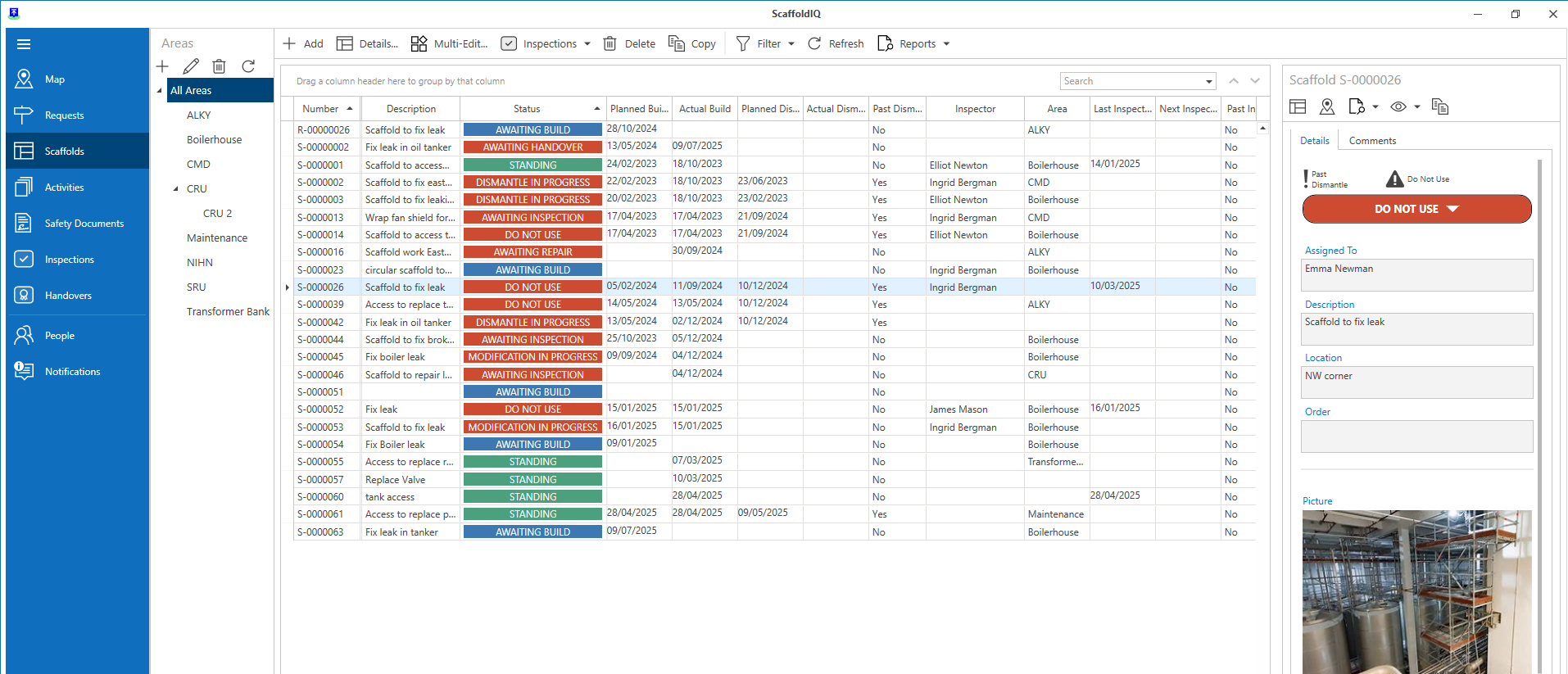
Should there ever be a situation in which a scaffold cannot be used, a scaffold can be marked as Do Not Use.
Marking a Scaffold as Do not Use From the Map Screen
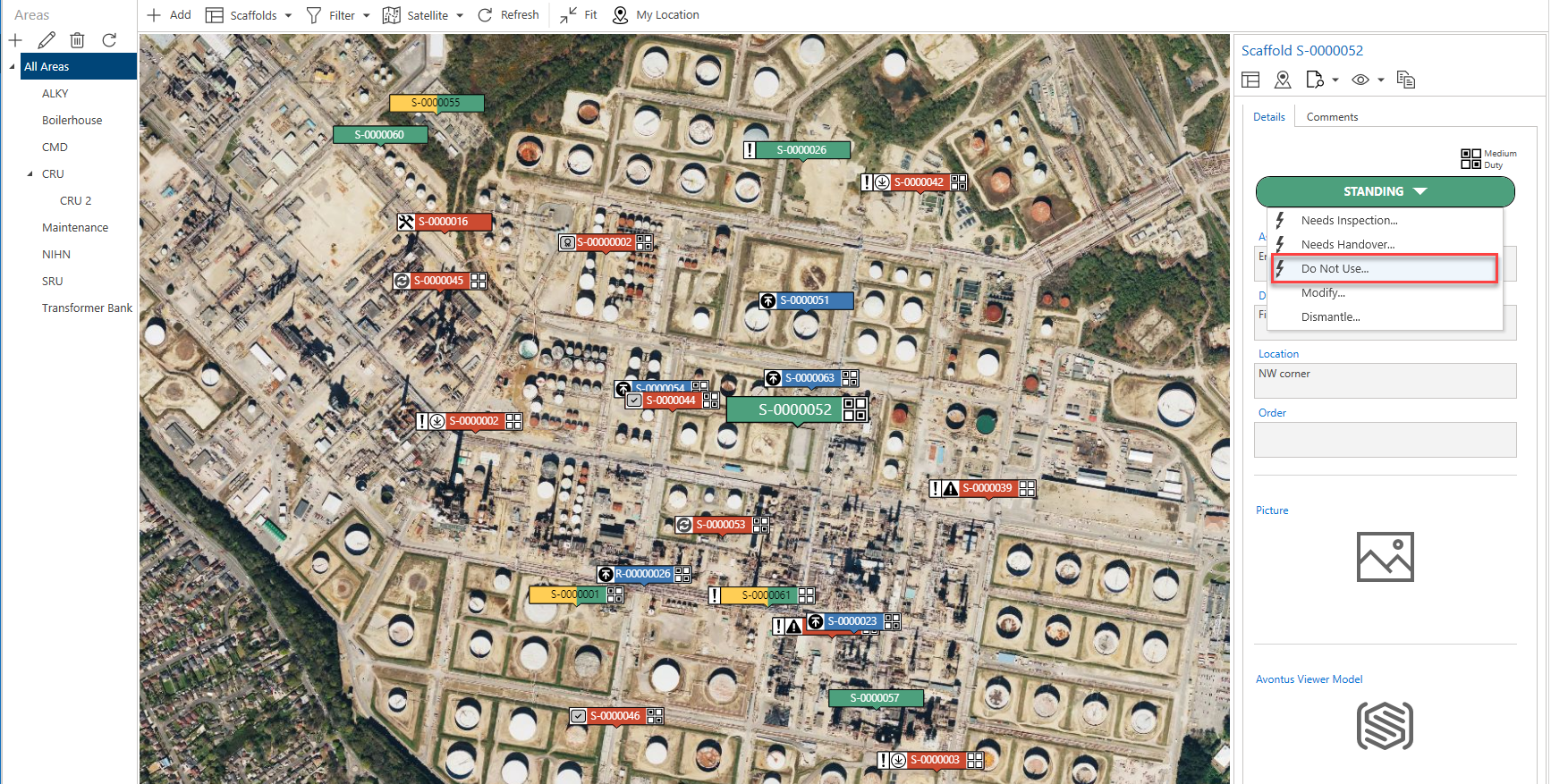
From the Map screen, select the Scaffold and click Standing
Select Do Not Use
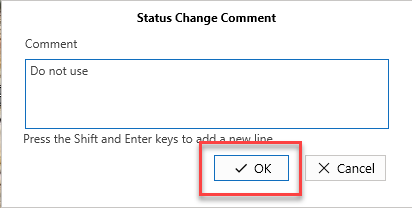
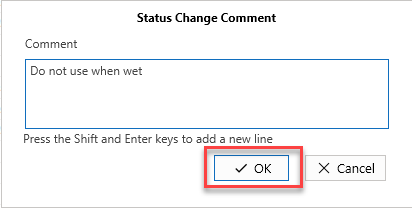
Add a comment explaining why the Scaffold cannot be used and click OK
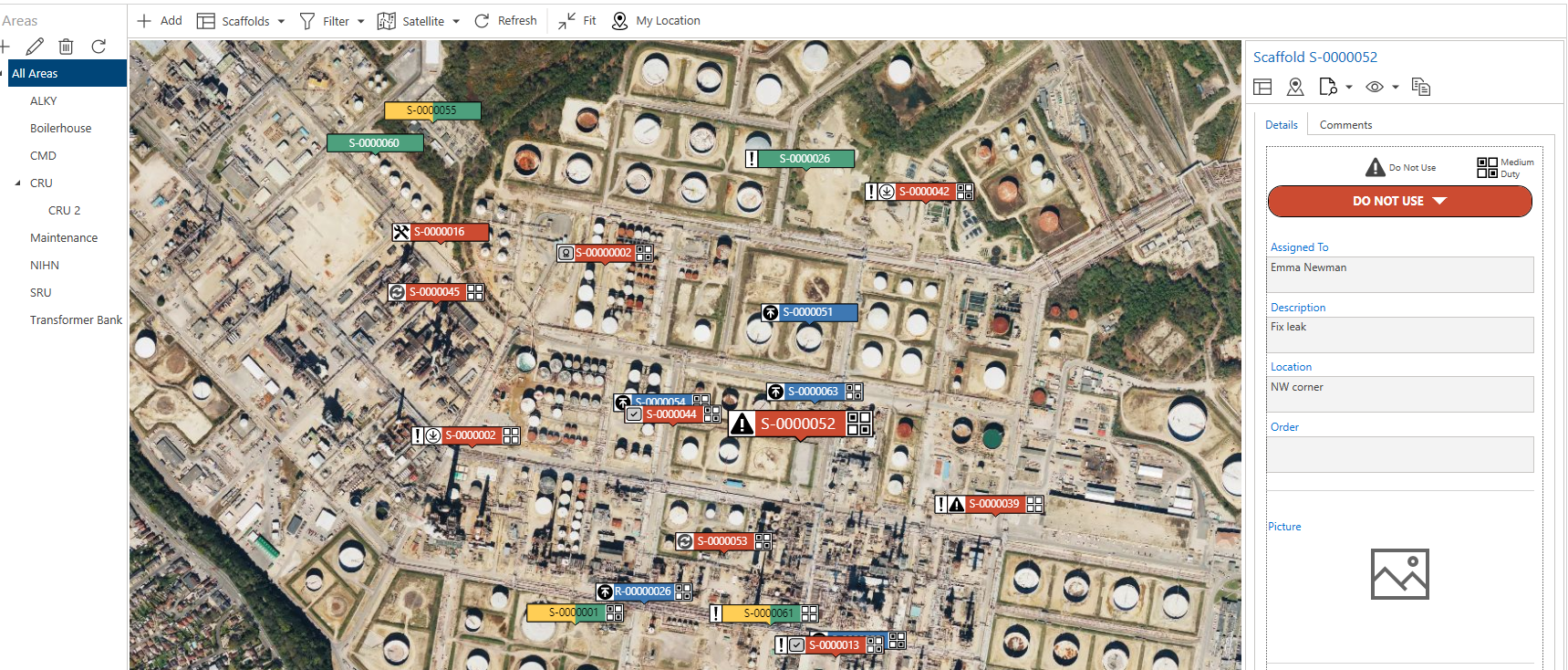
The scaffold status will change to Do Not Use
To mark a Scaffold as Do Not Use via the Scaffolds screen
From the Map screen, select Scaffolds
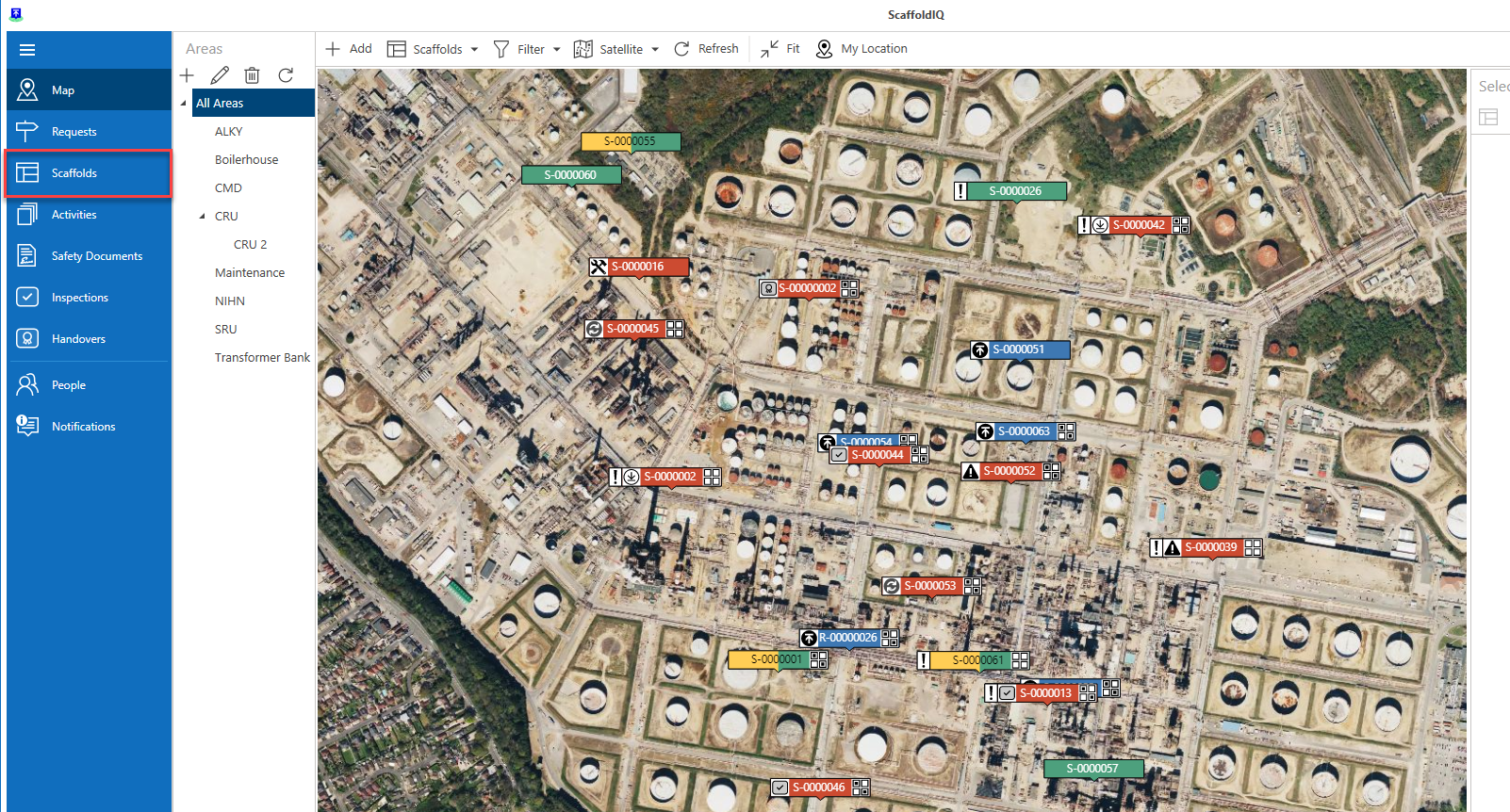
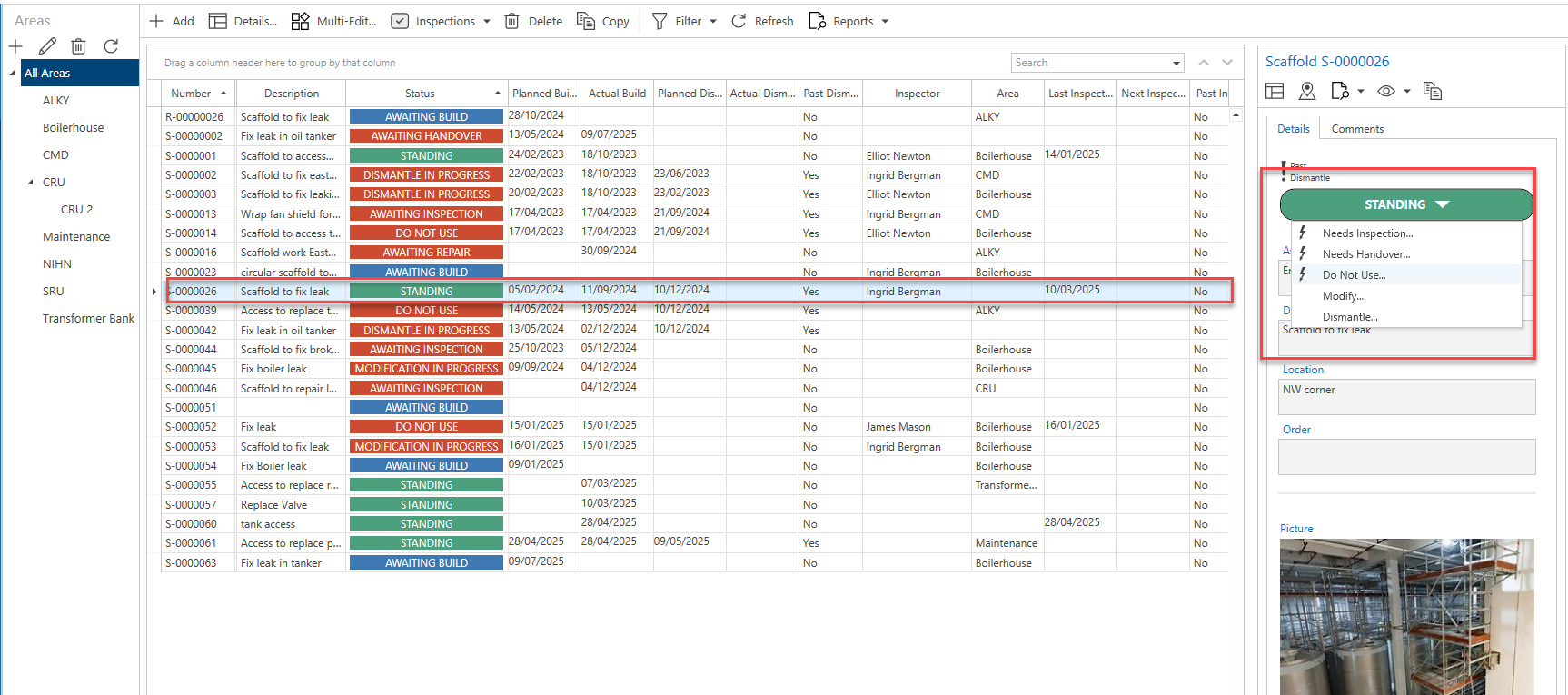
Click the Scaffold
Select Standing
Click Do Not Use
Provide a reason as to why the scaffold cannot be used.
The status of the scaffold will change to Do Not Use.