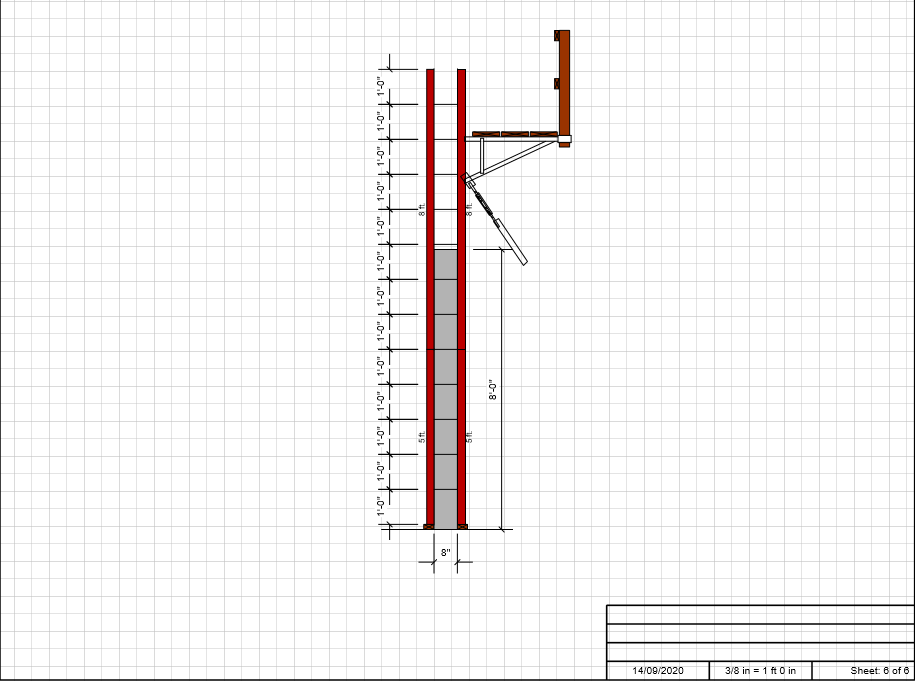
The first method for drawing a section involves clicking Section View in the Handset Designer tab.
To draw a section by using the Handset Designer tab:
- Click the Curved Wall or Tank to select it.
- Click Draw Framework
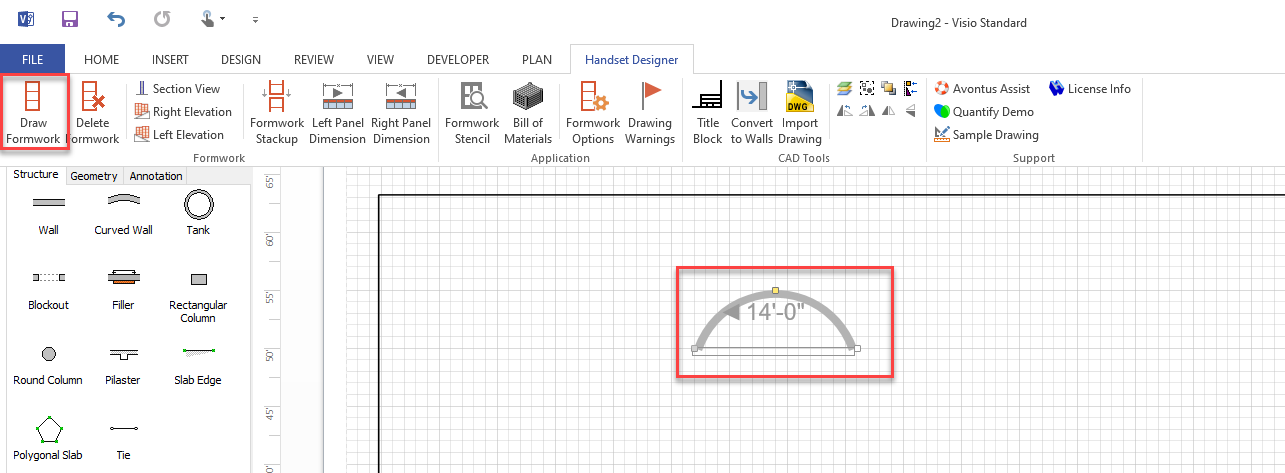
- In the Formwork section of the Handset Designer tab, click Section View.

Click the newly added page to see the section view.