The second method for drawing a section involves right-clicking and making a selection from the Visio popup menu.
To draw a section using the Visio popup menu.
Click the Curved Wall or Tank to select it.
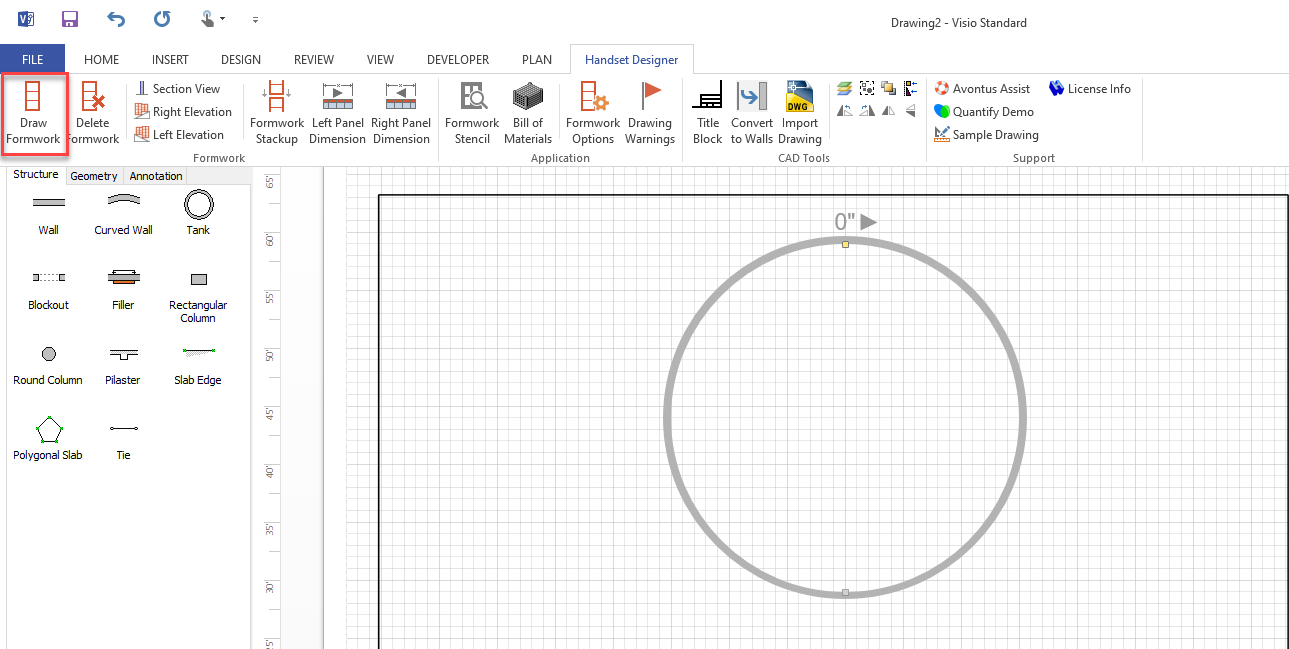
Click Draw Framework
Right-click the framework and select Draw Section from the menu that appears.
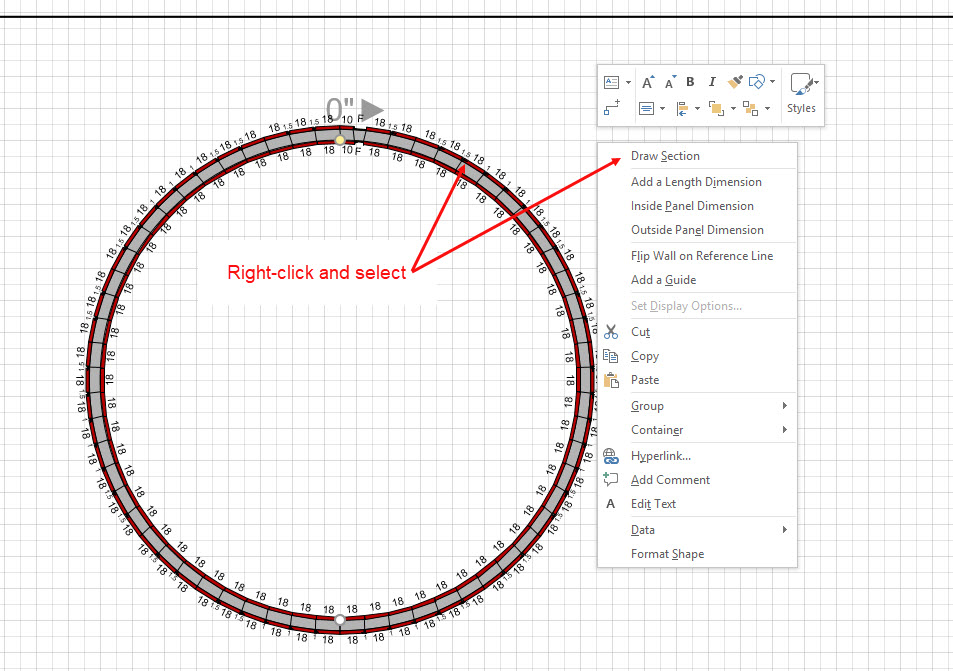
Tanks and radius Wall layouts are completed with a repeating pattern. Your available equipment sizes and the chord offset determine this pattern. Refer to Formwork Design Tab in the Formwork Options Dialog for more information about the chord offset setting.
Tank and Curved Wall layouts are optimized for the most efficient Panel and Filler layout. However, you have control over which materials you include in your Tanks and Circular Walls.