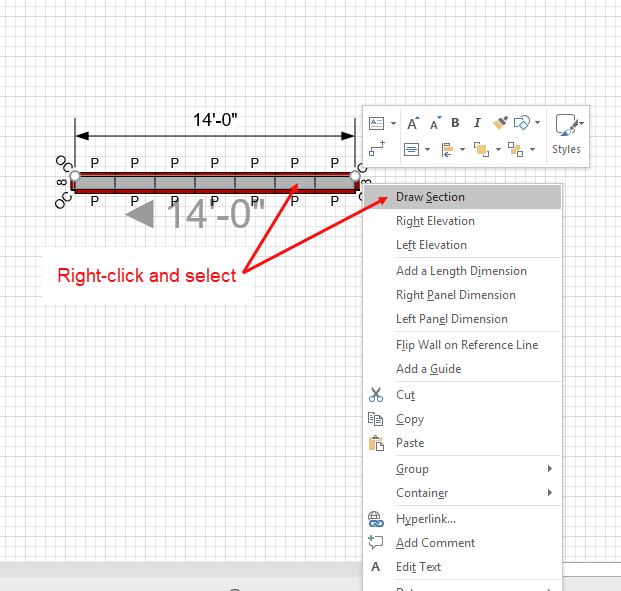
For your convenience, Handset Designer enables you to draw a Section View by right-clicking a Wall with Formwork.
To draw a Section View using the right-click menu:
- Right-click the appropriate Wall and select Draw Section from the menu that appears.
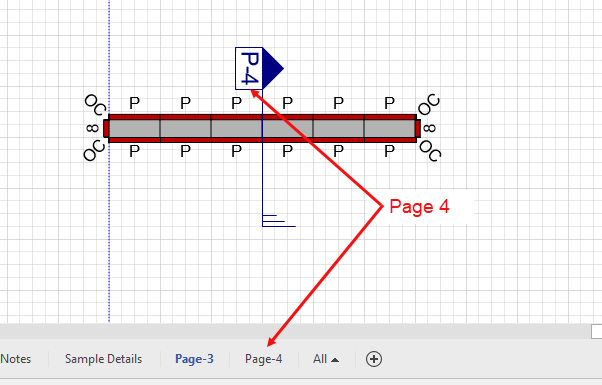
Handset Designer draws the section. Once drawn, Handset Designer inserts a new page that contains the view, draws a view marker on the Wall and labels the marker with the name of the new page.
There are two ways to access this new page:
- Click the corresponding Page tab in the bottom of the window.
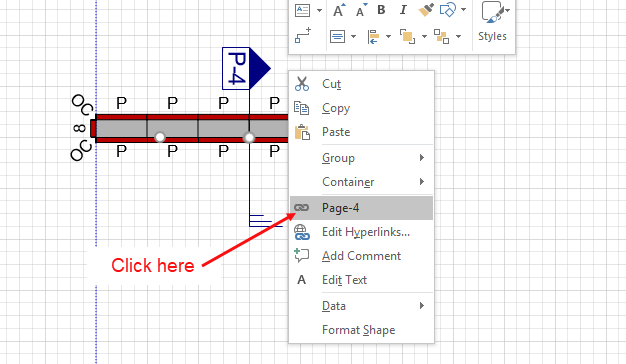
- Right-click the Section View marker and select Page-# from the menu that appears.
|
|
The page opens, displaying the Section View.
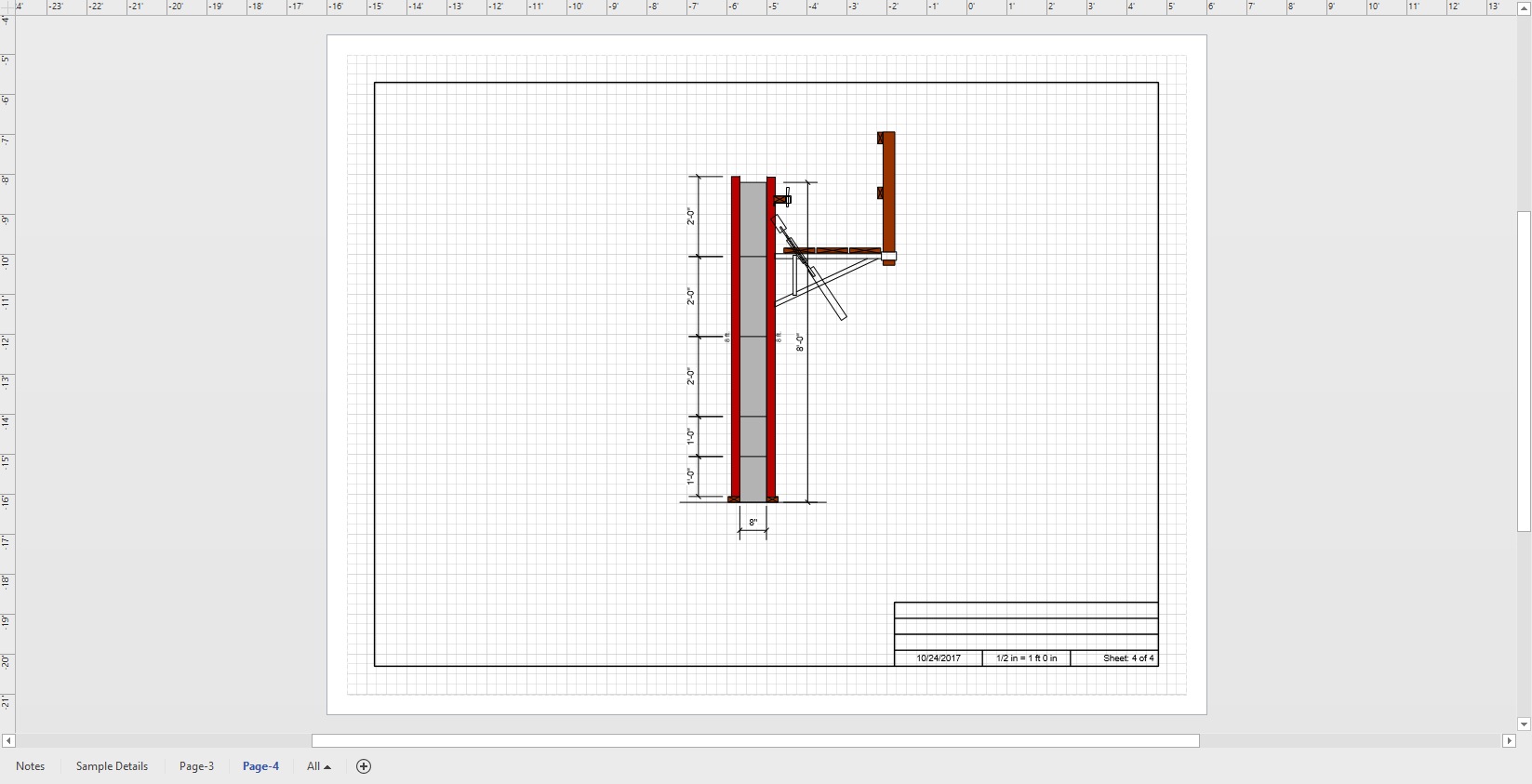
Note: You should not draw Formwork on section pages, as Handset Designer automatically deletes them from time to time when changing Formwork.