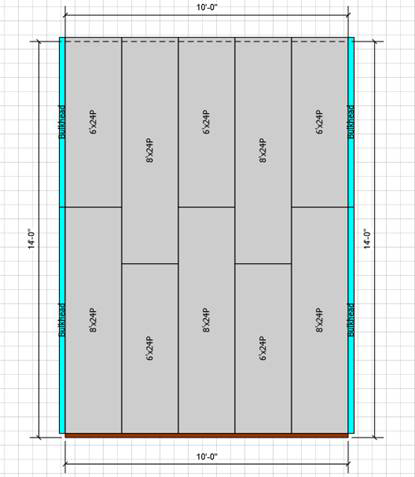
Since the default view of the Drawing Page is the plan view (which means you view the drawing looking from above it), you must draw an Right or a Left Elevation in order to view the sloped floor. In order to draw an Elevation View, you must first draw the Formwork.
To draw an elevation for a sloped floor:
- Click the appropriate Wall shape to select it.
- Click the Handset Designer tab and then click Draw Formwork.
 Handset Designer adds Formwork to the Wall.
 - As needed, click Right Elevation or Left Elevation in the Formwork group.

- Right-click the Elevation arrow and select Page-# from the menu that appears.
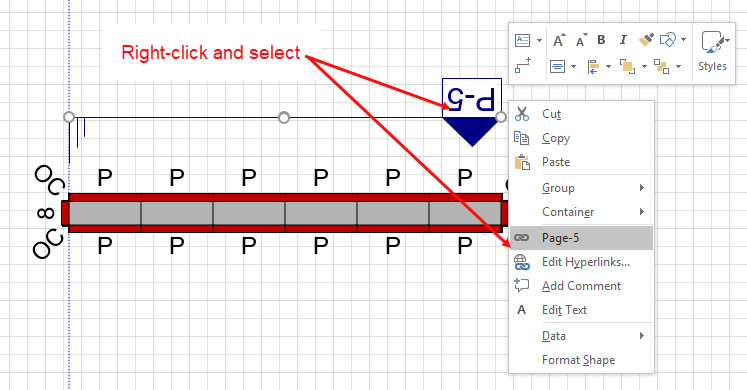
Handset Designer displays the Elevation with the sloped floor.
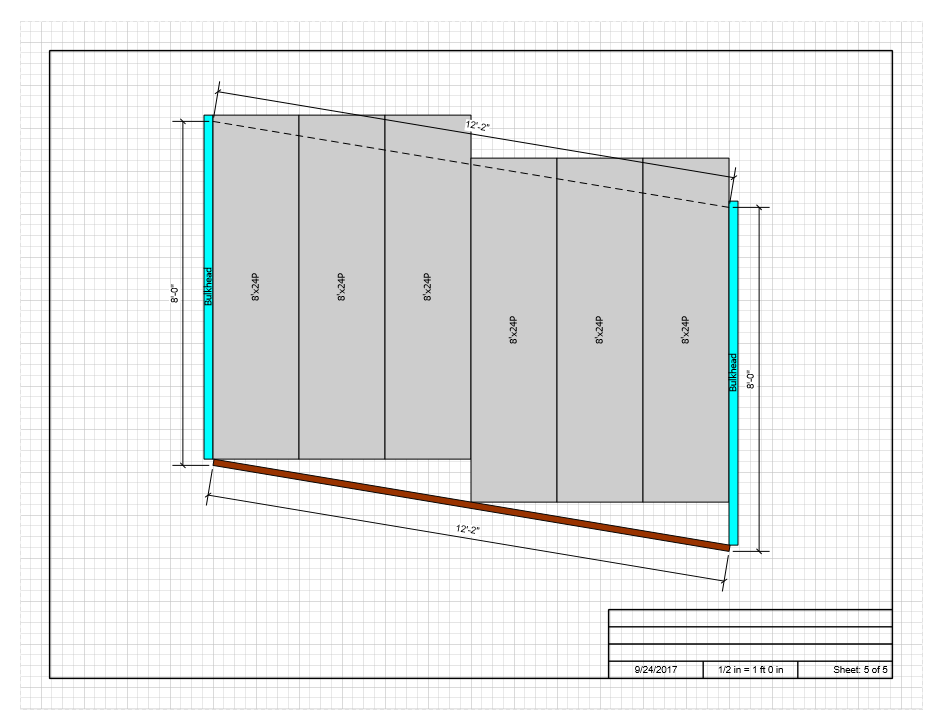
Panel Offset
Side-by-side Panels and Fillers are offset vertically from each other. Since the dado slots on the Panels are at 1 ft. on center (greatest value), the offsets must be at 1 ft. intervals as well.