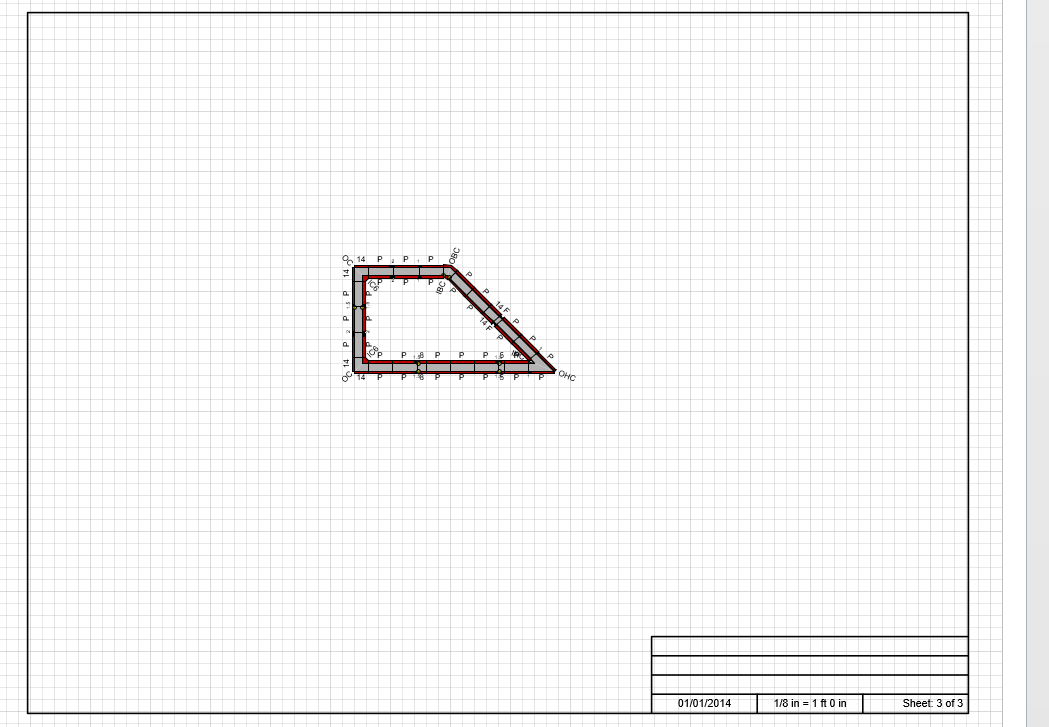
Once you have placed Walls into a drawing, Handset Designer will draw the Formwork with the click of a button. With the Formwork in place, you can then edit the options for that Formwork.
To draw Formwork:
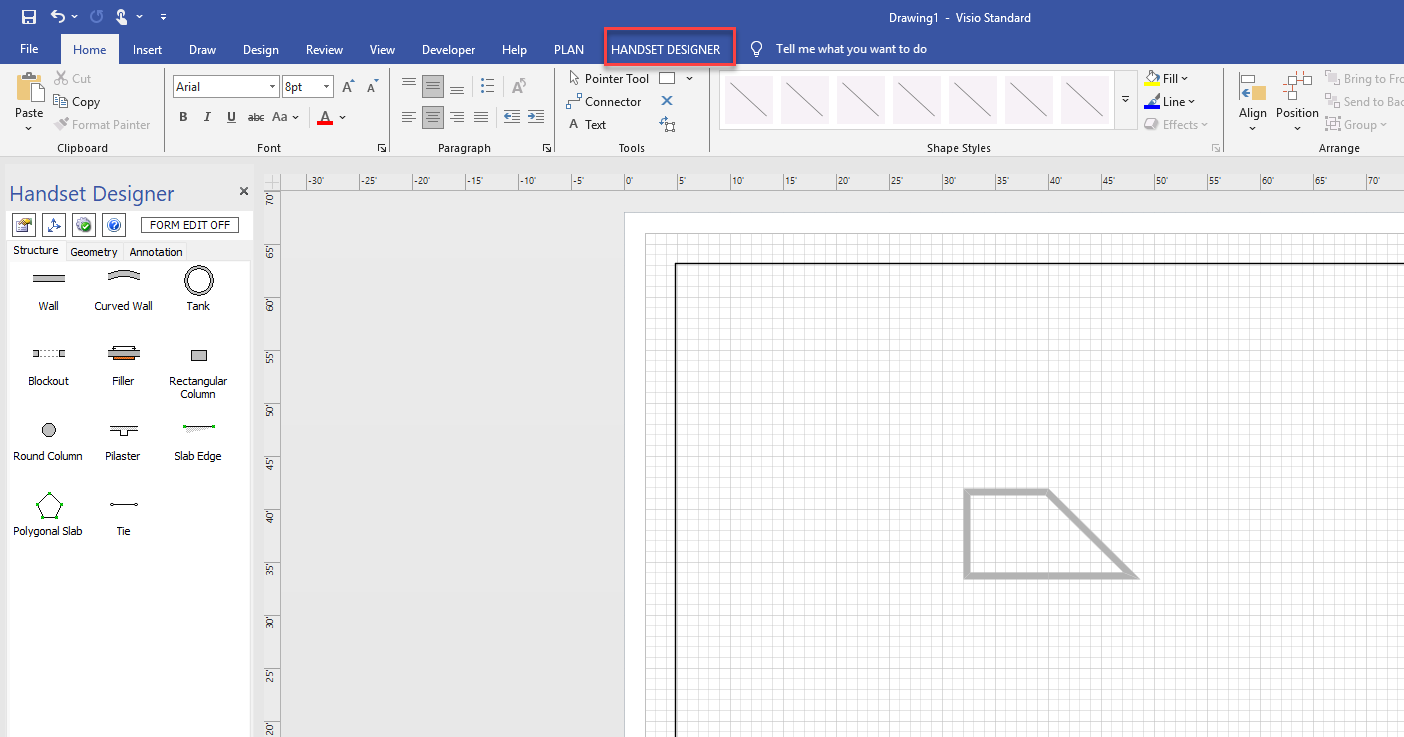
Set up the Walls the way you want them.
Click the Handset Designer tab
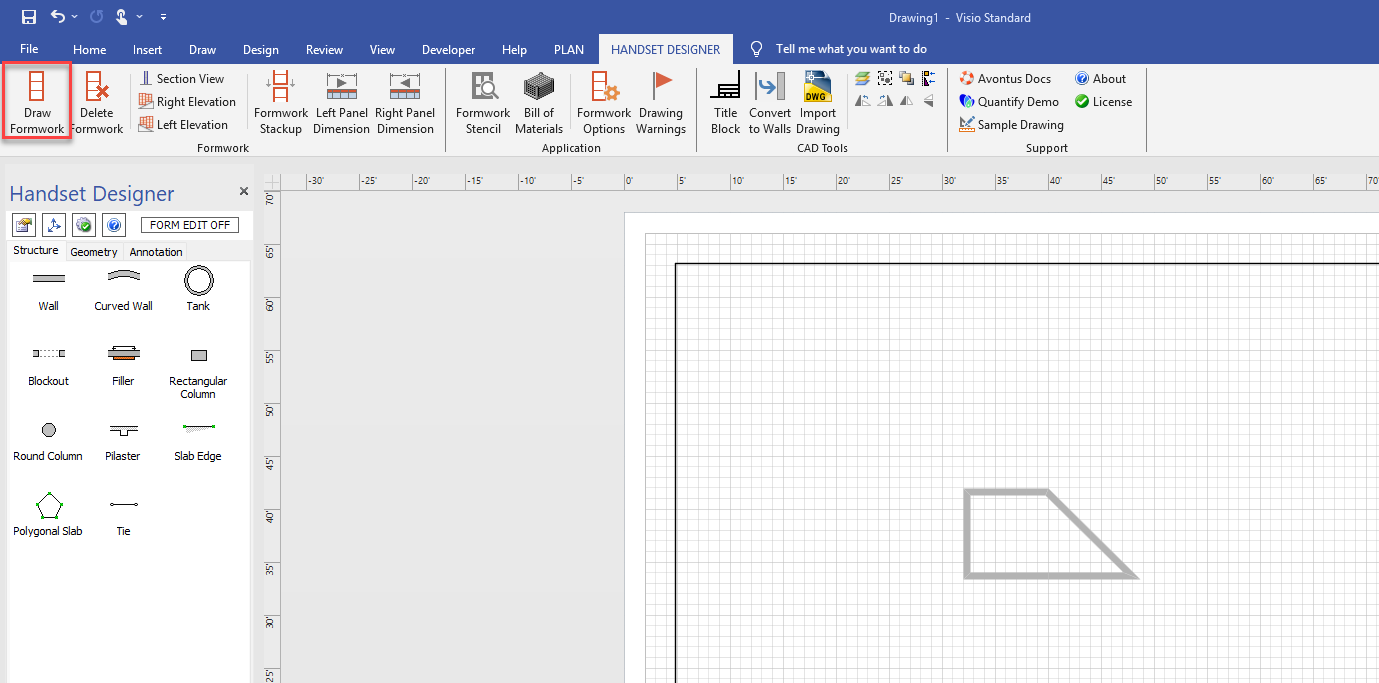
Click Draw Formwork.
Note: You may need to adjust the Formwork Options to get the desired settings for your drawing. Please see about the formwork options dialog for more information.
Handset Designer draws the Formwork.