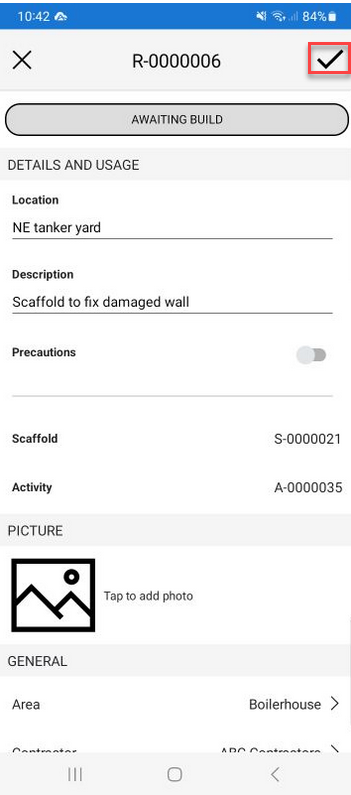
You can make changes to the Request's details. This could be a change to the Request's description or a change in who the Request is assigned to.
To edit a request:
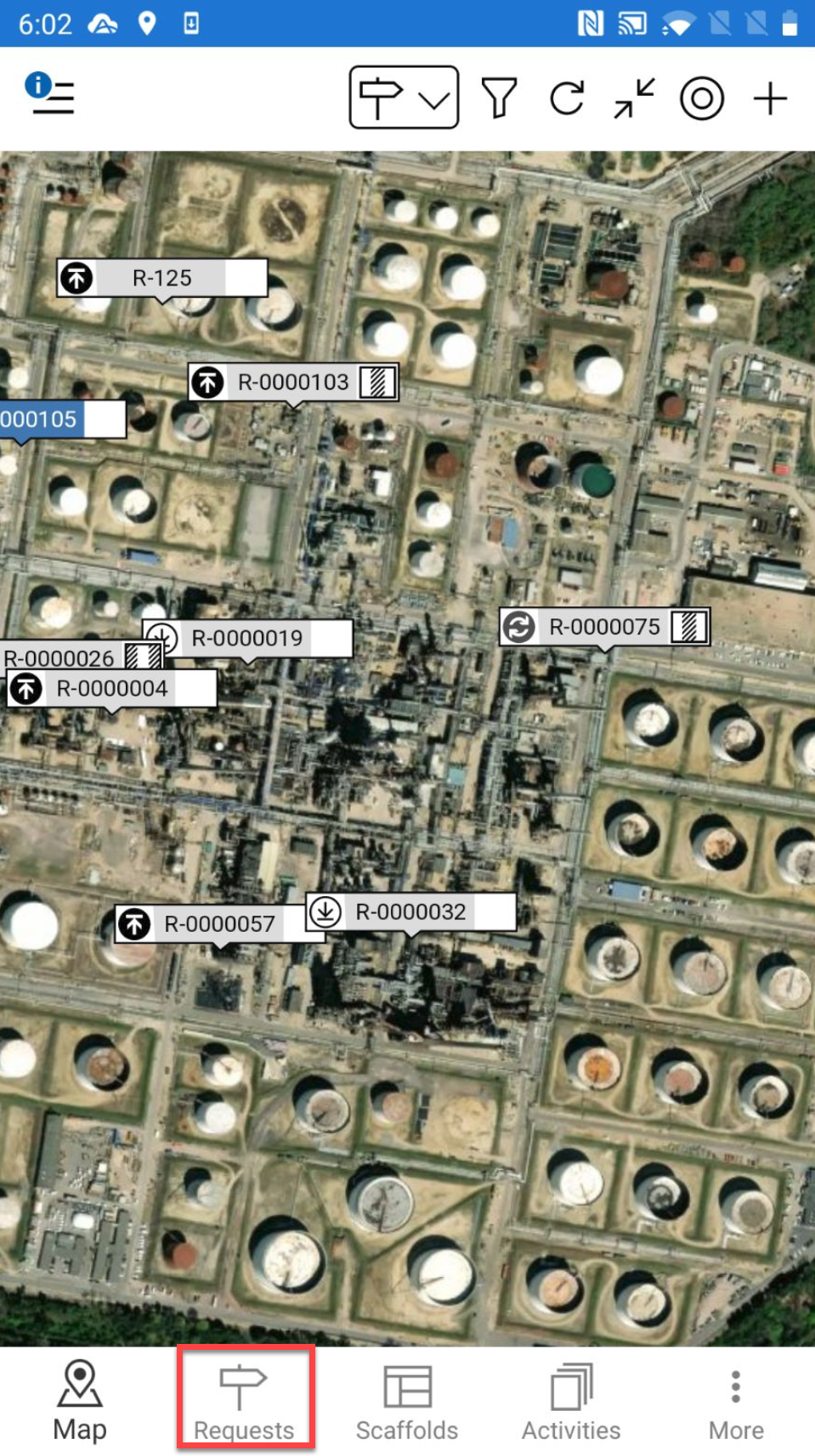
Go to the Requests screen
Tap a Request
In the Request screen, tap the … in the top right and select Edit
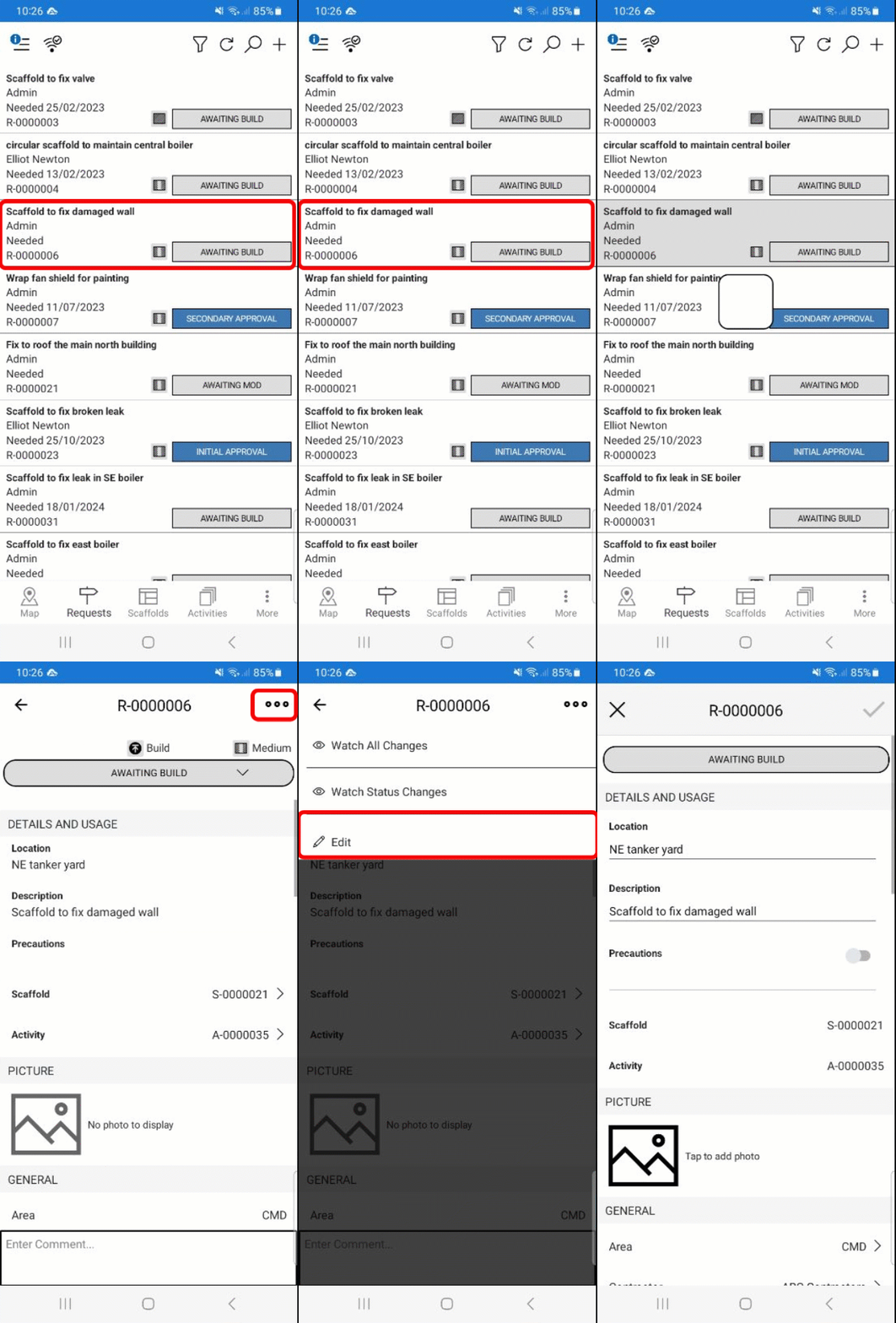
Make the required changes and tap the tick icon.