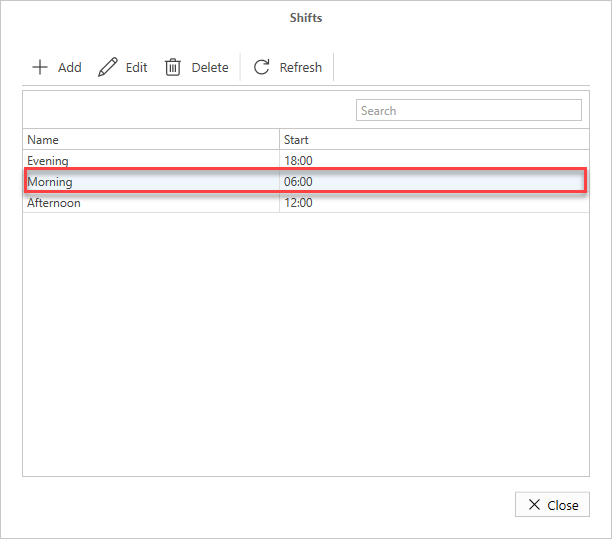
You can edit a shift should you need to change the time the shift starts
To do this
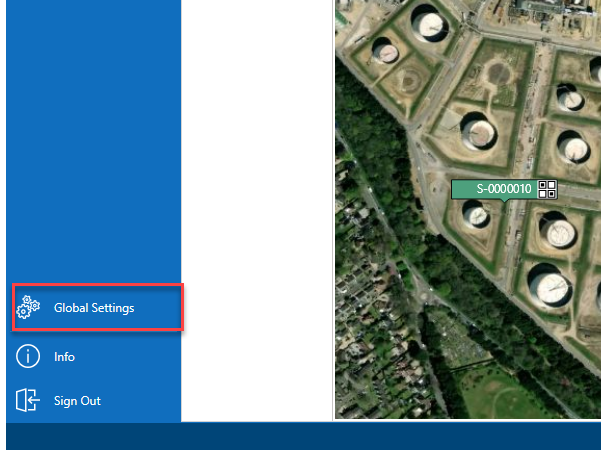
- From the Map screen, select Global Settings
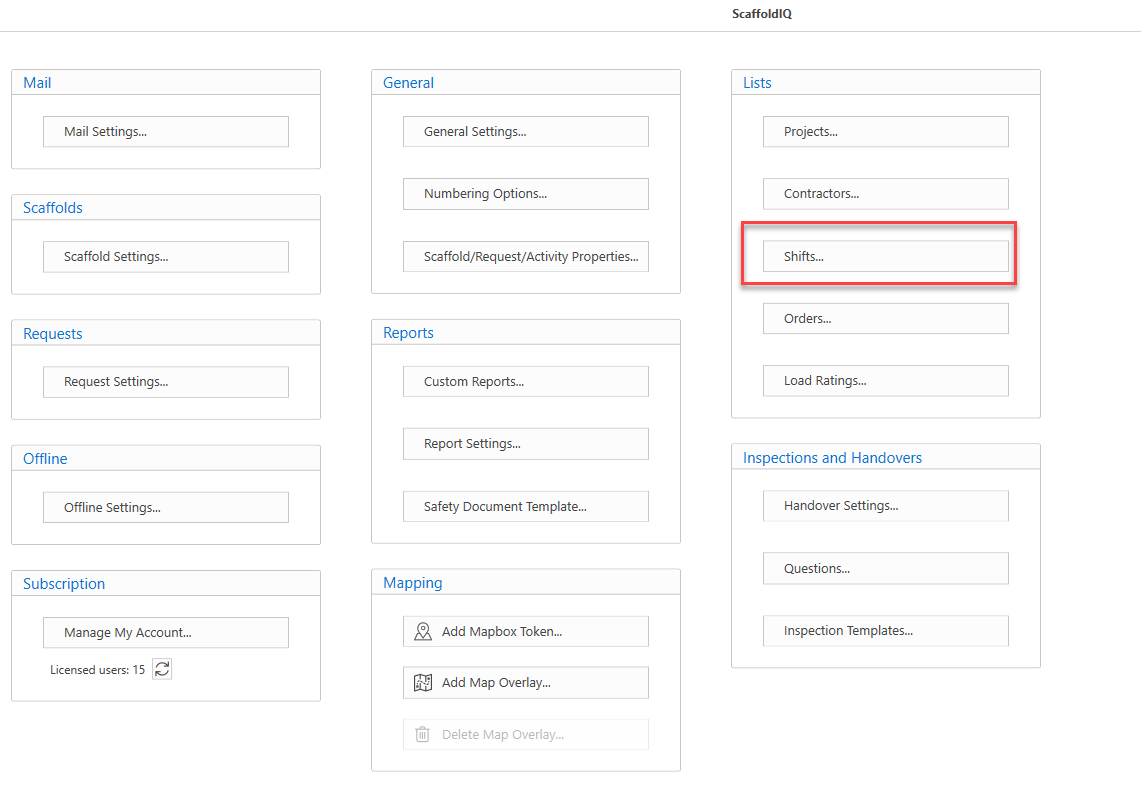
- In Global Settings, select Shifts
- Select the Shift to modify, then click Edit
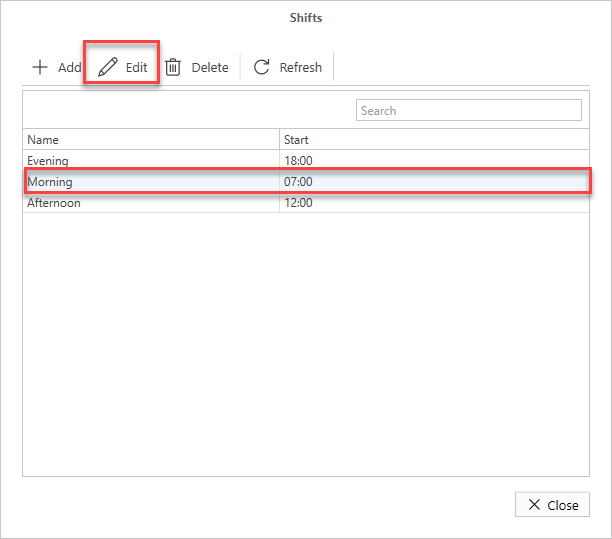
- Make the required changes (we have changed the time from 07:00 to 06:00)
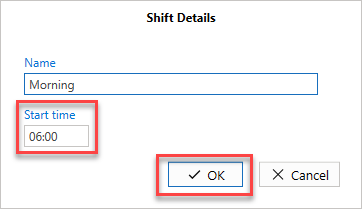
The time will be changed to 06:00 for the selected shift.