You can delete a shift should it be surplus to requirements
To do this
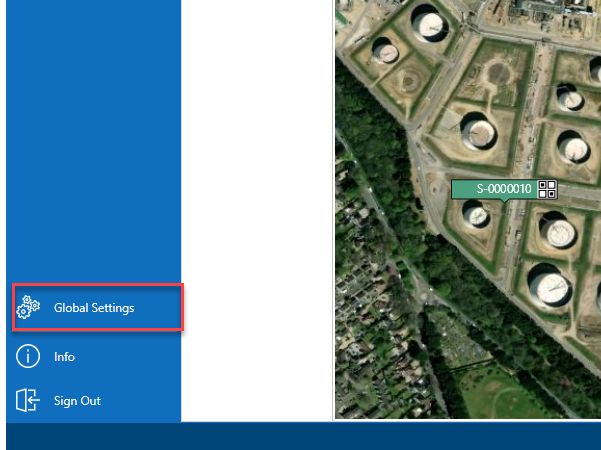
- From the Map screen, select Global Settings
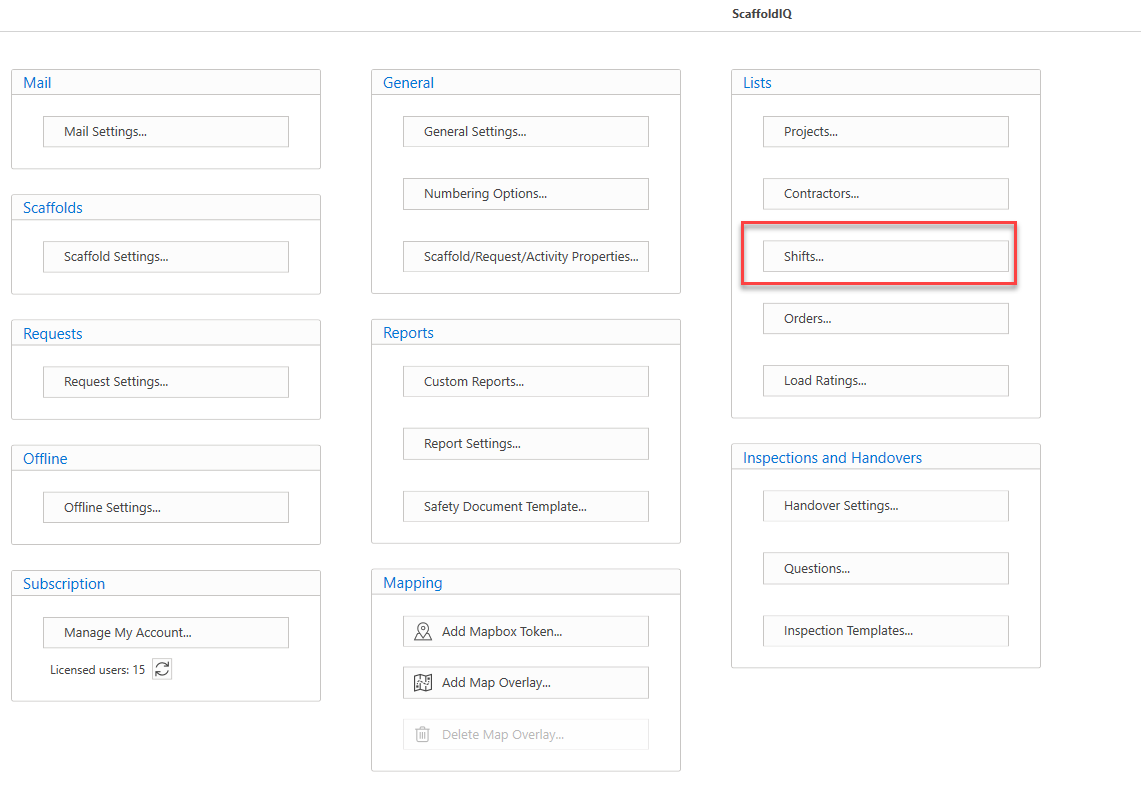
- In Global Settings, select Shifts
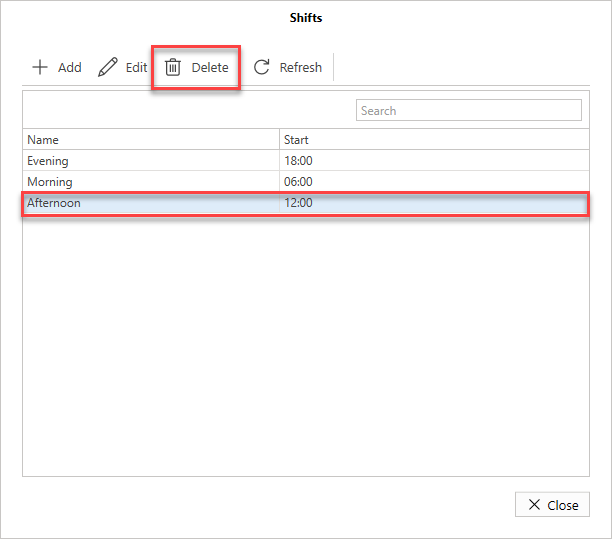
- Select the shift to delete then Delete
- Click Yes, Delete to delete the shift.
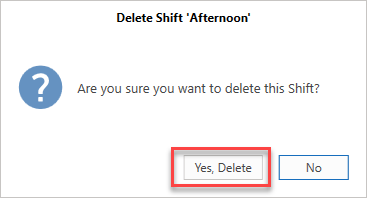
The shift will be deleted.