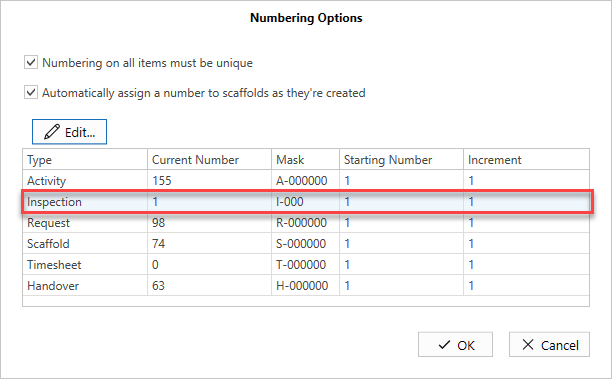
You can edit the numbering options in ScaffoldIQ, for example, you could reset the Inspection number back to 1, and set the Mask number.
To edit Numbering Options
- From any screen, select Global Options at the bottom left
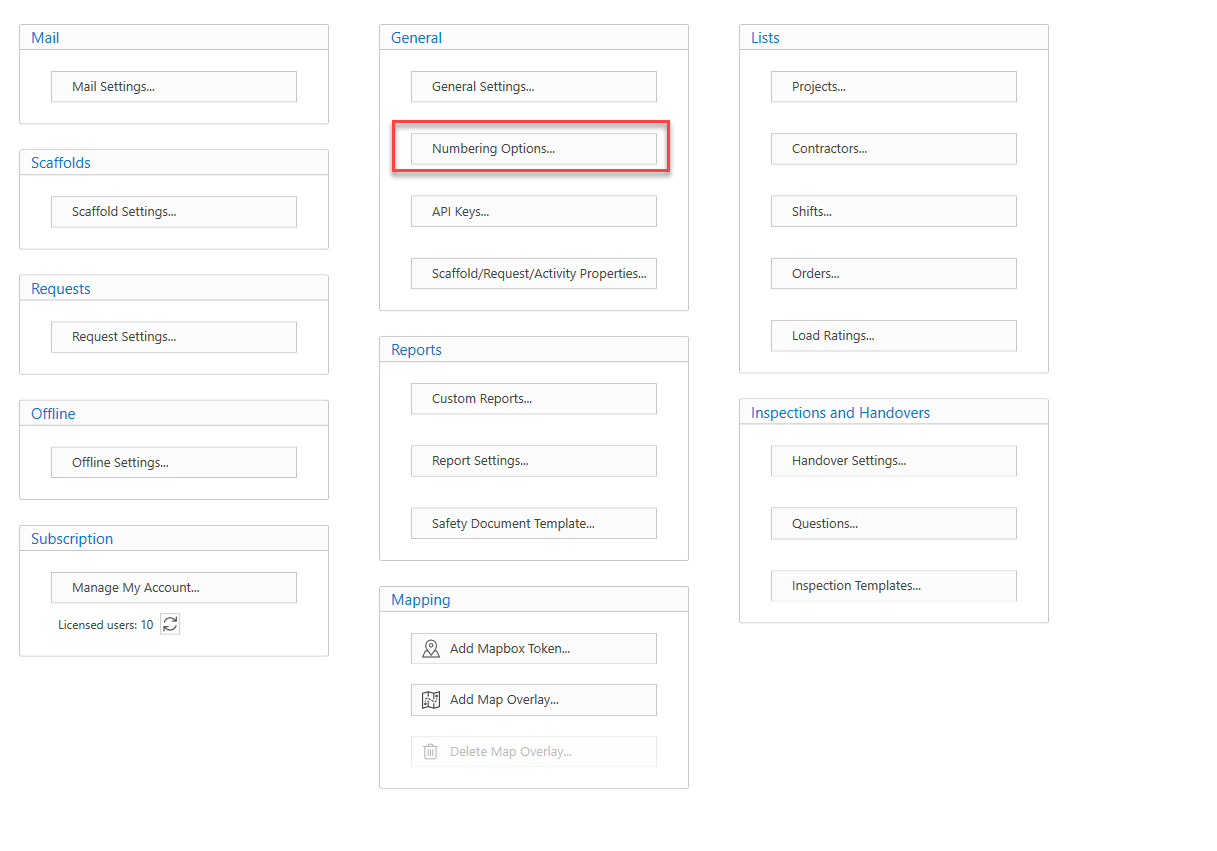
- Select Numbering Options under General
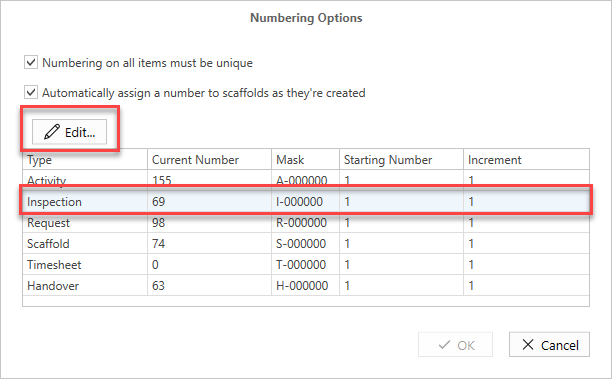
- In Numbering Options, select an option and then click the Edit button.
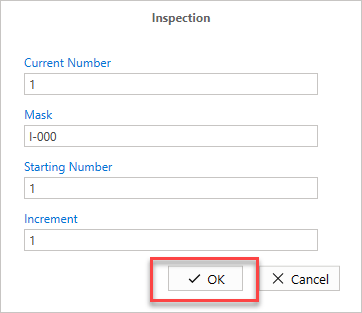
- Make a change, for example, we are going to reset the Current Number to 1 and Change the mask to I-000
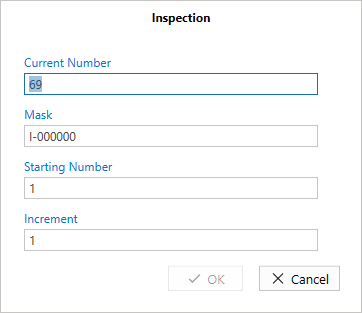
- When done, click OK.
The changes will be made.