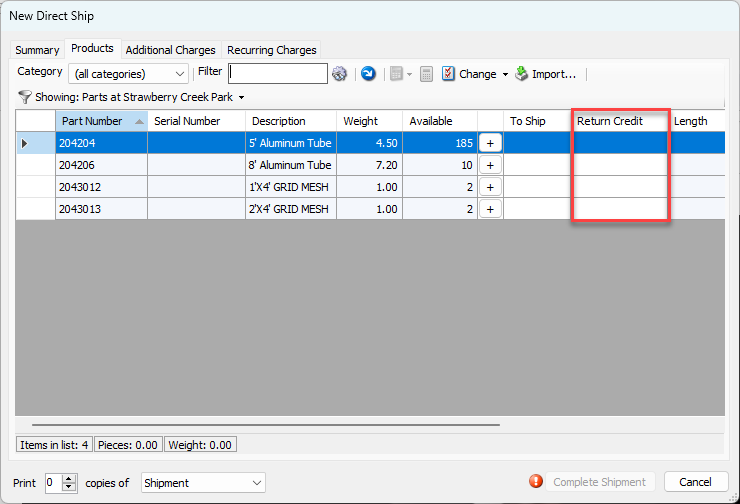
Rate Profiles may include delivery charges and return credits on Shipment items. Shipment deliveries and returns will default to these entries. To include these columns in Rate Profiles, enable them in the Billing tab of the Global Options dialog. The procedures below show you how to do that.
To enable delivery charges and return credits:
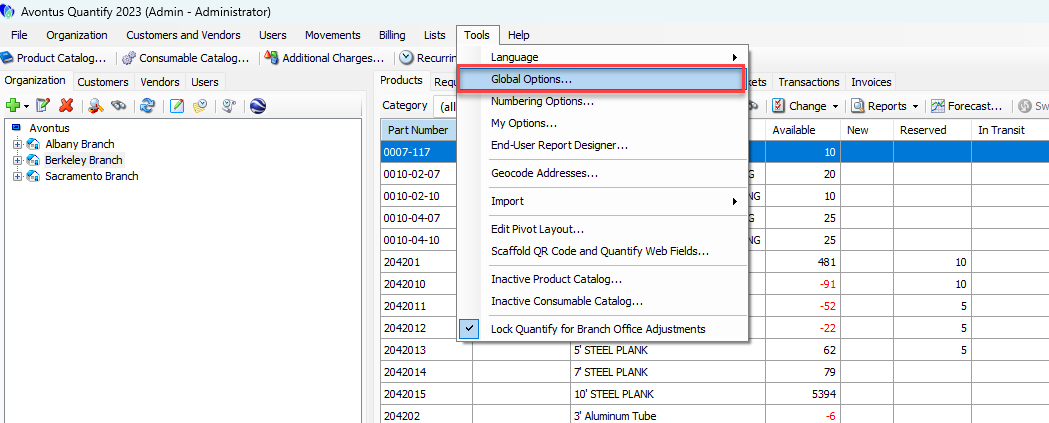
- Click the Tools menu and select Global Options.
The Global Options dialog appears. - Click the Billing tab, then click the Allow delivery charges and return credits on shipment items (rate profiles only) check box.
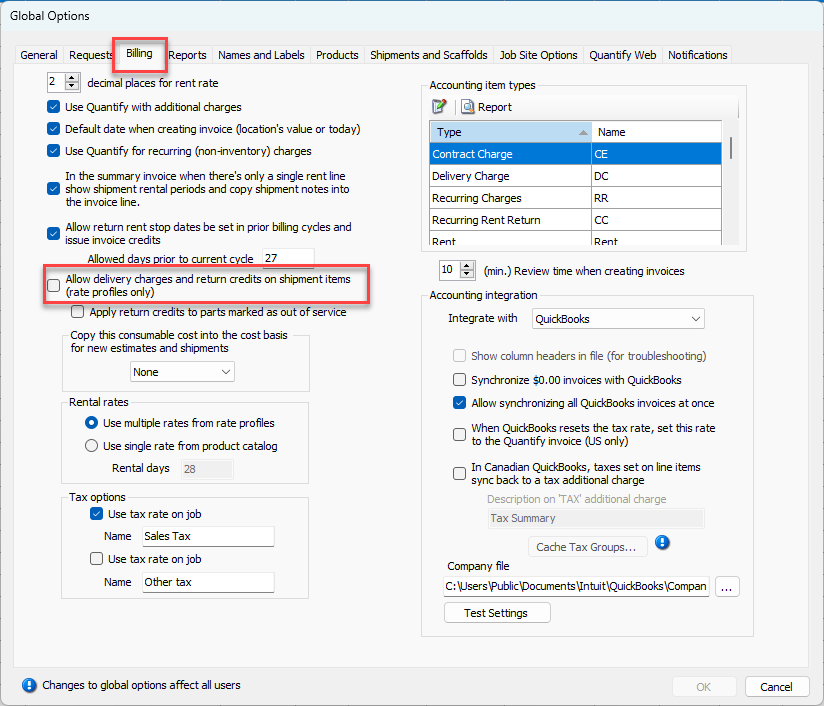
- Click OK.
The Rate Profile dialog now includes Delivery Charge and Return Credit columns.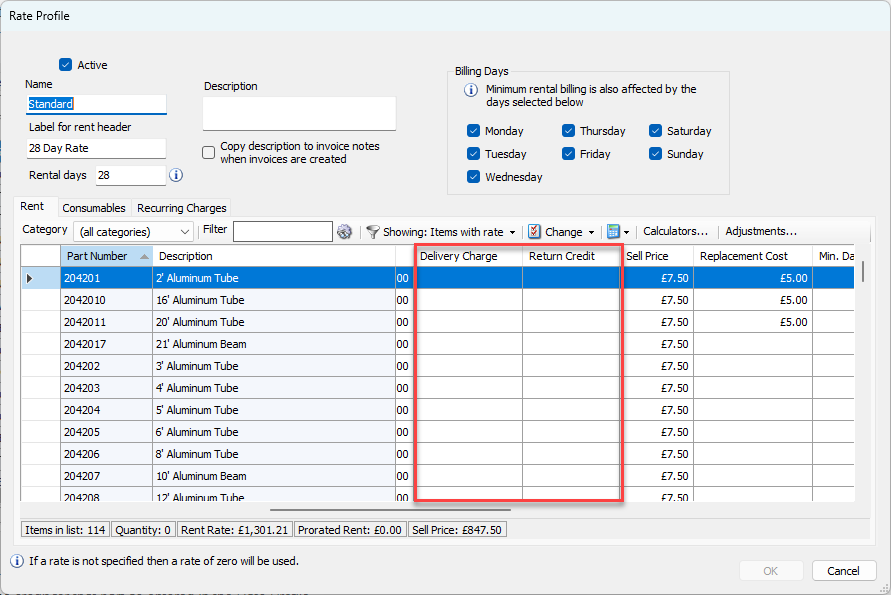
Deliveries have a Delivery Charge column and default to the charge for that part as entered in the Rate Profile.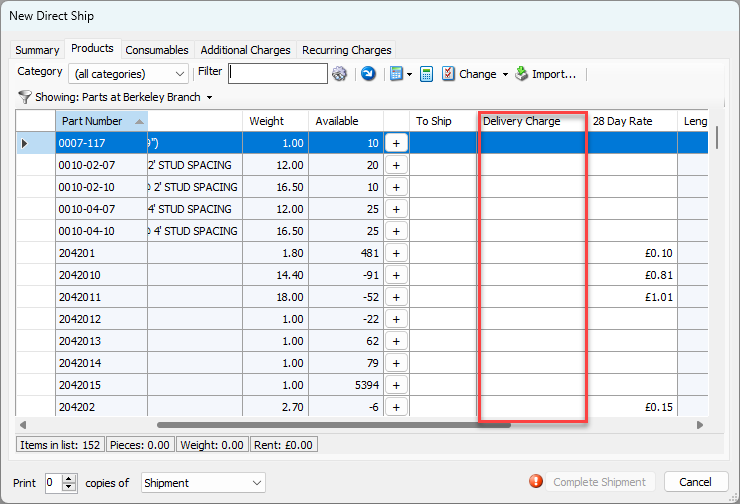
Returns will include a Return Credit column and default to the credit for that part as entered in the Rate Profile.