You can update/enter Product Catalog cost and list data by importing a tab-delimited file that contains that information. Cost and list data must be imported separately.
To import costs into the Product Catalog:
- Enter the cost information you want to add to the Product Catalog into an Excel spreadsheet. (The format requires two columns: part number and cost.)
- Save the spreadsheet as a tab-delimited text file.
- In Quantify, click Product Catalog.
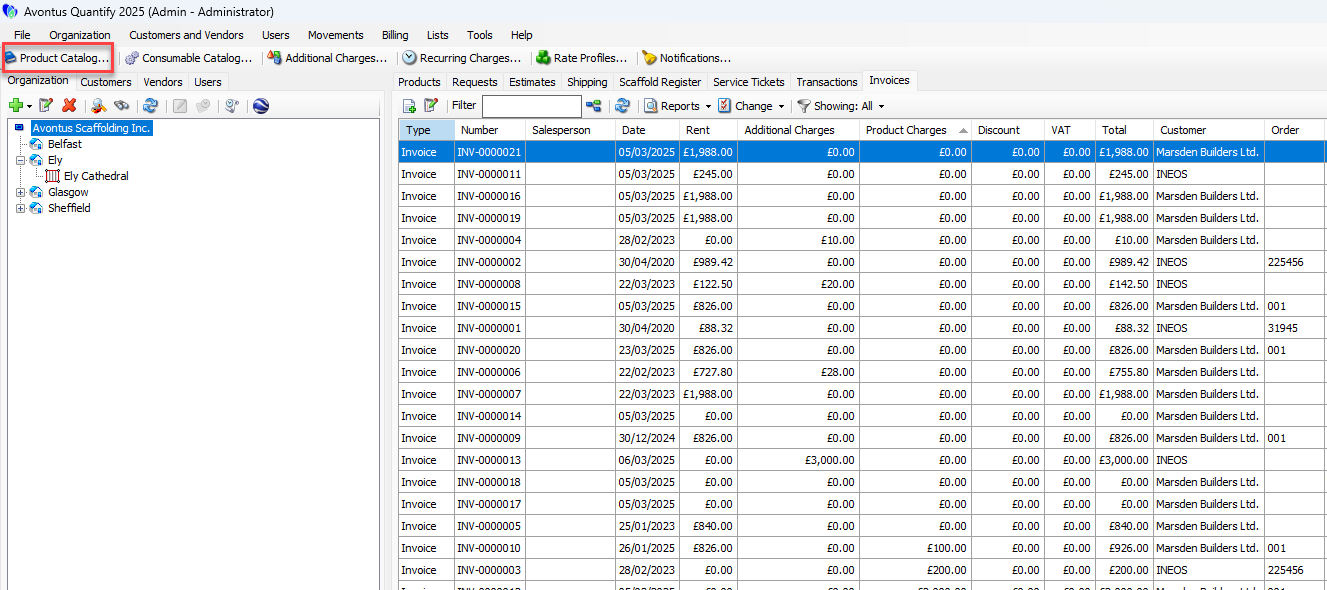 The Product Catalog appears.
 - Click the Import dropdown and select Overwrite Costs.
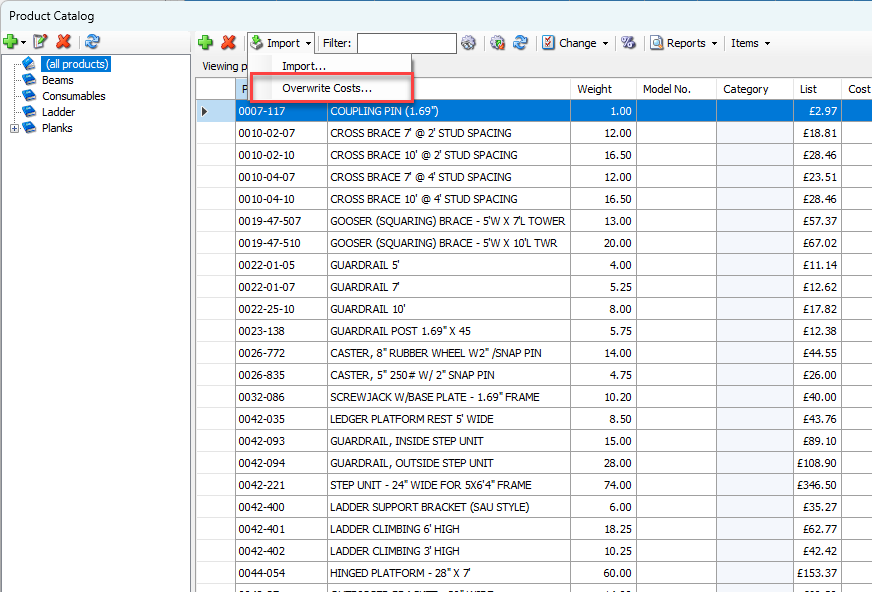
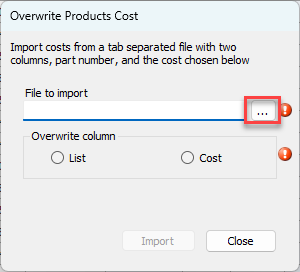
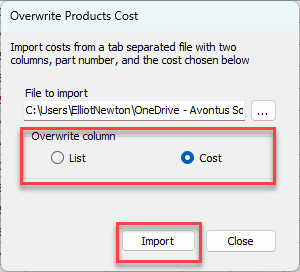
The Overwrite Products Cost dialog appears. - Click the Import button (
 ).
).
The Overwrite Cost for Text File dialog appears.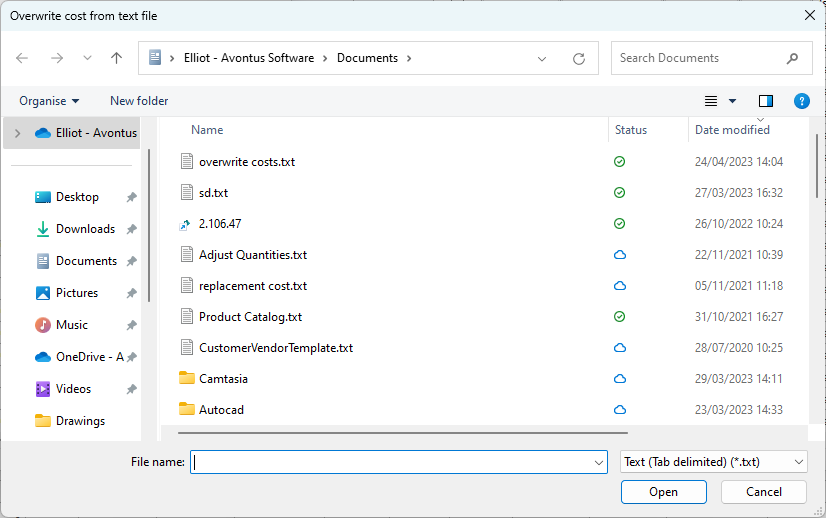
- Locate and select the appropriate file and click Open.
The Overwrite Products Cost dialog returns. - Click the appropriate Overwrite Column radio button: List or Cost. This determines whether Quantify updates the list or cost data.
- Click Import.
Quantify adds the updated cost information to the Product Catalog for each part in the tab-delimited text file.