If you see the below message, you will need to enable public access on the Azure portal.
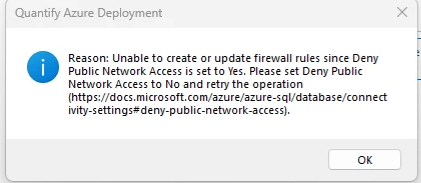
To do this:
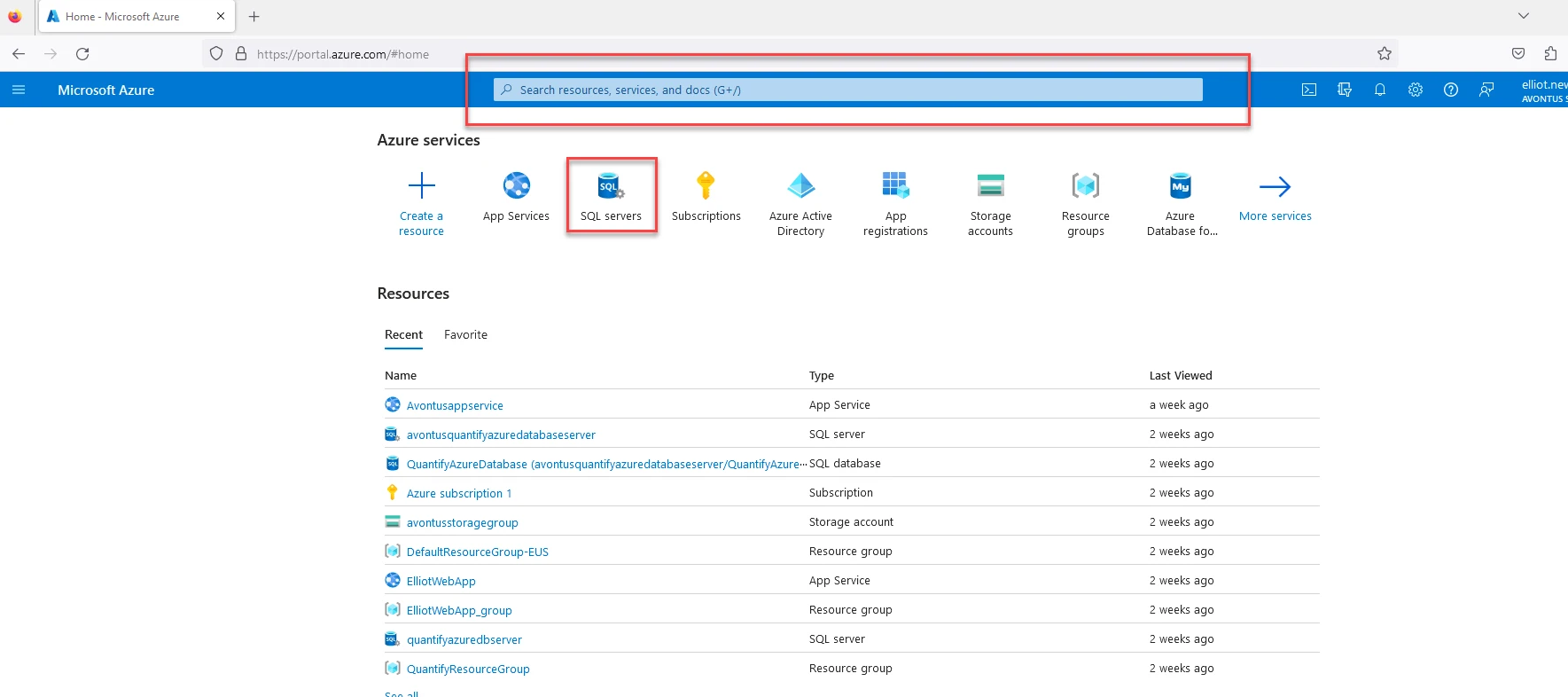
1. Access your SQL server by selecting SQL Server under Azure Services or typing "SQL Server" into the search bar.
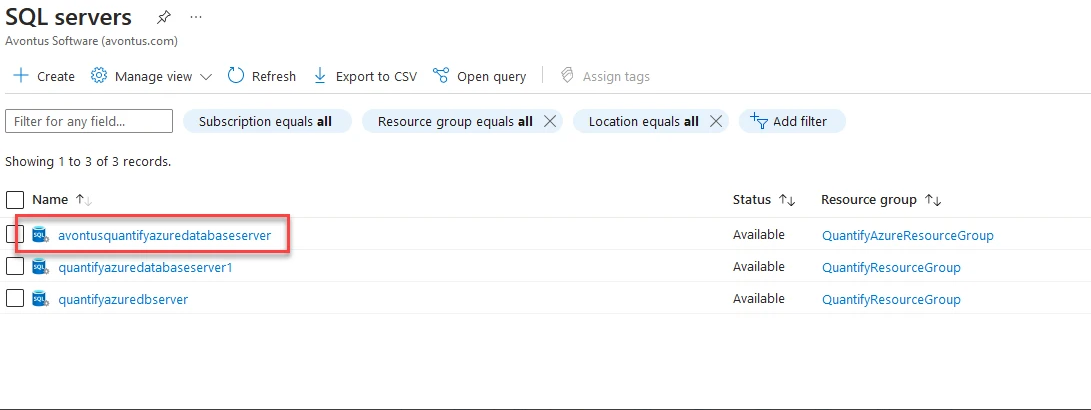
2. Select your SQL Server.
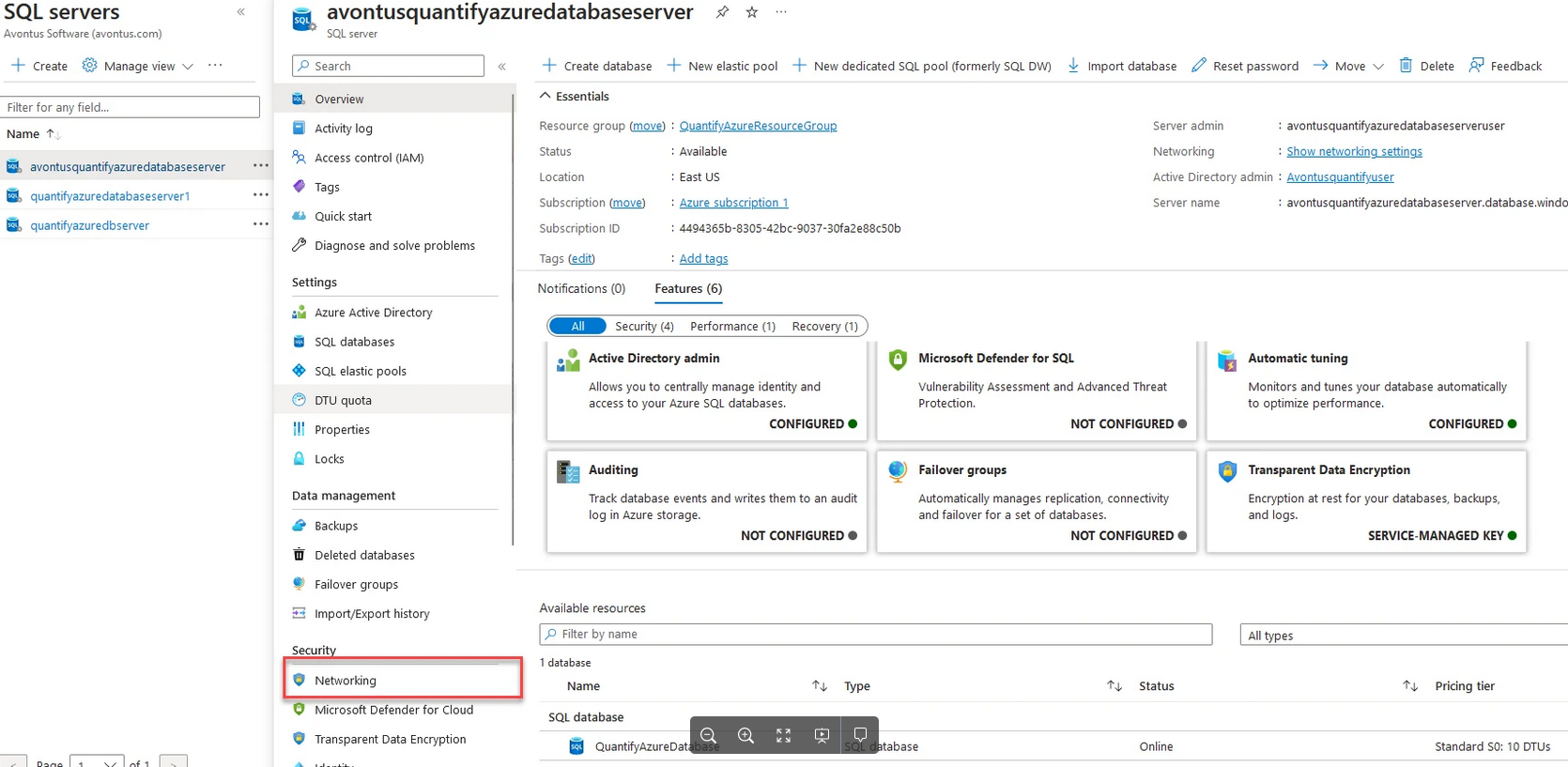
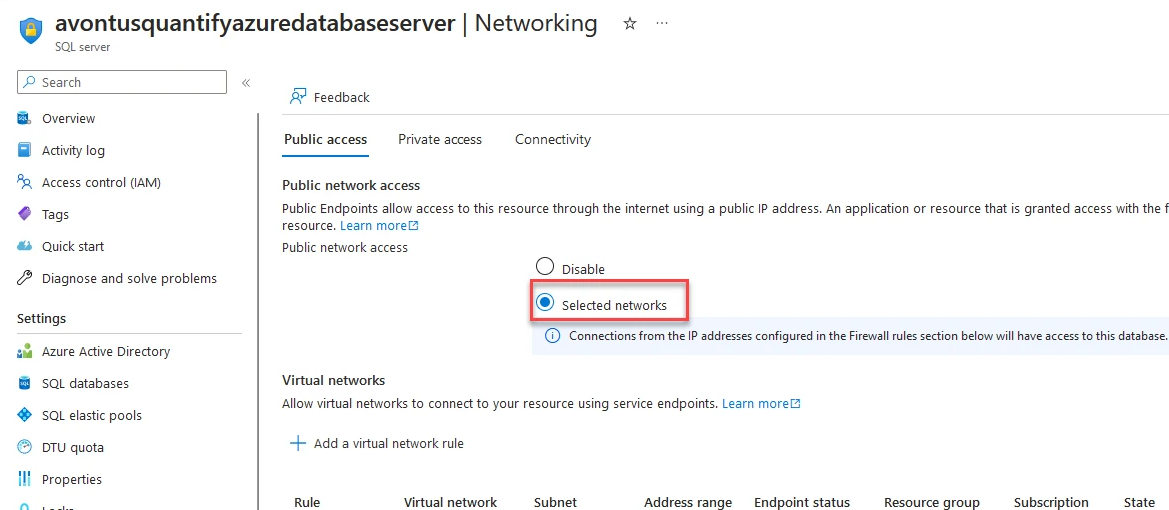
3. Select Networking.
4. Ensure Selected Networks is selected under Public Network Access.
Return to the Updating Allow Access from Azure Services article.