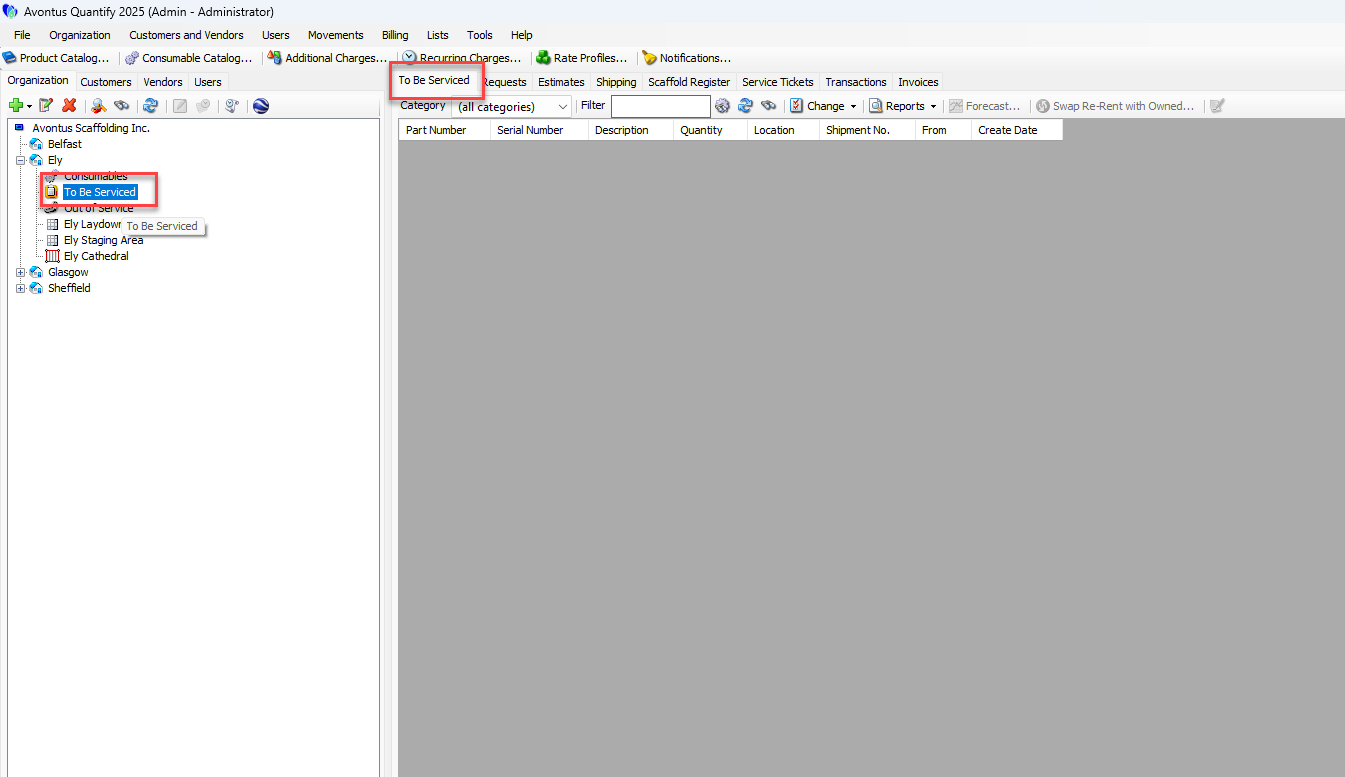
Servicing is enabled individually for each Branch Office that will service Products. This feature can be enabled at any time. Once the Servicing feature has been enabled, it cannot be disabled if any products are in the To Be Serviced queue.
To enable servicing for a Branch Office:
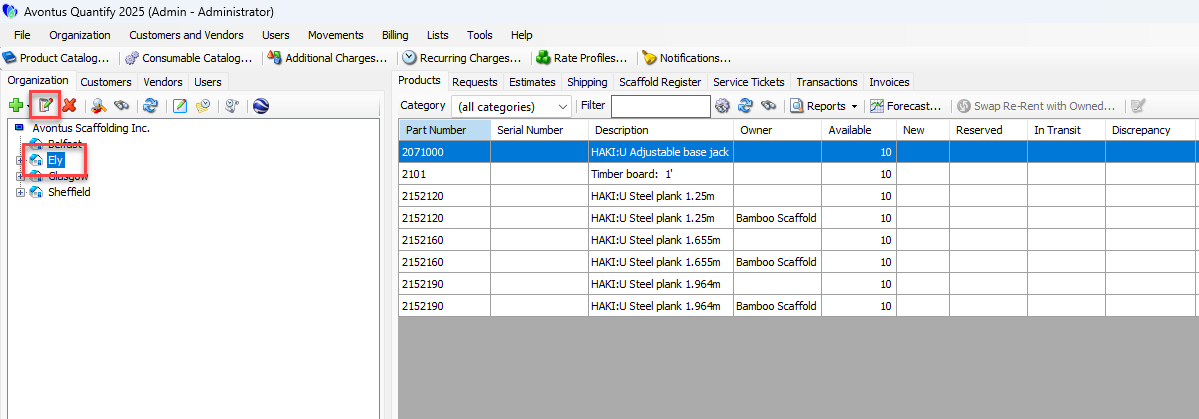
Locate and click the appropriate Branch Office, then click the Edit Selected Item button (
 ).
).
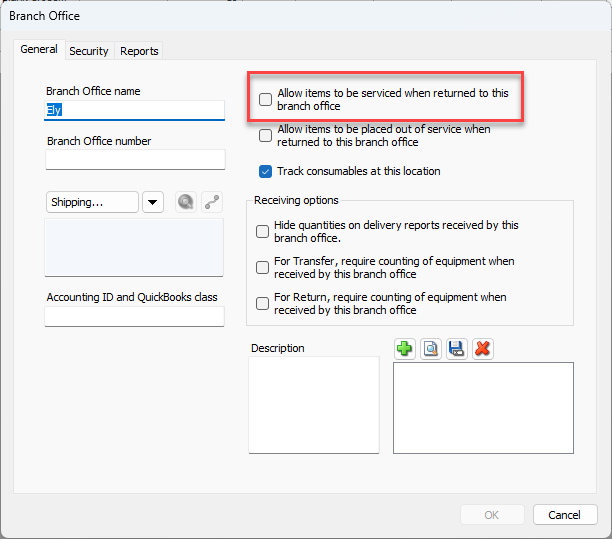
The Branch Office dialog appears.Click the Allow Items to be serviced when returned to this branch office check box (to put a check in it).
Click OK.
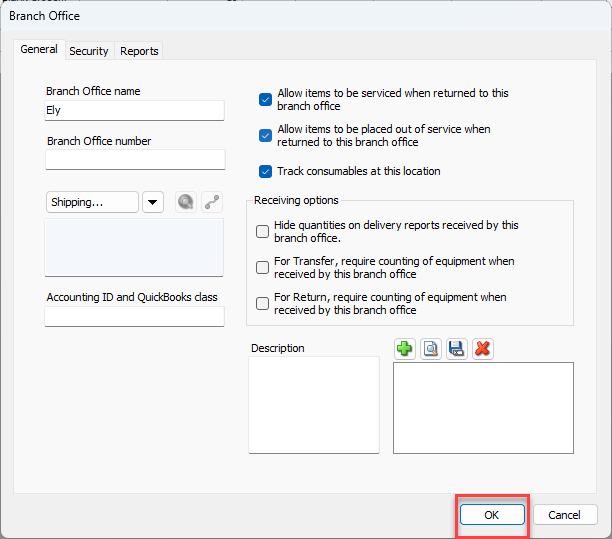
This adds a To Be Serviced node to the Branch Office.
Users can now view Products in the To Be Serviced queue by clicking the To Be Serviced node and the To Be Serviced tab.