Once the Servicing feature has been enabled (in the General tab of the Global Options dialog), the Product Catalog displays additional fields. You can click the Service checkbox for Products that will always require servicing when returned from a job. This sets the default value for the Service checkbox on the return New Direct Ship dialog for that Product. When the shipment is completed, Quantify moves the Product to the To Be Serviced queue for servicing.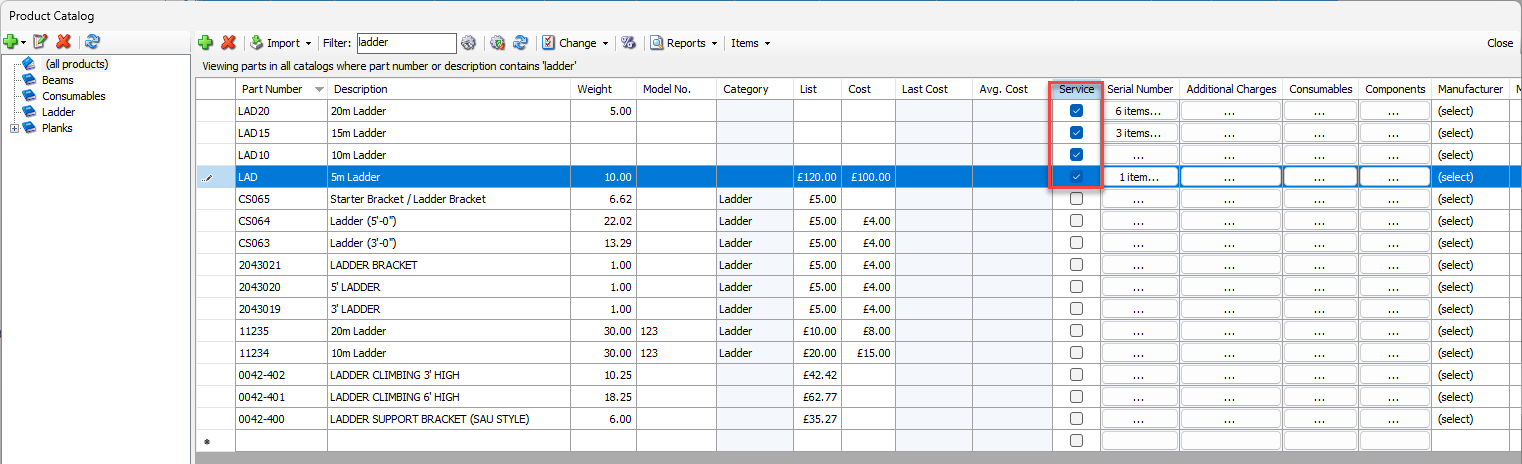
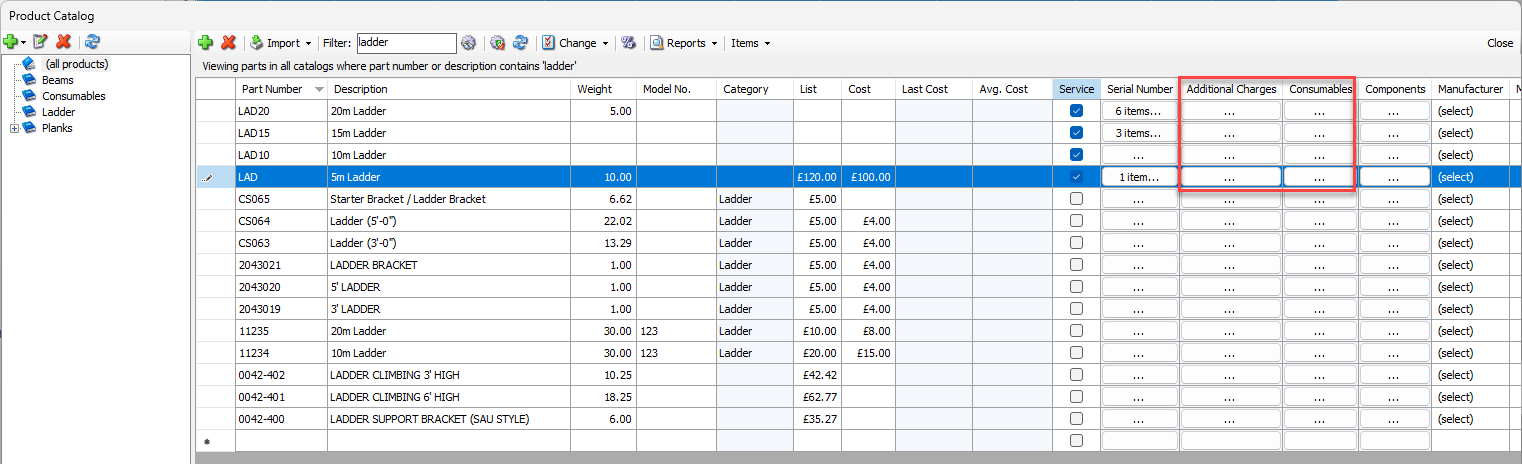
You can use the Additional Charges and Consumables buttons to set up and automatically associate Additional Charges and Consumables items to Service Tickets for Products at servicing.