Estimate reports can be customized, adding a custom note, adding signature lines, as well as customizing the report footer. These customizations are set on the Reports tab in the Global Options dialog.
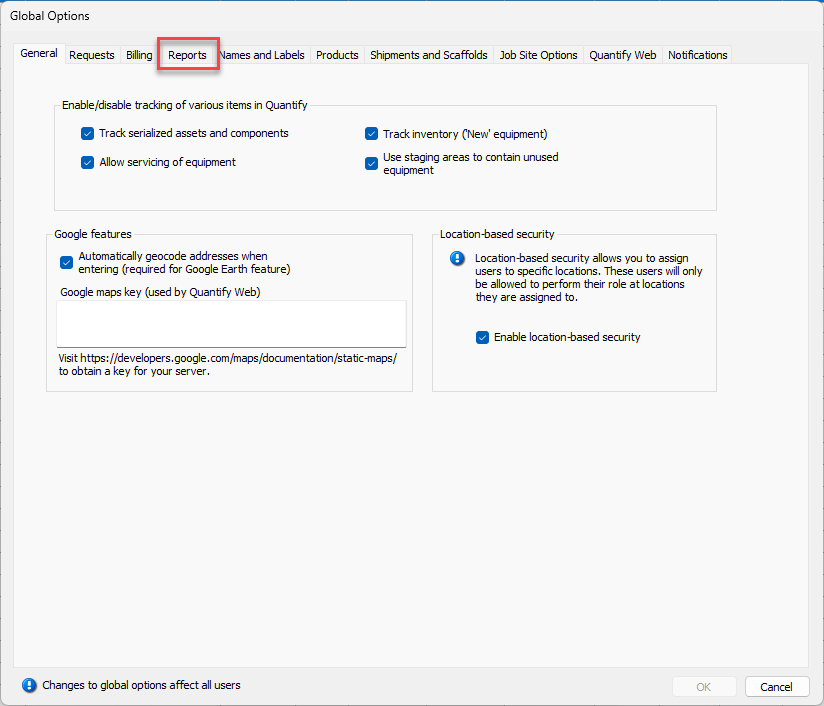
To customize Estimate reports:
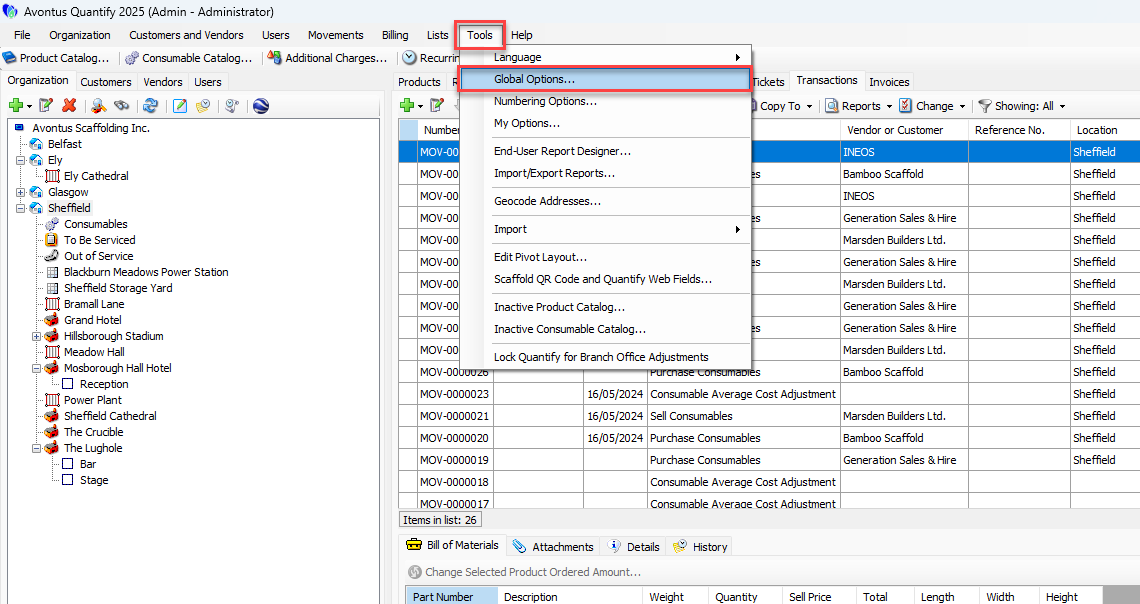
Click the Tools menu and select Global Options .
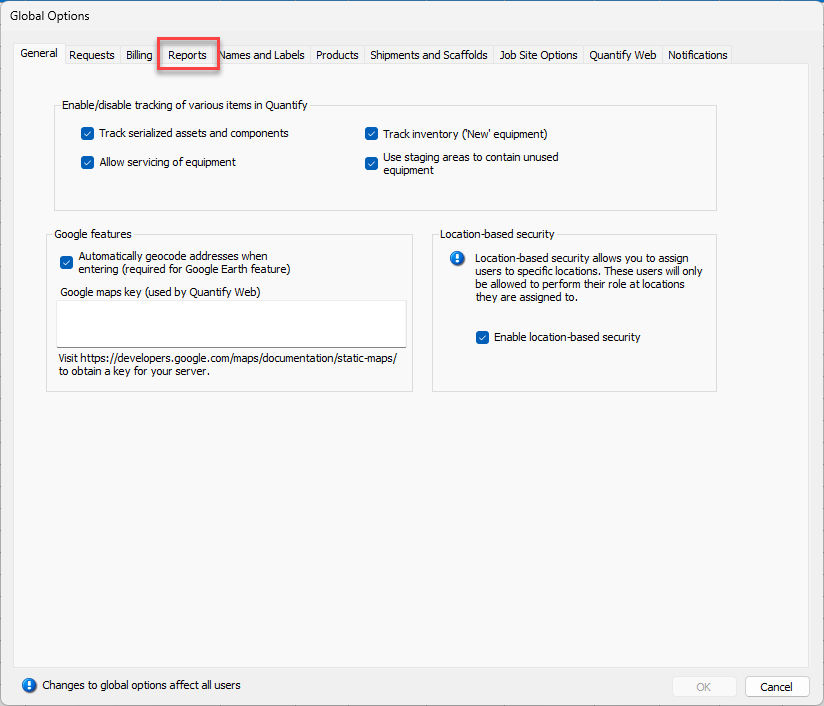
The Global Options dialog appears.Click the Reports tab.
To add custom terms to all Estimate reports, click the Estimate and sell trans. terms
 button.
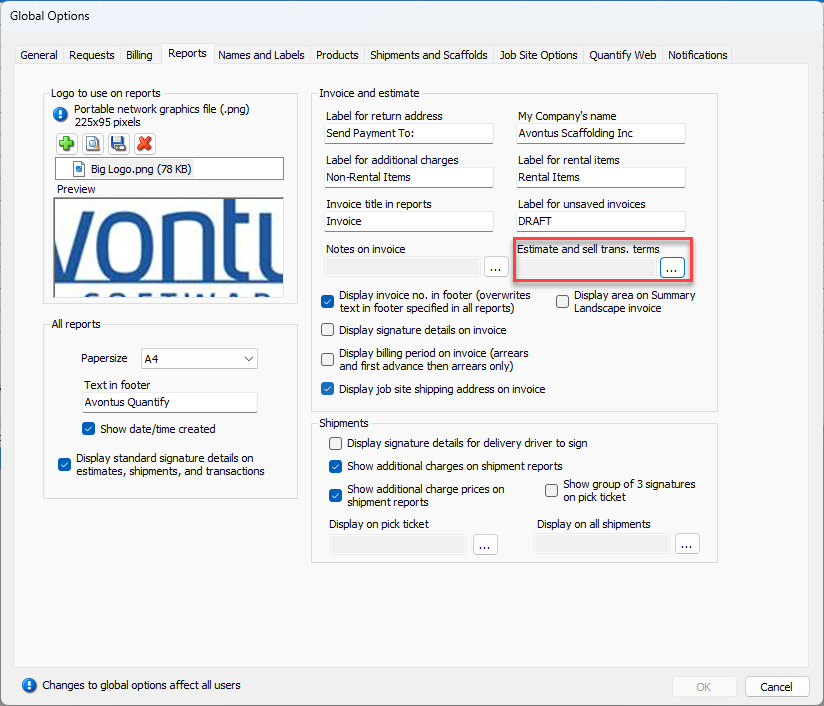
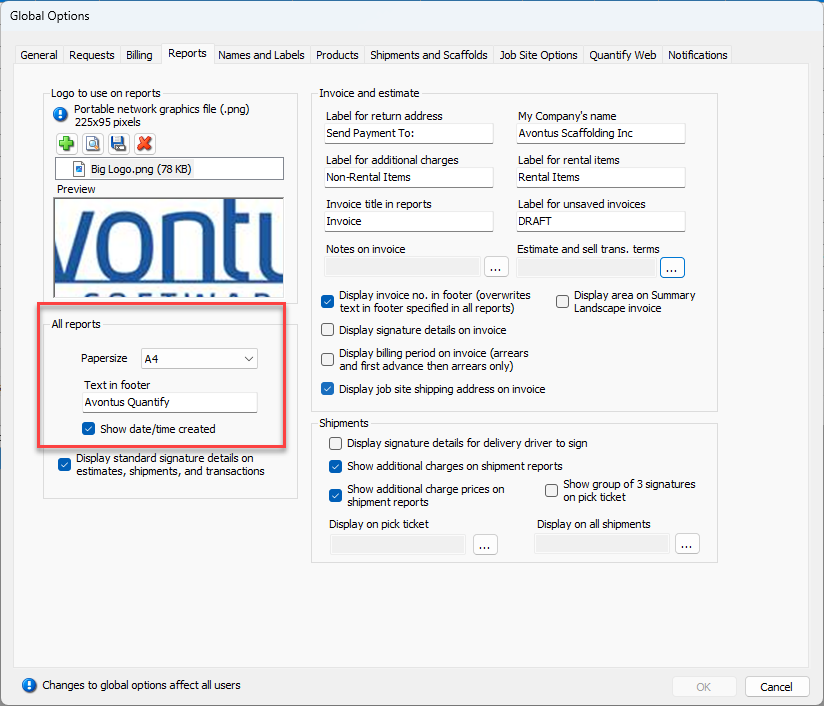
To edit the text that appears in the footer of all reports, click in the Text in footer text box
To include the date/time the Estimate is created, click in the Show date/time created checkbox, so that the box is checked.
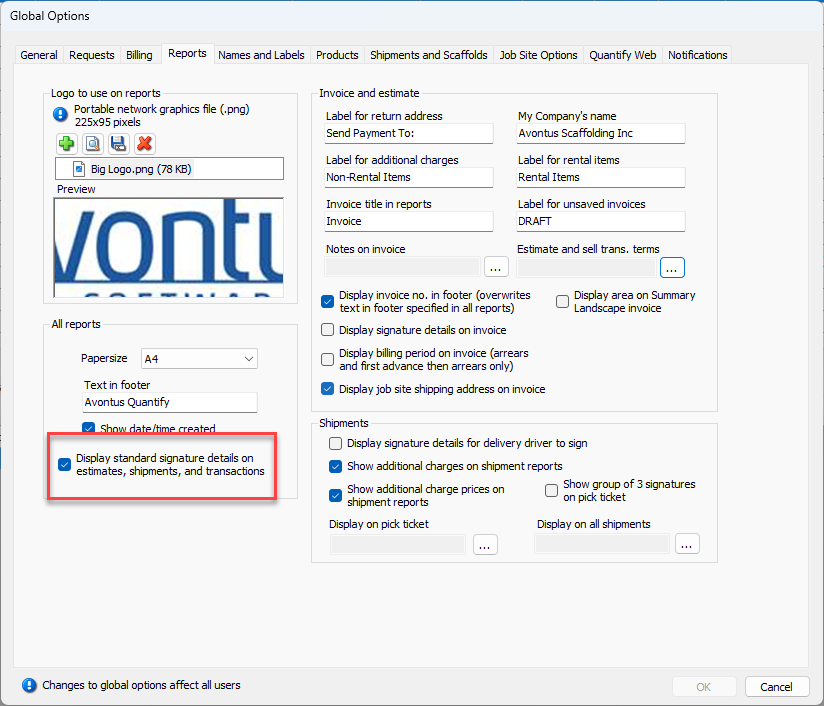
To include signature lines on Estimates, click in the Display standard signature details on estimates, shipments, and transactions checkbox, so that the box is checked.
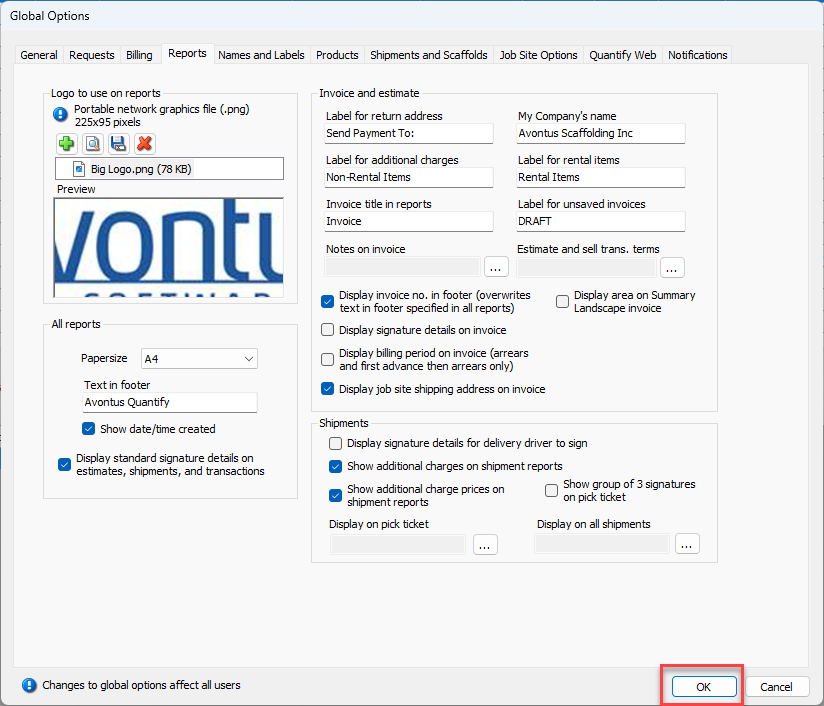
Click OK.
Estimate reports will apply the customization set in the Global Options dialog.