Avontus Designer generates files you can use as Quantify Web attachments (.sdweb extension). Once generated, you can attach the file to Quantify entities( such as Estimates, Job Sites, etc.) and view it in Quantify Web.
Note: Before you begin, you will need to save the drawing.
To export a drawing to a Quantify Web file:
Open the drawing you want to export and click the Home tab.
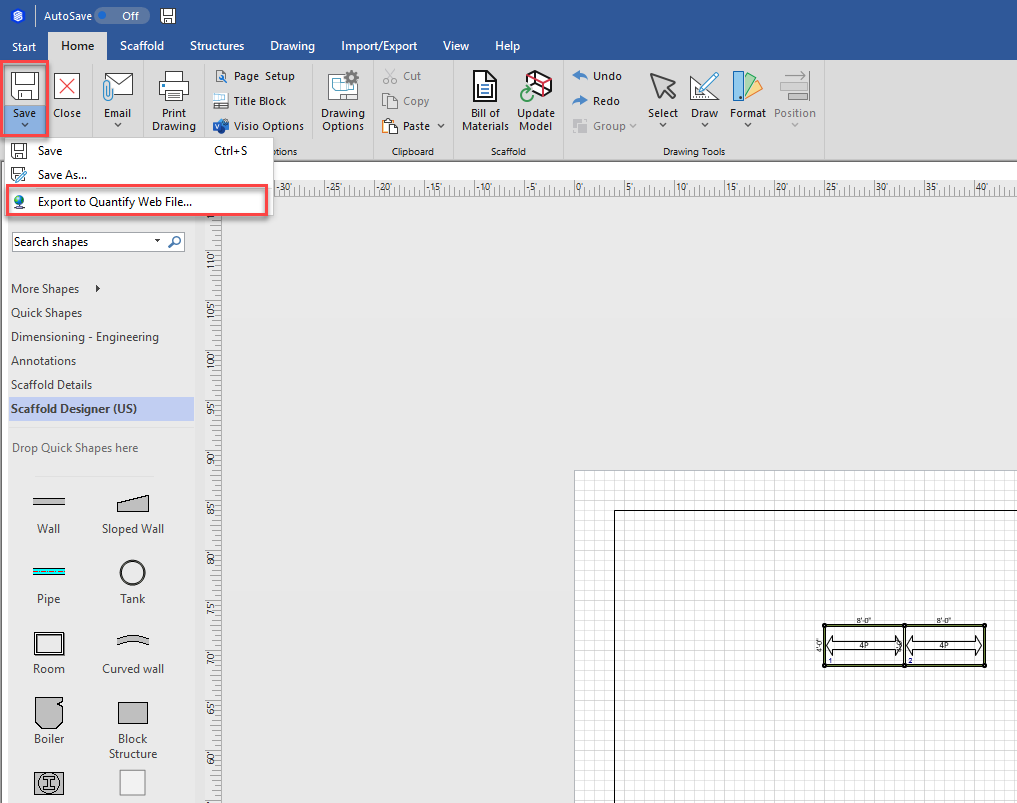
Click Save and select Export to Quantify Web File.
The Quantify Web File dialog appears.
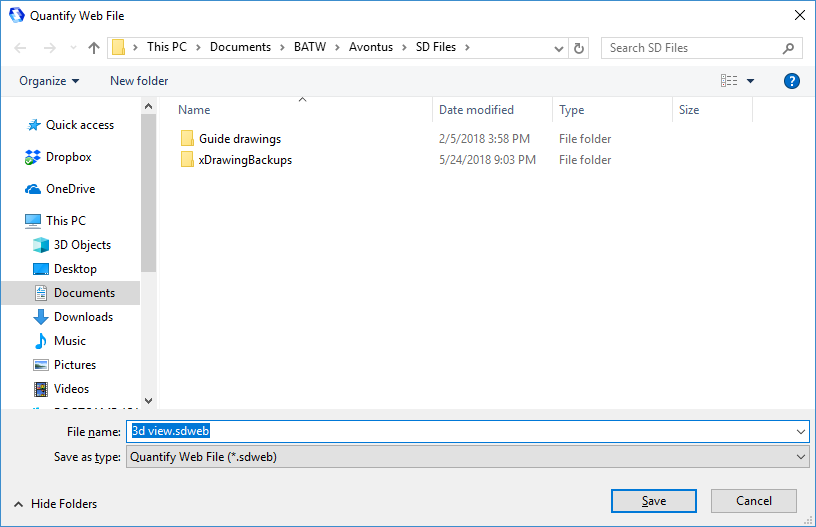
Navigate to the folder into which you want to save the file and click Save,
Avontus Designer generates the files and saves it into the folder.