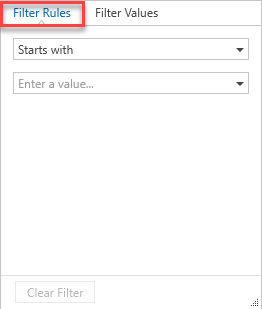
The Filter Rules section allows you to specify conditions on a selected column. The request or scaffold will only be displayed in the table if the content matches the specified condition. These conditions could be to only show scaffolds created after a certain date.
You can access the Filter Rules tab by selecting Filter Rules in the column filtering dialog.