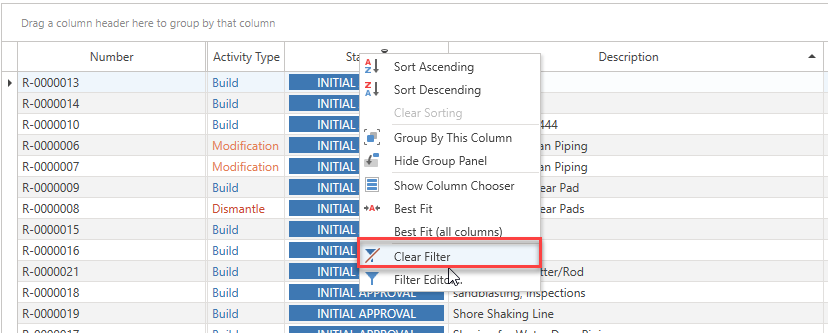
It is also possible to filter a column on the Requests, Scaffolds, Activities, Users, and Notifications screens.
On each column, next to the column heading, is a small key-like icon that allows you to filter results on that column.
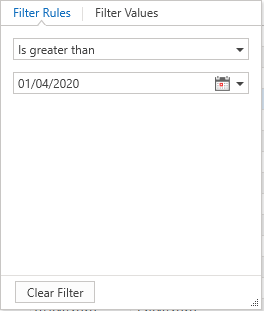
This will bring up a small window where you can select to filter on a value or by creating some filter rules.
When a column is being filtered, a little key icon will appear to the right of the column heading. This is so you are aware of which column is being filtered.