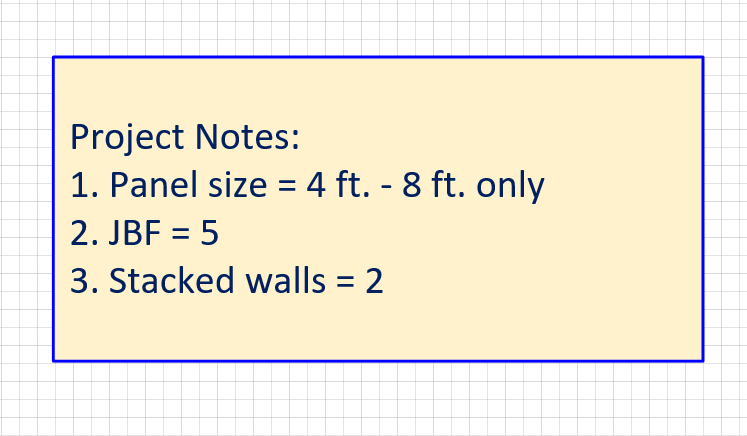
Handset Designer enables you to format text by changing the font, aligning the text or make other changes to the text.
To format text:
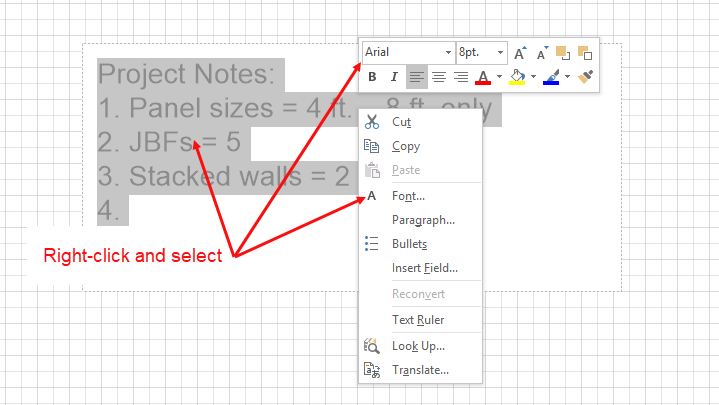
- Double-click the Text Box to select it.
- Right-click the highlighted text and select the appropriate changes from either the mini-toolbar or from the menu that appears.
- Click the Drawing Page to exit.
The Text Box reflects your changes.