Once you have added a Text Box to a drawing, you will want to update the text and may want to make other changes as well. The procedures below show you how to do that.
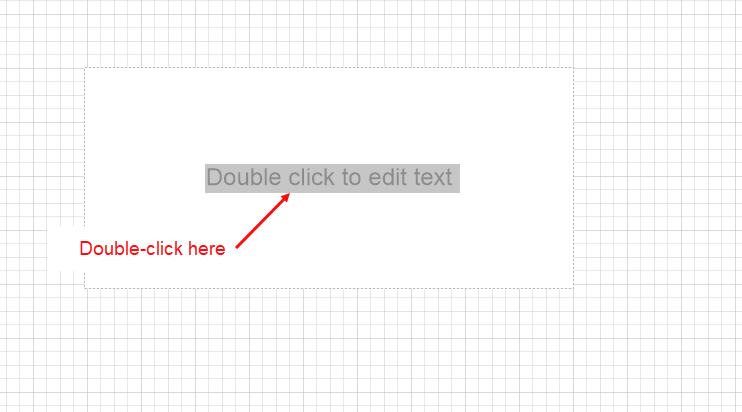
To edit the the text in a Text Box:
- Double-click the Text Box and enter new text.
- Click the Drawing Page to exit editing mode.
The Text Box displays your new text.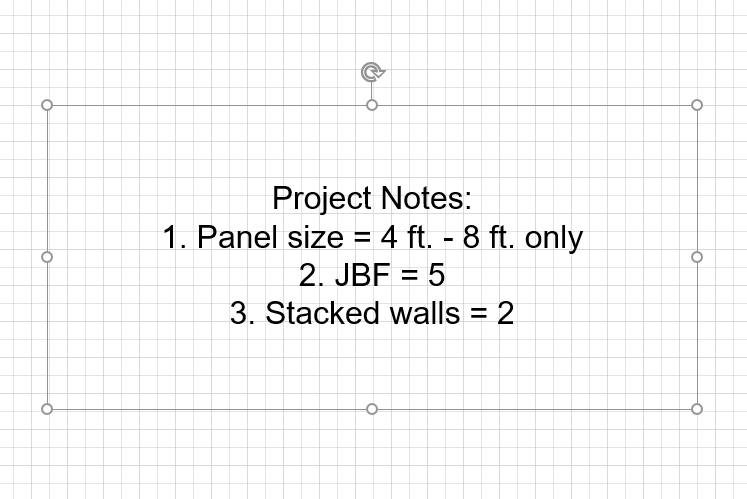
Note: If you delete all of the text, the Text Box disappears as well.