Panels and Fillers
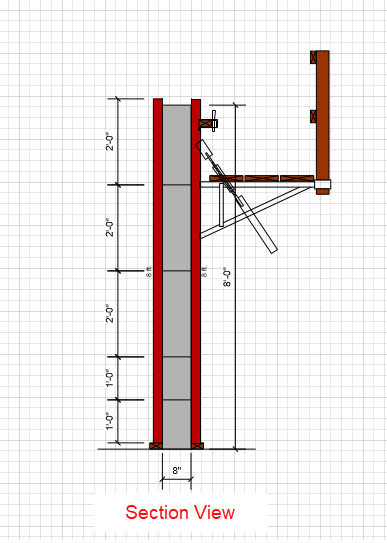
The primary component that Handset Designer uses to form your structures is called a Panel. A Panel is a fixed 24-inch long component that has various heights. Panels are indicated on the drawing with the capital letter P. Any Panel smaller than 24 inches is called a Filler, which is indicated on the drawing with the length in inches. You can tell Handset Designer what sizes you would like to use in the layouts. Refer to Formwork Sizes tab for more detail on selecting sizes.
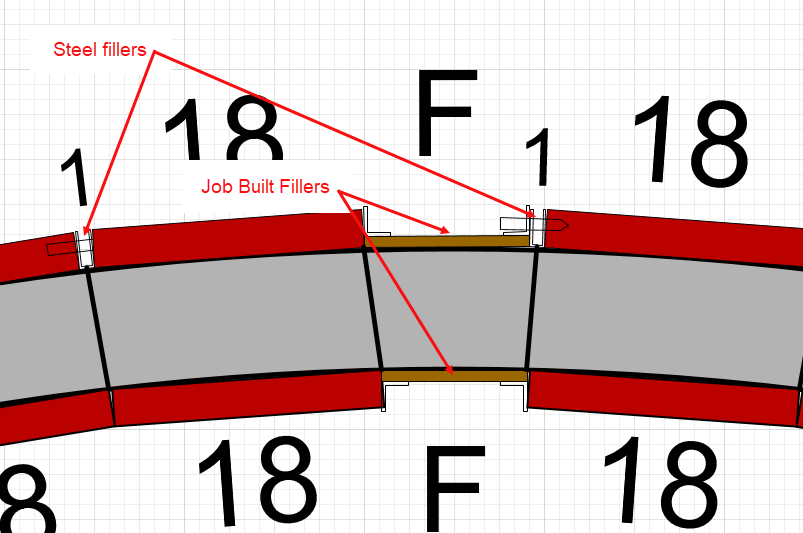
Steel Fillers are U-shaped steel Fillers and are manufactured to fill gaps in several increments of 1 in., 1.5 in. and 2 in. Handset Designer has the highest preference for U-Fillers and will design and draw using these parts to fill gaps. For gaps where these won't fit, Handset Designer will utilize several other methods. When Handset Designer needs a combination of two Fillers, it will place these Fillers on either side of a Panel, if possible. For example, a 2.5-inch space could be filled by a 1-inch Filler on one side and a 1.5-inch Filler on the other.
Fillers for Other Gaps
In situations where a U-filler won't fit (such as the outside of a corner angle or if you've opted not to design with Steel Fillers), Handset Designer will complete the Formwork drawing with fillers. There are two types of scenarios when Handset Designer fills these gaps:
In the first type of scenario Handset Designer creates a custom Filler using manufactured Filler angles and plywood, known as a Job Built Filler (JBF). These type of Fillers are used when the Filler gap is larger than the combination of the two Filler angles.
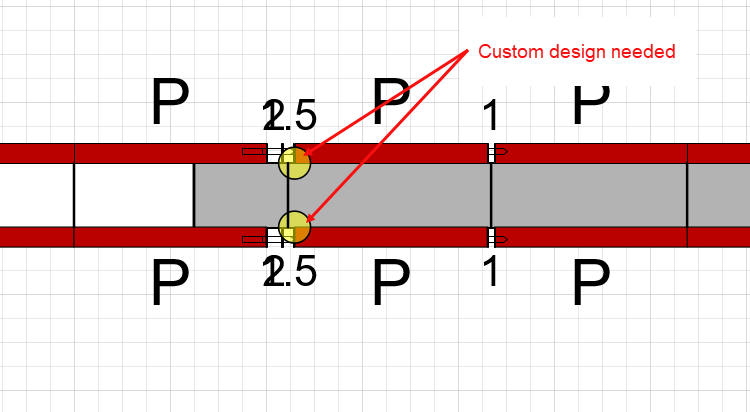
If the gap that needs to be filled is not in this range, Handset Designer will highlight the area in the form of small yellow circles, indicating that you need a custom solution.
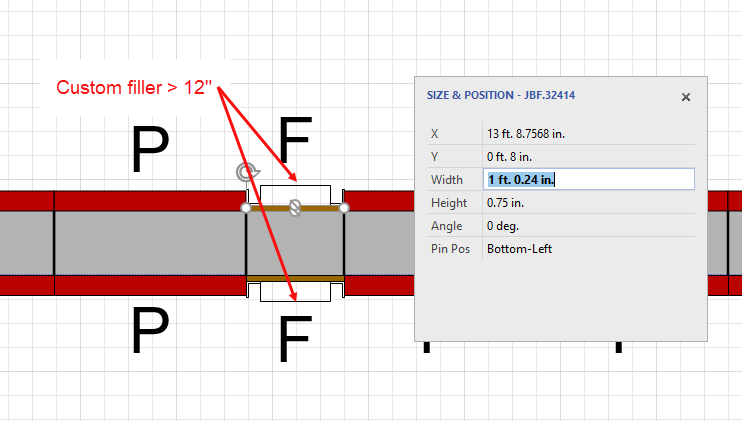
When a custom Filler is larger than 12 in., Handset Designer will include an additional rectangle outside the JBF shape, indicating that you need to add more design.
Corners
Two parts are needed to form corners, one for the inside of the corner and the other for the outside. When the corner is 90 degrees, Handset Designer uses a combination of a rigid inside corner (both faces of the inside corner angles are either 4 in. or 6 in.) and a rigid outside corner angle (2.5 in. x 2.5 in. steel angle). For angles that are not 90 degrees, Handset Designer will use either rigid or swivel inside and outside corner angles, depending on which is most efficient.
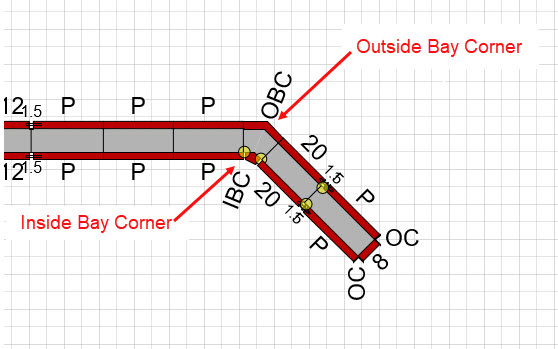
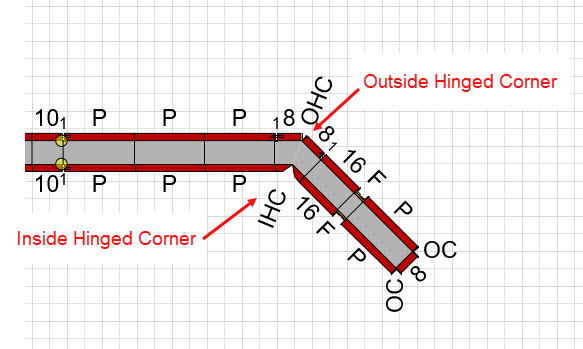
There are two corner hardware options for a Wall angle of 45 degrees. Handset Designer can complete this design using either rigid bay inside and outside corners (IBC and OBC), or hinged inside and outside corners (IHC and OHC). By default, Handset Designer will use rigid bay corners. The option to change the 45 degree corner hardware is located in the Formwork Design tab.
Heights
Handset Designer enables you to specify the differing heights of your parts and pieces. When a Wall height exceeds the height of components (for example, a 12-foot high Wall), multiple components will be used to fit this structure vertically. Using the default values in Handset Designer, a 12-foot high Wall would be designed with an 8-foot Panel on the bottom and a 4-foot Panel stacked directly above it. The combination of parts vertically is called a stackup. For information on heights and how to specify and use stackups, refer to Formwork Sizes tab.