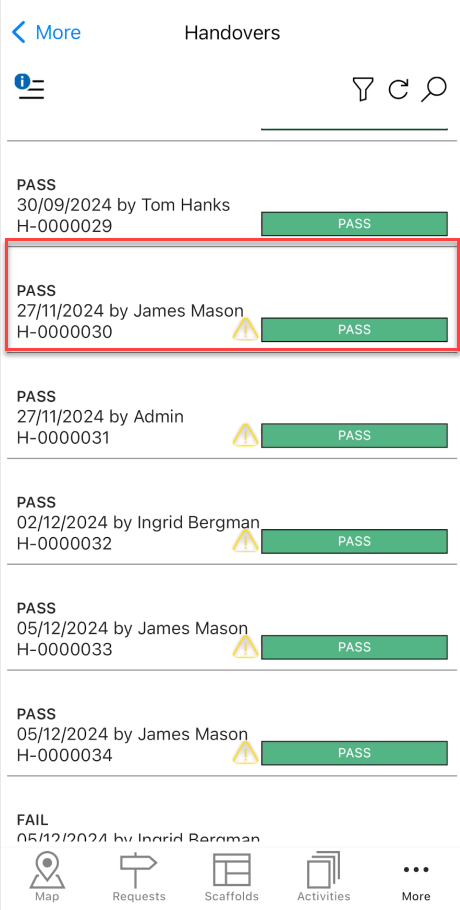
The Handovers screen provides an overview of all passed or failed Handovers. Whenever a scaffold's Handover is passed or failed you can find details of the scaffold handover here.
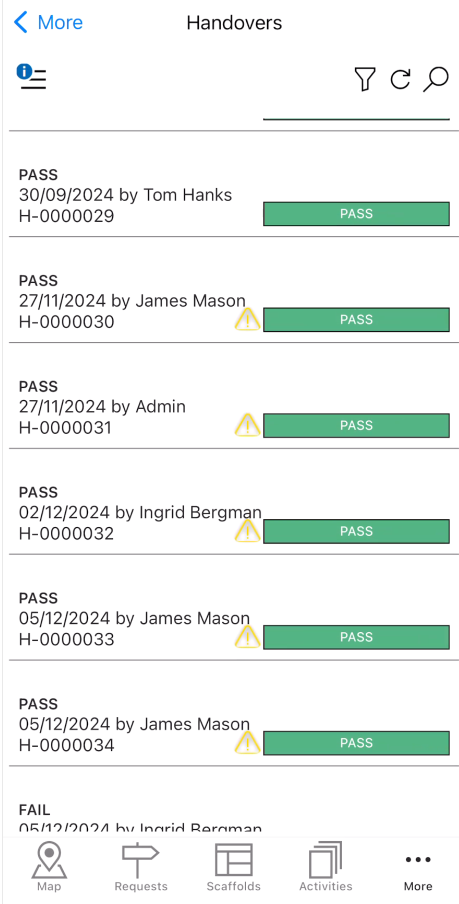
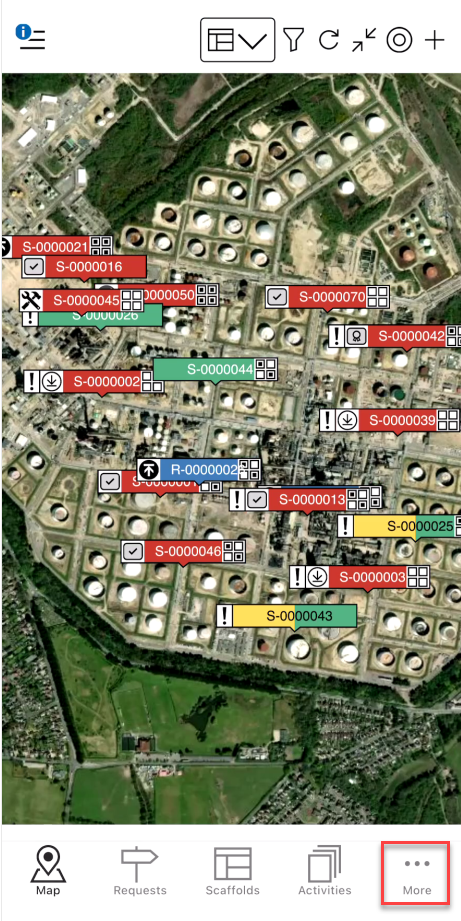
To access the Handovers screen
Tap More
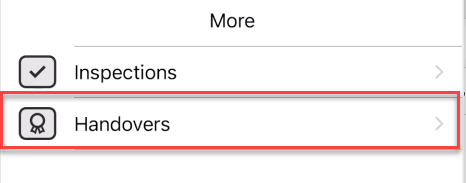
Tap Handovers
Tap a handover to open its details.
Here you can see the Handover details.
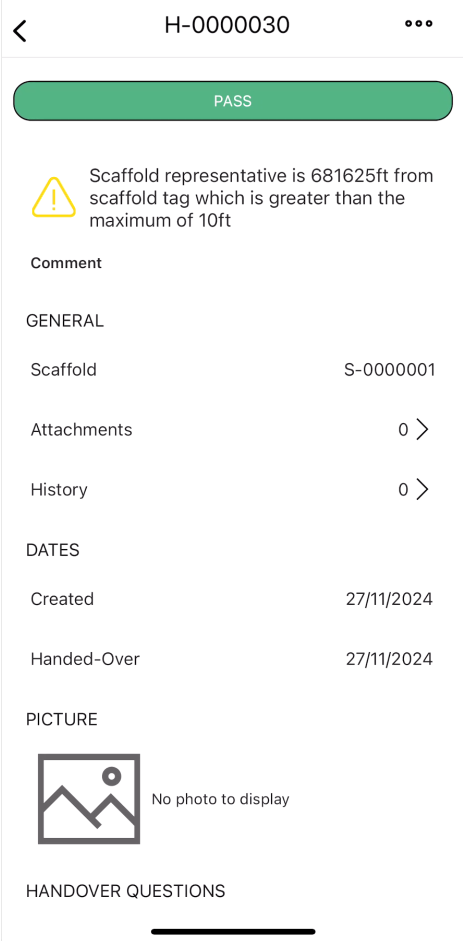
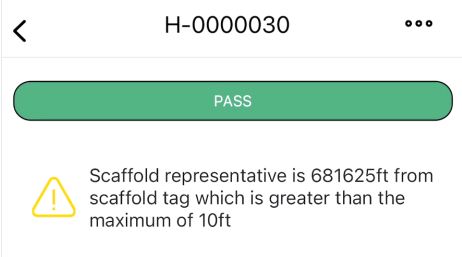
Result & warning info
See the result of the handover. You can also see whether the Scaffold representative performed the handover greater than the specified maximum distance.
Comment
Add a relevant comment that highlights the purpose of the handover.

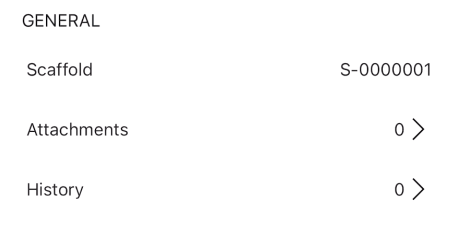
General
This section details the attachments and the history of the handover.
Scaffold - The scaffold undergoing the handover.
Attachment - Any attachments linked to this handover.
History - The history of this handover.
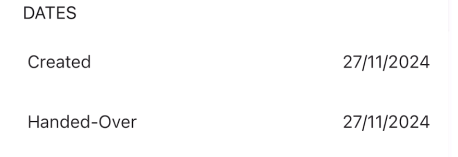
Dates
This section is for dates related to the handover.
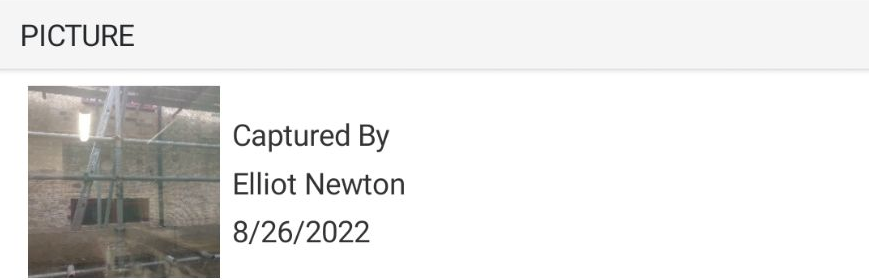
Scaffold Image
An image of the scaffold.
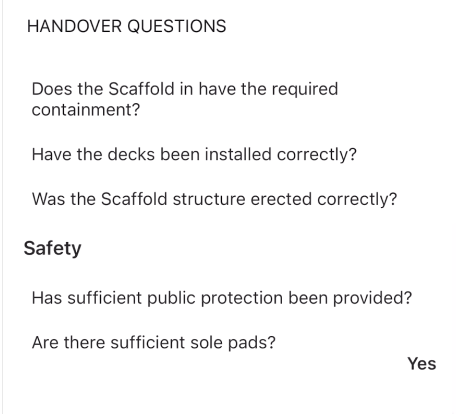
Handover Questions
The answers to the Handover questions as completed by the user completing the handover. You can create Handover questions on the Desktop, please visit Adding a Handover Question
People
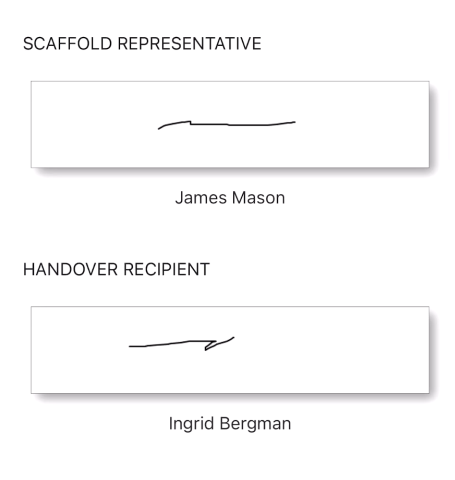
The people section shows the inspector assigned to the scaffold handover and provides a space for the handover to provide a signature.