Avontus Designer enables you to import an image into a drawing. Once in, you can resize it, rotate it, place anywhere in the drawing, etc.
To import an image from a file:
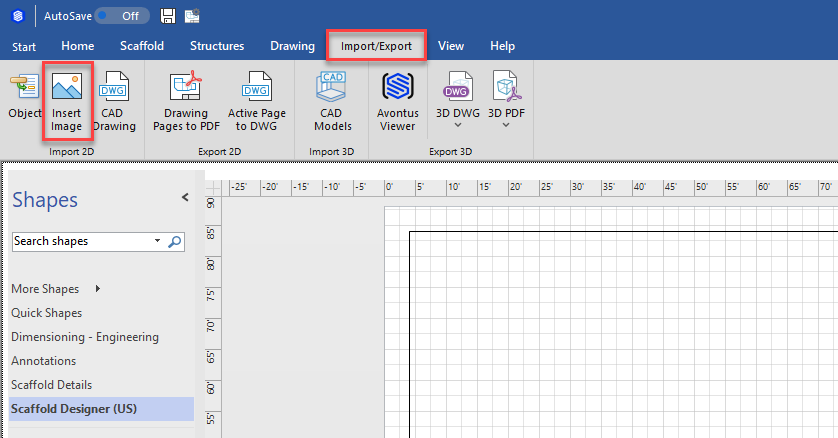
- Click the Import/Export tab, then click the appropriate item (Insert Image or CAD Drawing) in the Import group.
The Insert Picture dialog appears.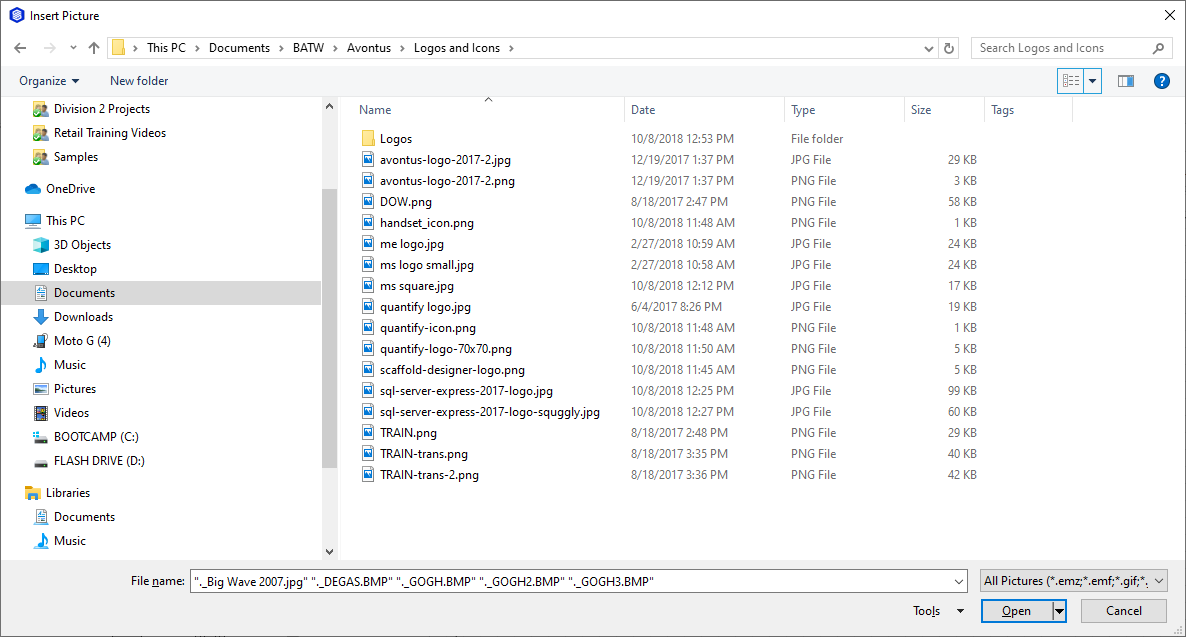
- Locate and select the appropriate file and click Open.
Avontus Designer adds the file to the current layer of your drawing as an image file.