You can import parts into an order using a txt delimited file which can be created using any database or spreadsheet application, such as Microsoft Excel.
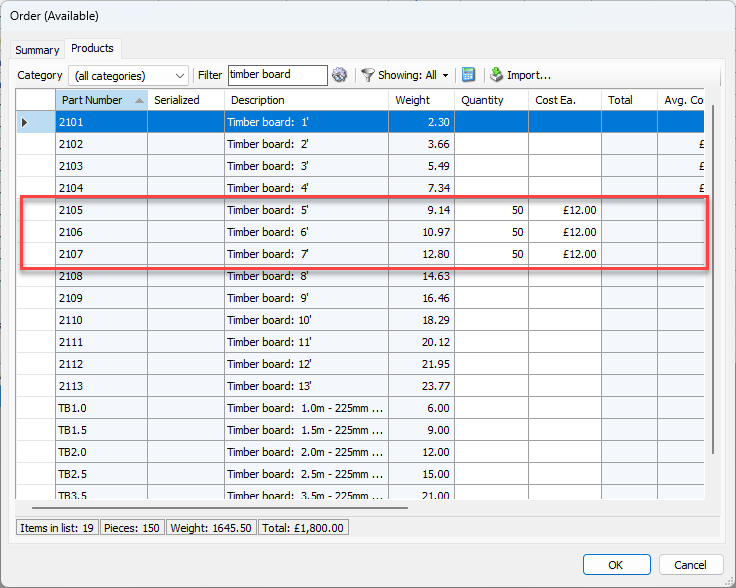
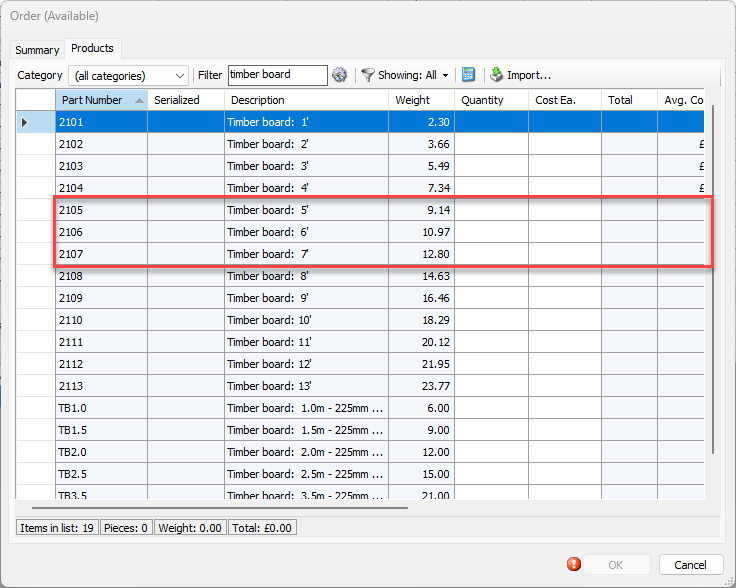
In this example, we are going to import the highlighted parts below into our order available transaction.
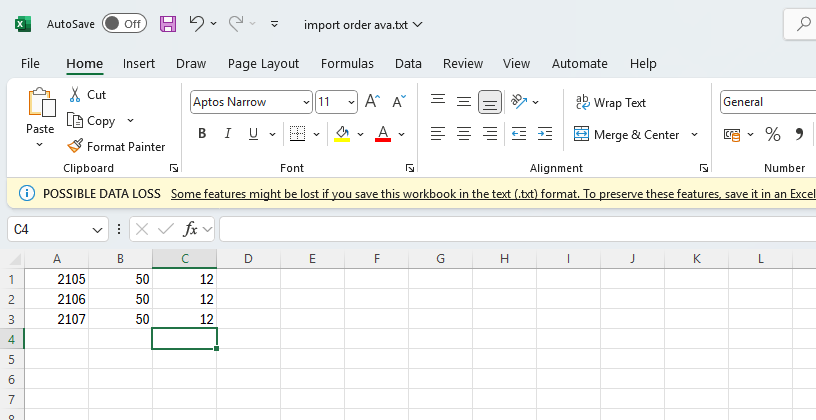
To do this, start with a Mircosoft Excel document which contains the part number, quantity, and cost of each part you wish to import.
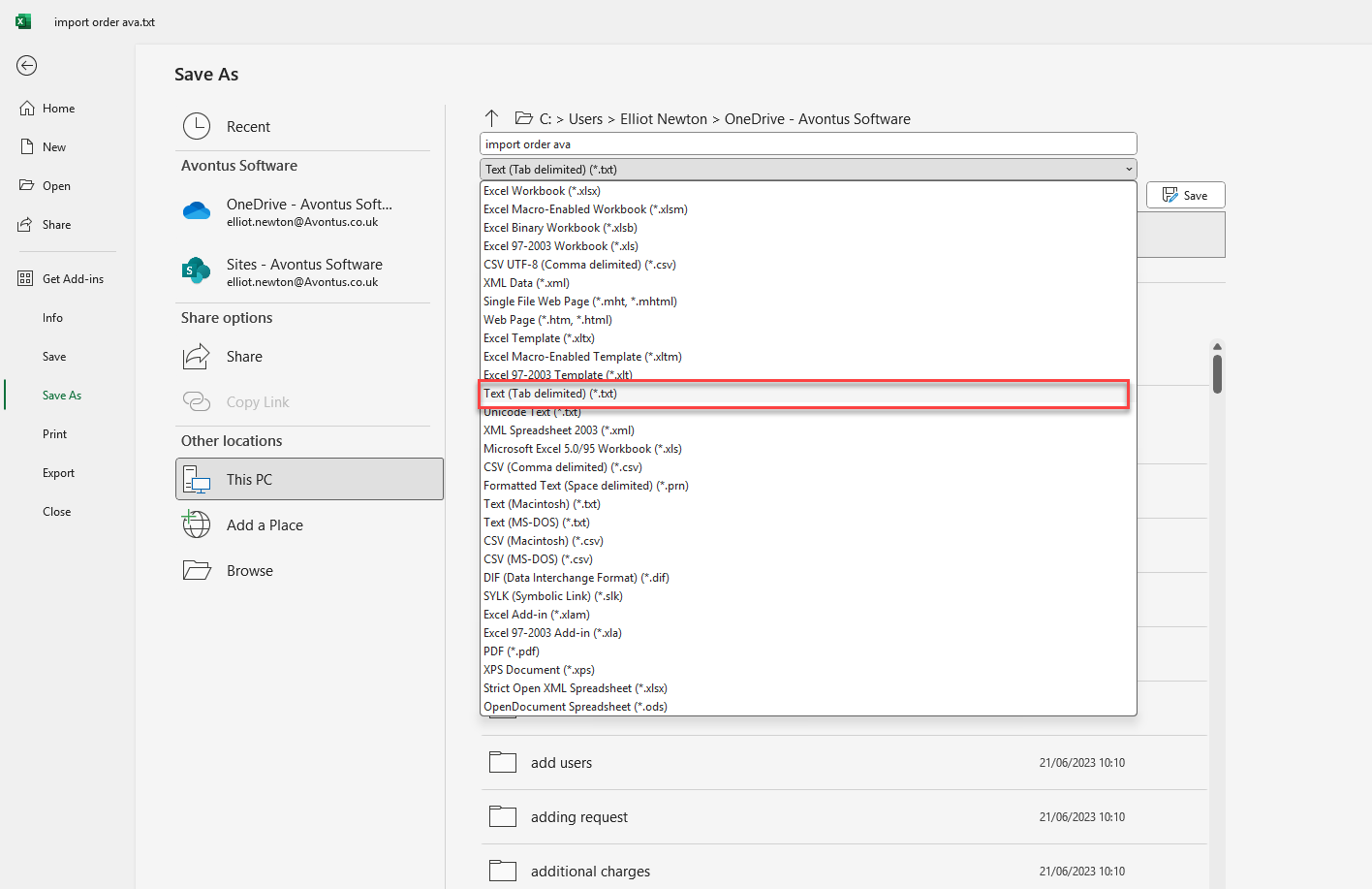
Save the file as a text (tab-delimited) txt file.
In Quantify, create your Order Transaction. In this example, we are performing an Order Available transaction.
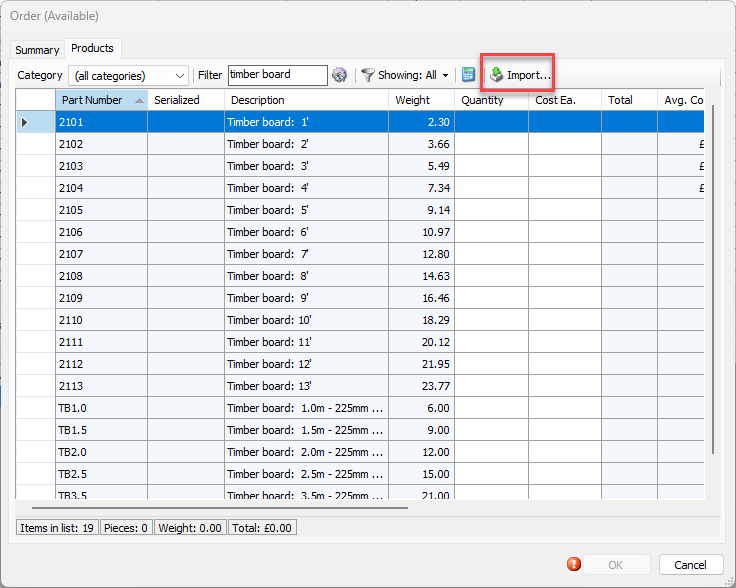
Select Import in the Products tab.
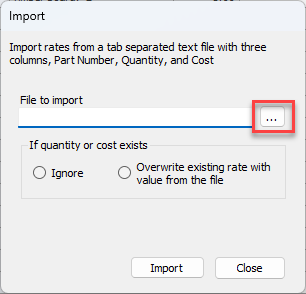
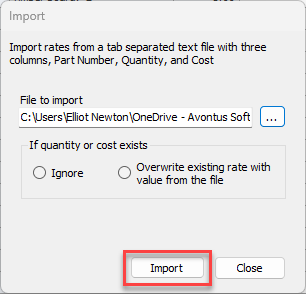
In the Import dialog, select … to import a file
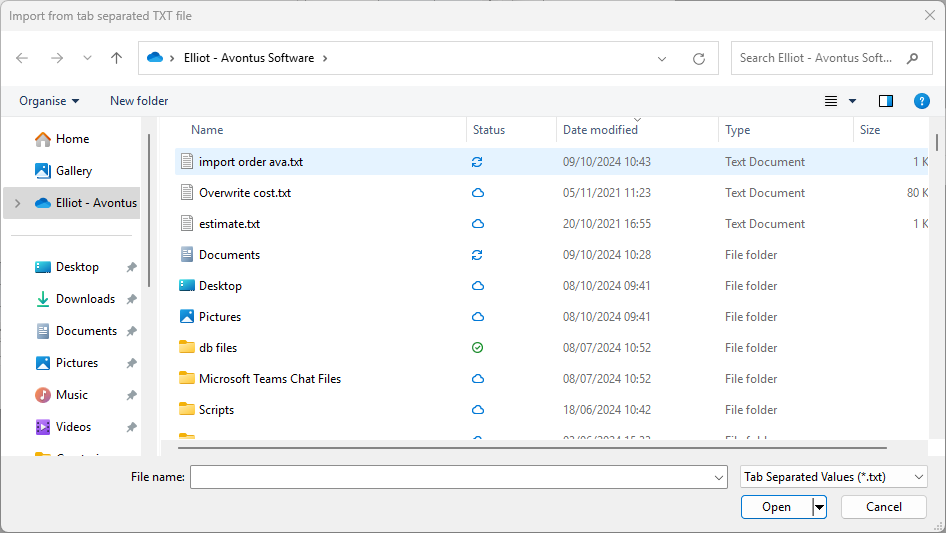
Select and open the file you wish to import
Select whether you wish to ignore quantity or cost, or overwrite the current value with the value in the file
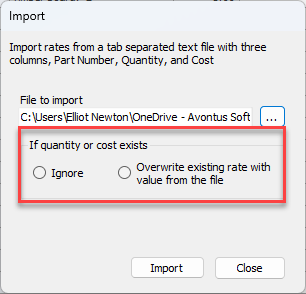
Click Import
The cost and quantity of the parts will be imported.