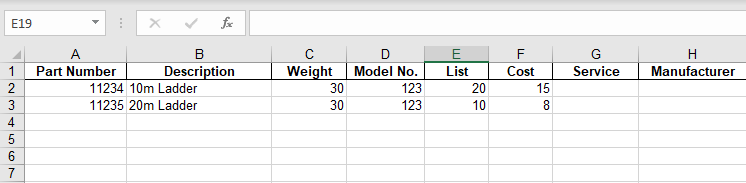
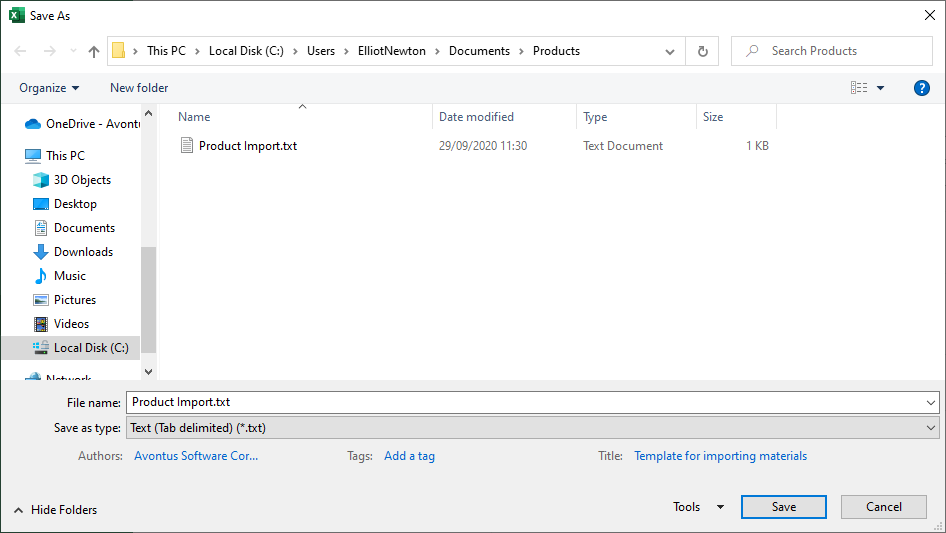
You can import Products, parts and materials into the Product Catalog via a file import, using the Product Import template supplied with Quantify. You will find the template here: Product Import Template.xls. Enter the appropriate products into the template and then save the file as a tab delimited text (*.txt) file.
To import products, parts and materials from a file:
Enter the necessary products into the Product Import Template and save it as a tab delimited text file.
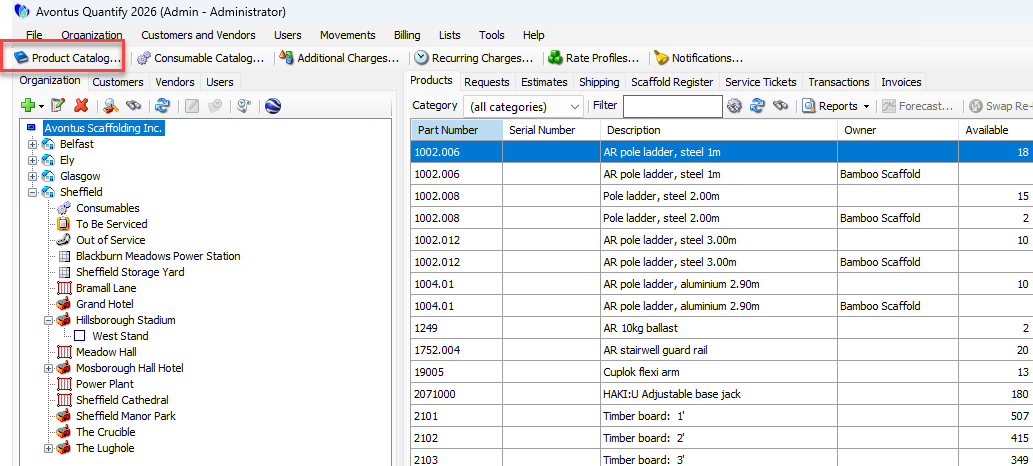
Click Product Catalog.
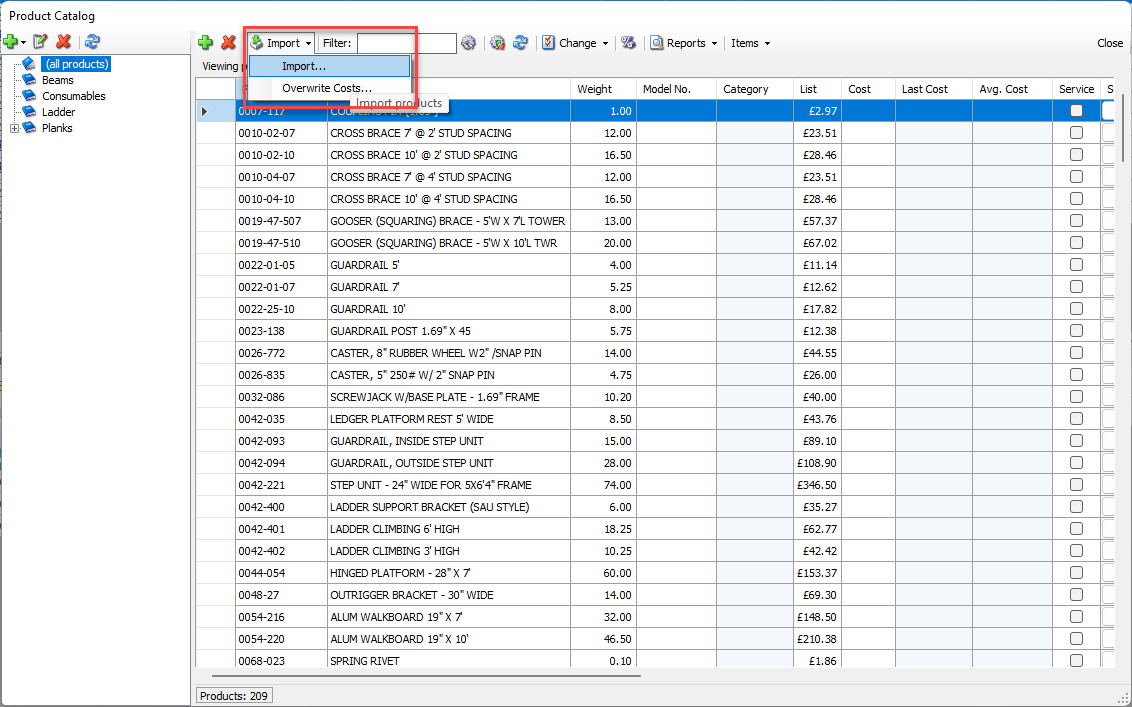
The Product Catalog appears.Click the Import dropdown and select Import.
The Import Products dialog appears.Click the Import button.
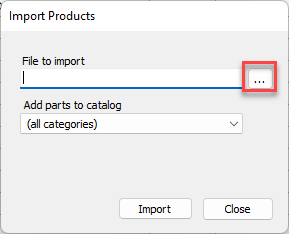
The Import From Text File dialog appears.
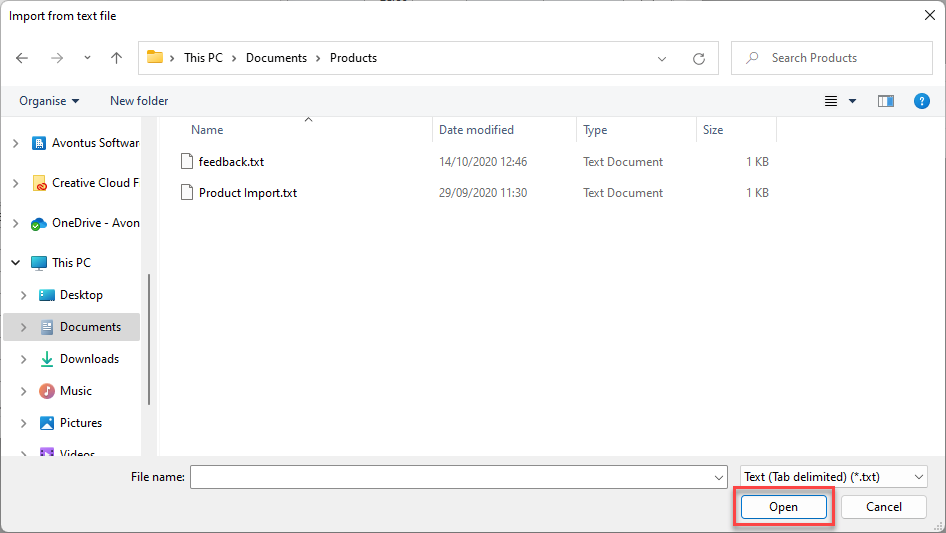
Navigate to the folder containing the file you want to import, click the file, then click Open.
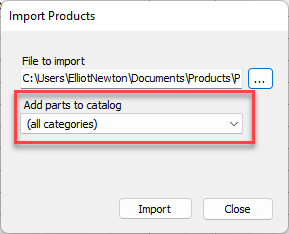
As necessary, click the Add Parts to Catalog dropdown and select the catalog category to add the parts to.
Click Import.
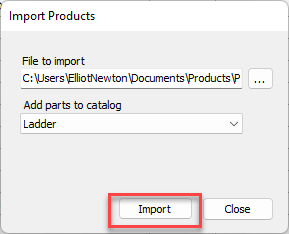
When the import completes, Quantify adds the imported items to the Product Catalog.