On the Scaffolds screen, you can inspect multiple scaffolds at once.
To do this:
On the Scaffolds screen, hold ctrl and select the Scaffolds you want to inspect.
Click Selected Scaffolds Need Inspection under Inspections
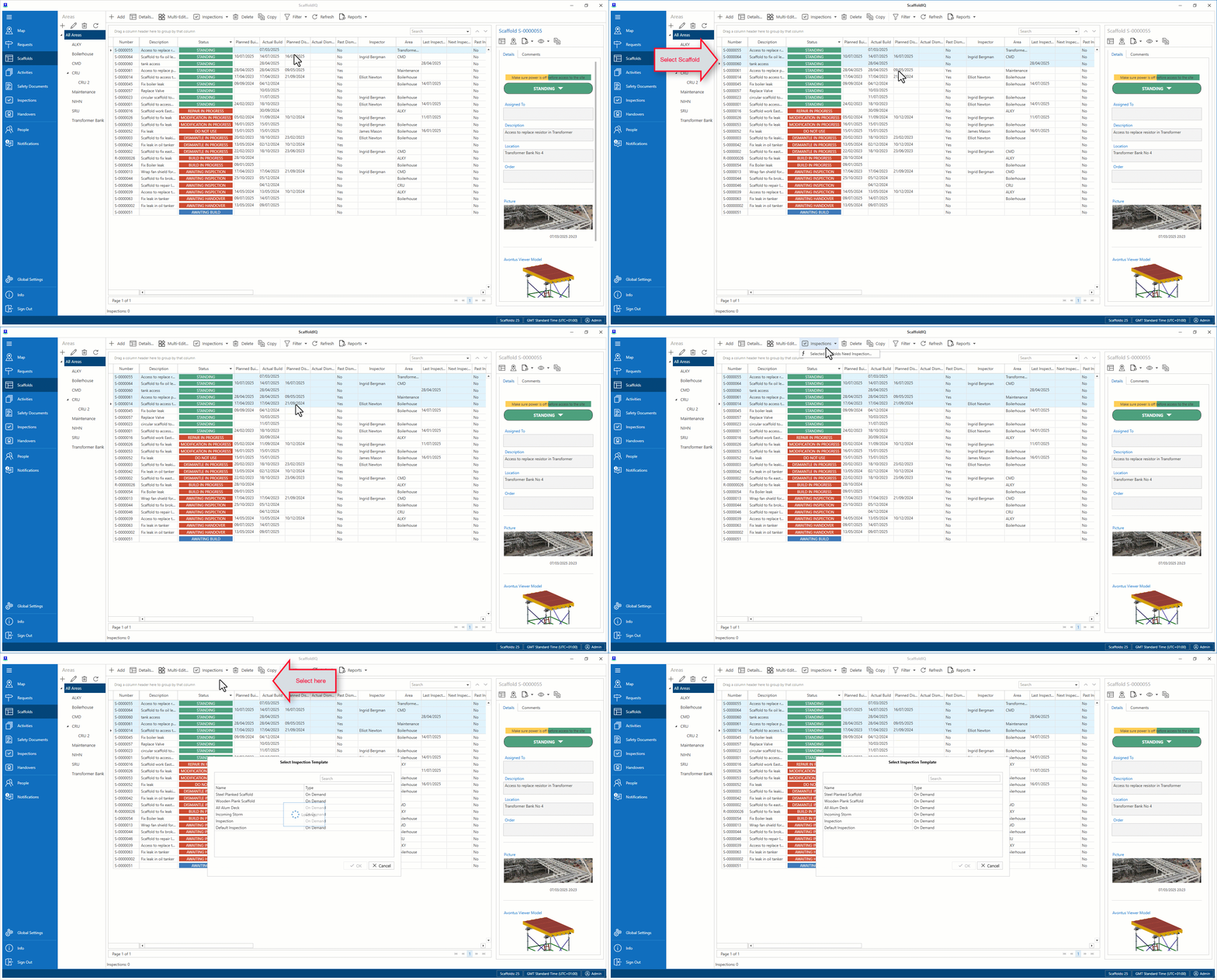
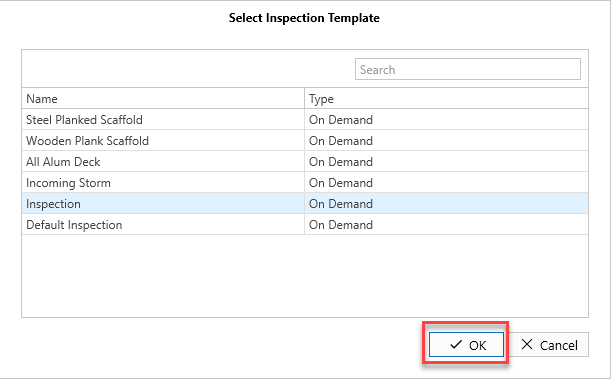
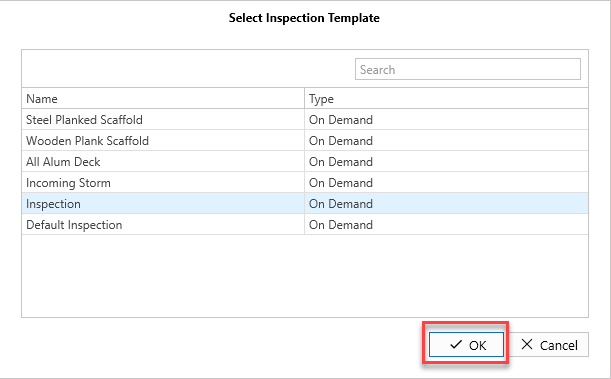
Select the Inspection Template type, and click OK.
All selected scaffolds will change to Awaiting Inspection.
Note: An error may occur if a scaffold is not assigned to an inspection template
Click Close to return to the Scaffolds screen.