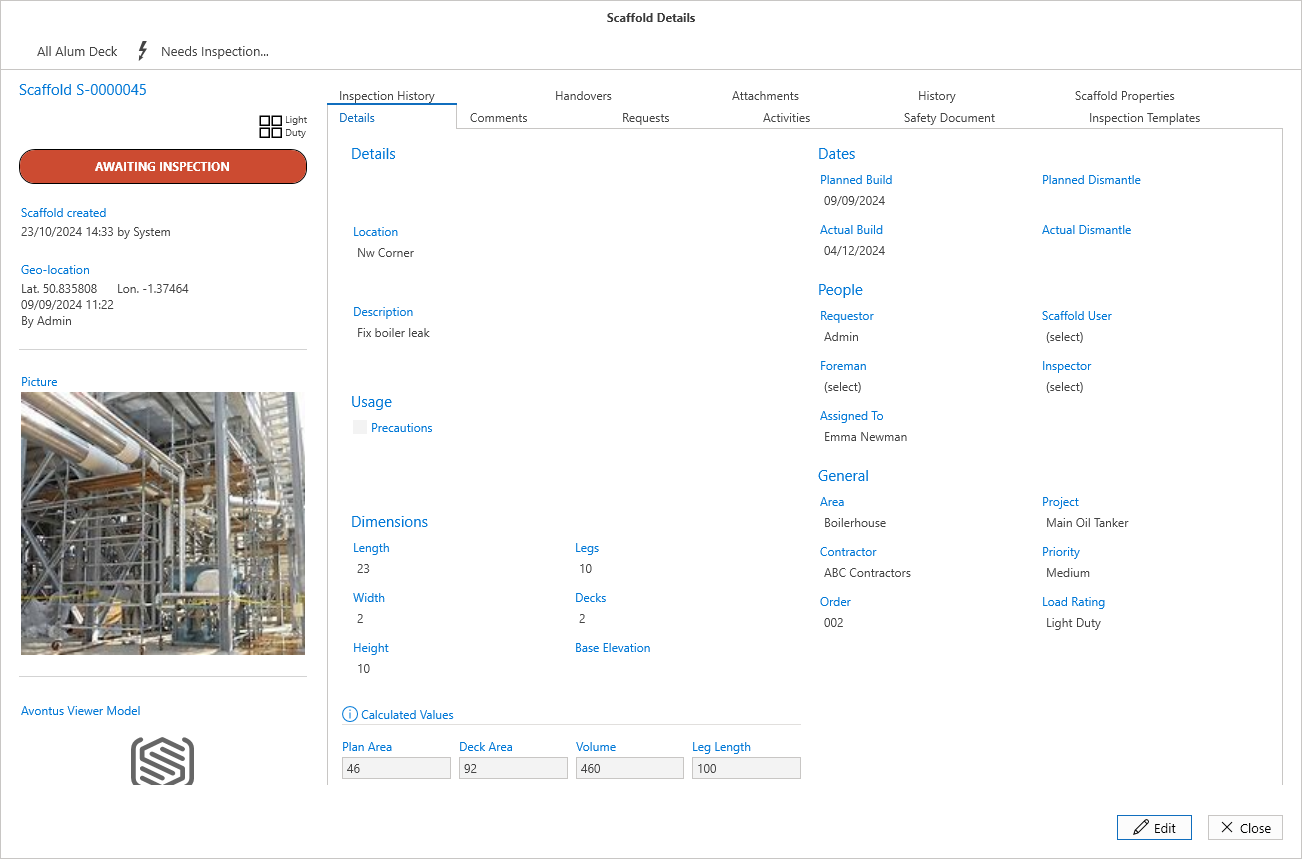
If you prefer to inspect Scaffolds manually, you can manually set a scaffold as awaiting inspection. Before you begin an inspection, you must assign an inspection template to the Scaffold being inspected.
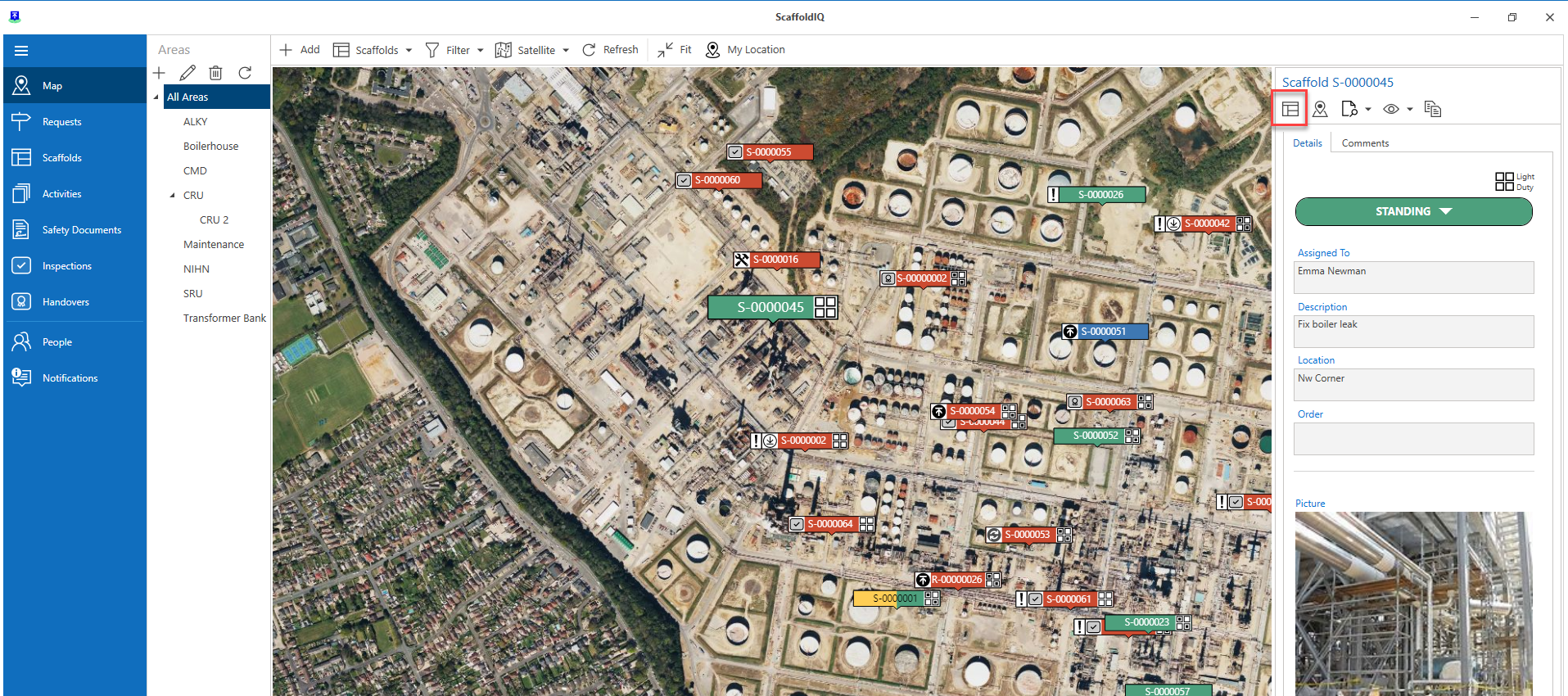
Note: You can also do this via the Scaffold's Details
From the Map screen (or the Scaffolds screen), select the Scaffold pin and select Standing
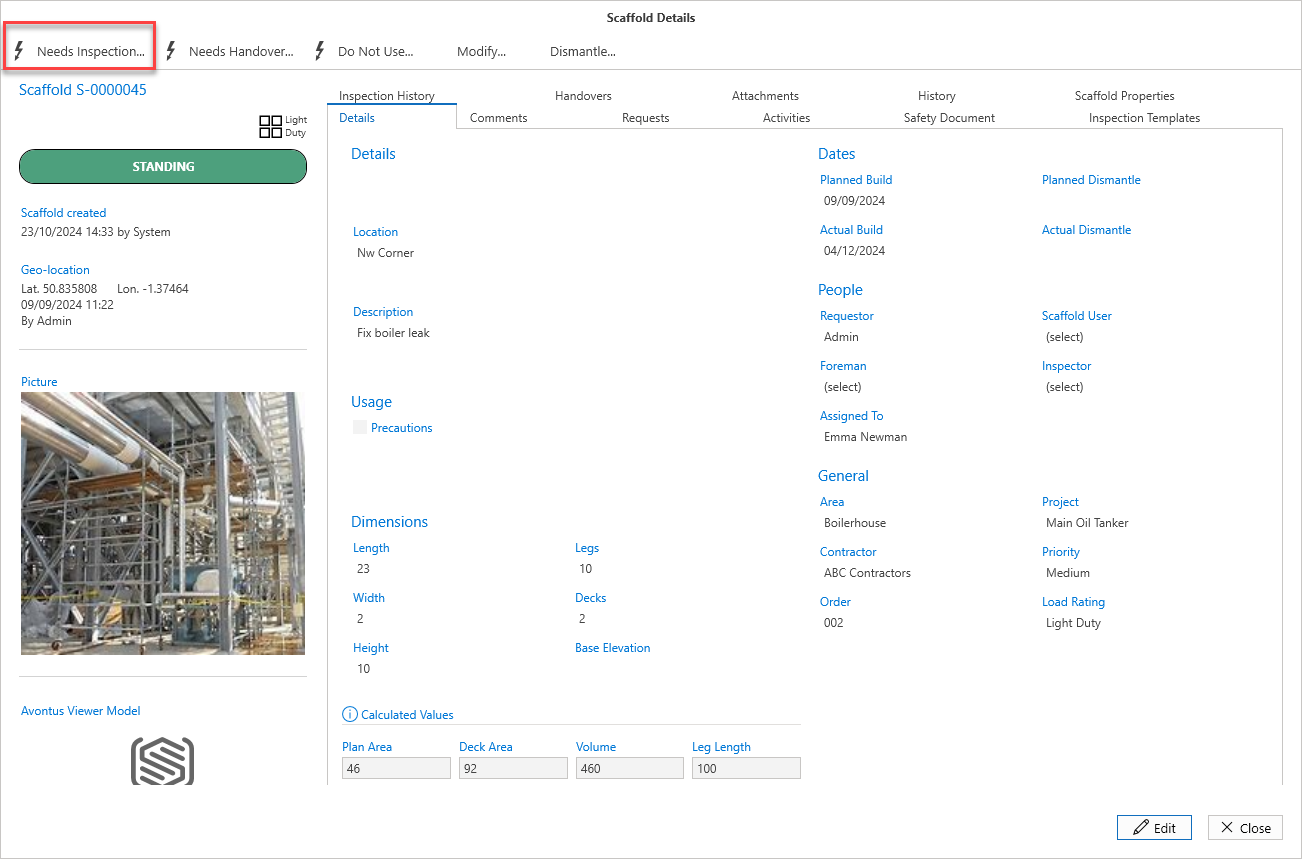
Click Needs Inspection
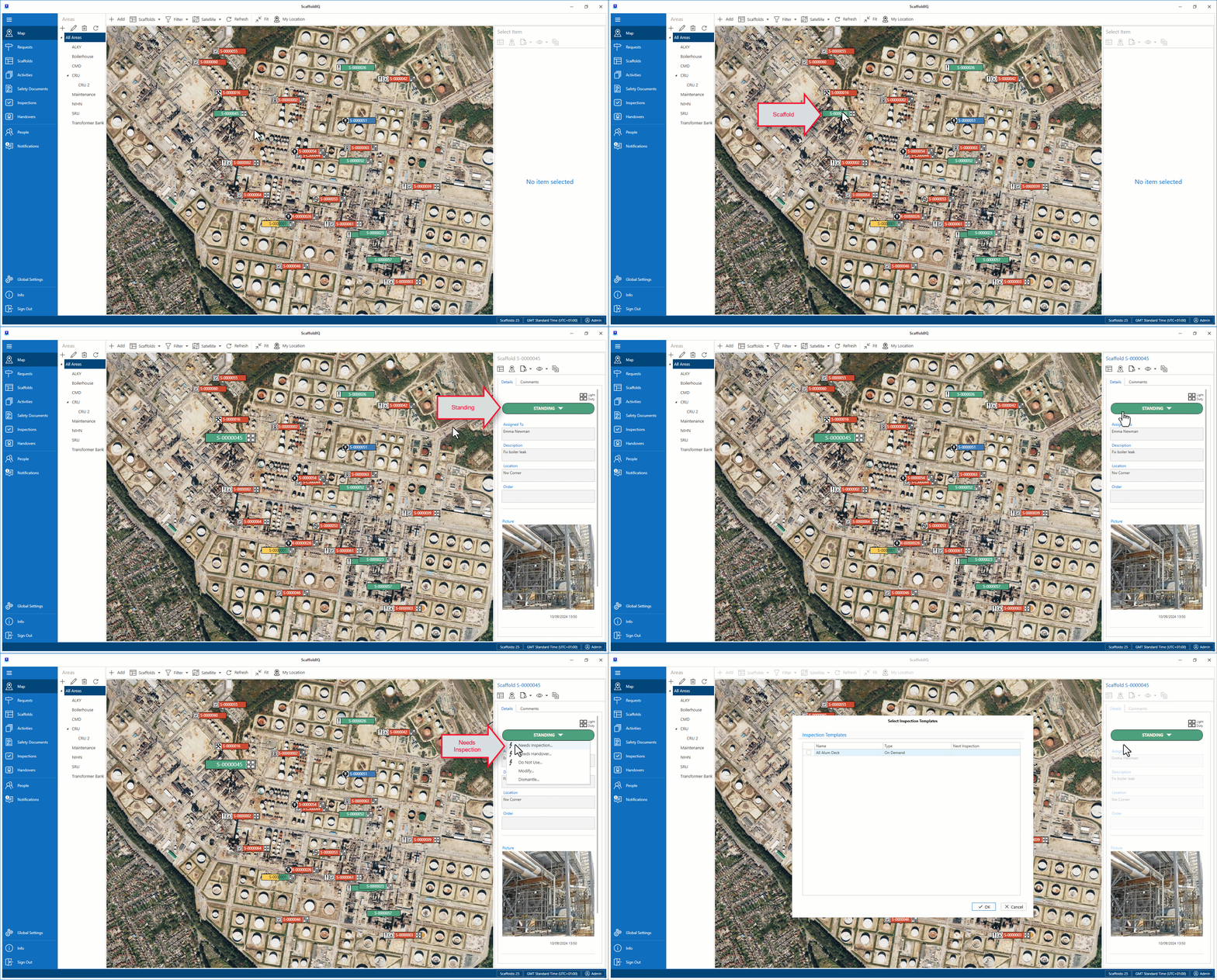
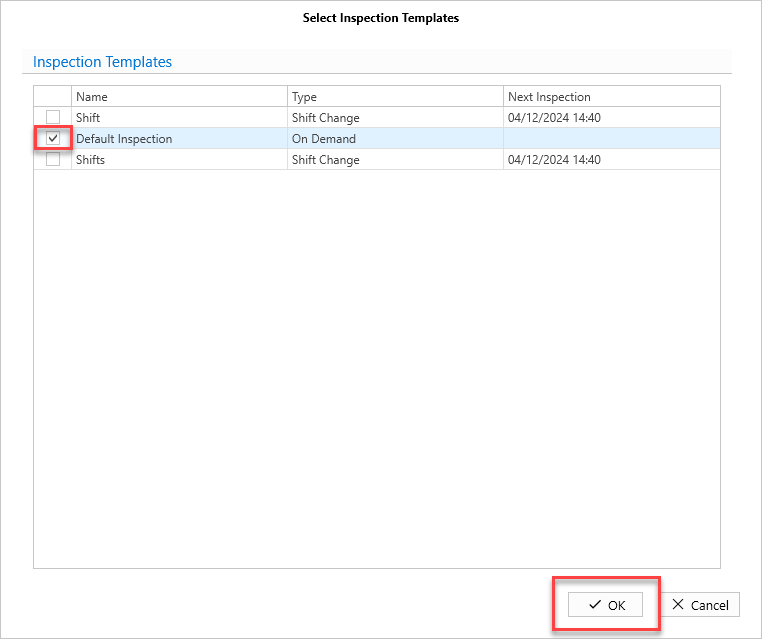
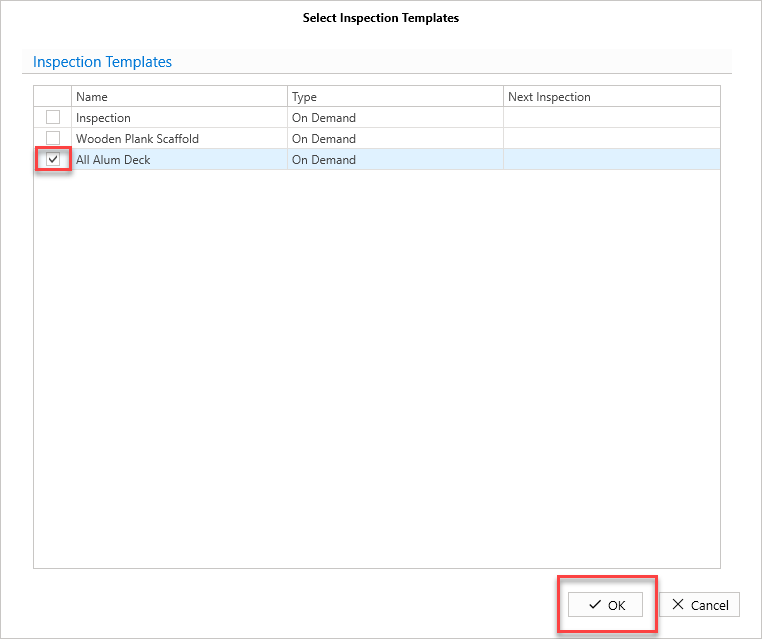
Click the check box of the required Inspection Template
Click OK
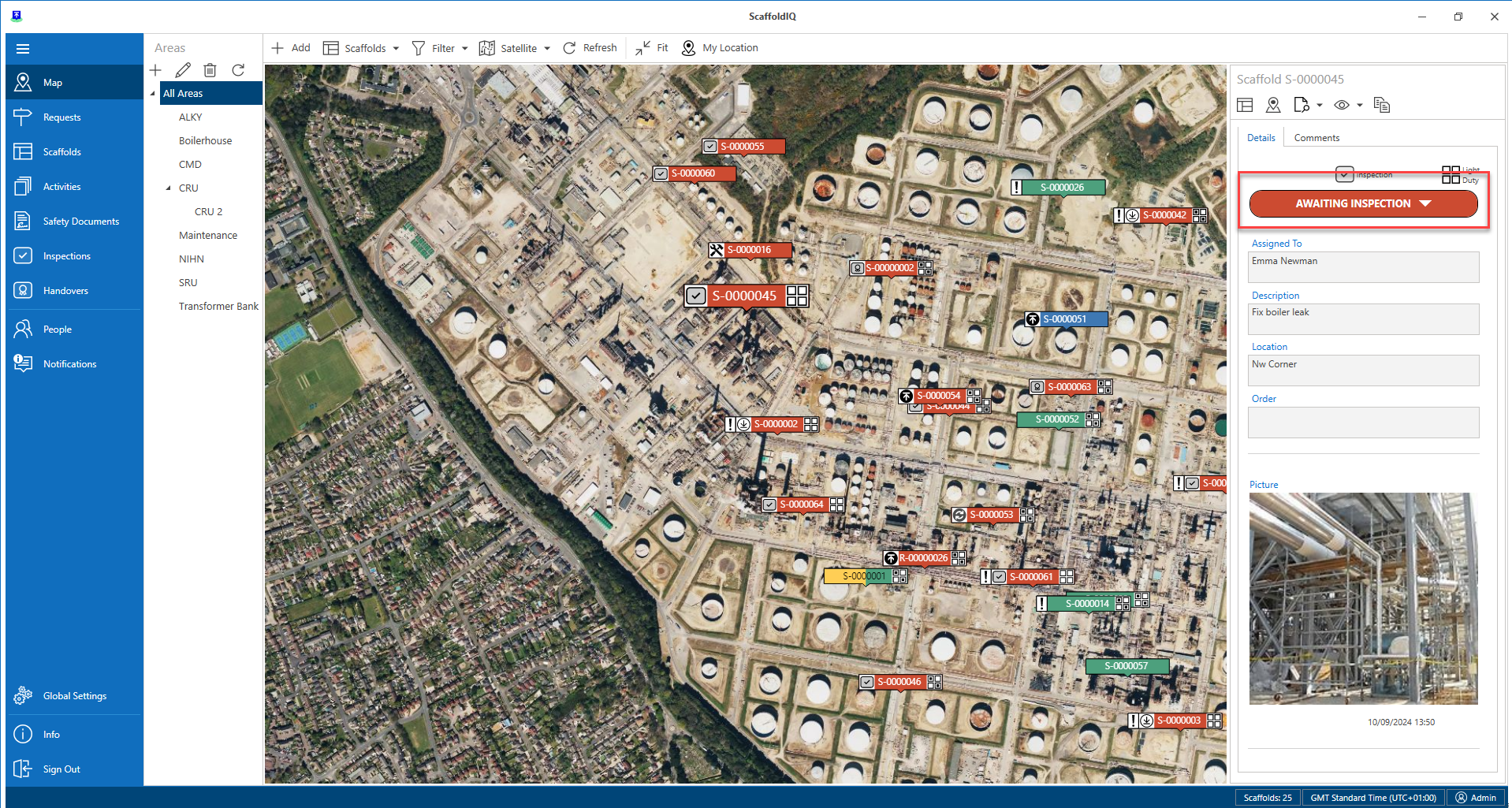
The status of the Scaffold will change to Awaiting Inspection.
Arranging an Inspection Via the Scaffolds Details
Click the Scaffold to be inspected and select Details
Click Needs Inspection
Click the checkbox of the required Inspection Template
Click OK
The Scaffold will change to Awaiting Inspection.