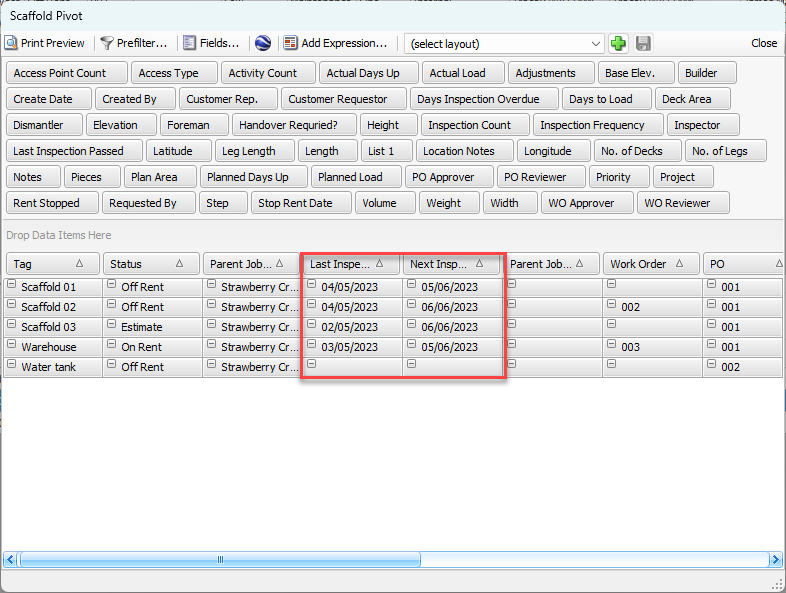
Scaffold Tags can include last and next inspection date information. Once the dates are set up for the Scaffold Tags, you can use the Scaffold Tag pivot to coordinate and organize inspection schedules.
NOTE: The features mentioned in this article are only available in the Industrial Edition of Quantify.
When creating a new tag, or editing an existing tag, click the Dates and Inspections tab in the Scaffold dialog to enter inspection dates.
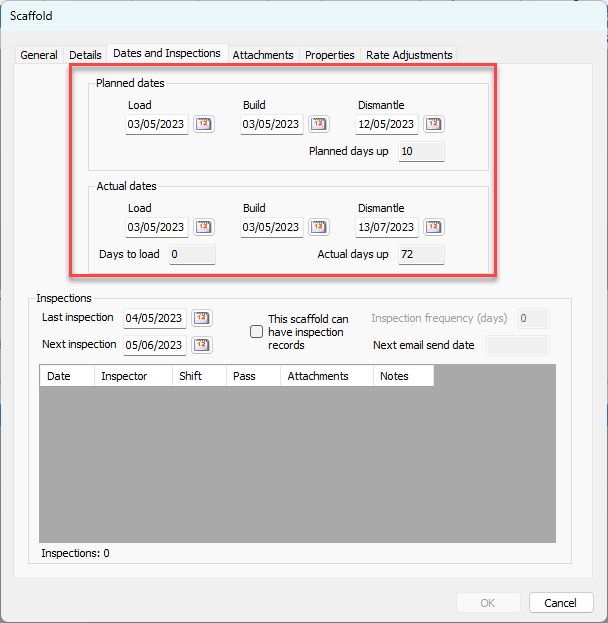
Once inspection dates are entered for tags, the information is available through the Last Inspection and Next Inspection fields on the Scaffold Tag pivot.