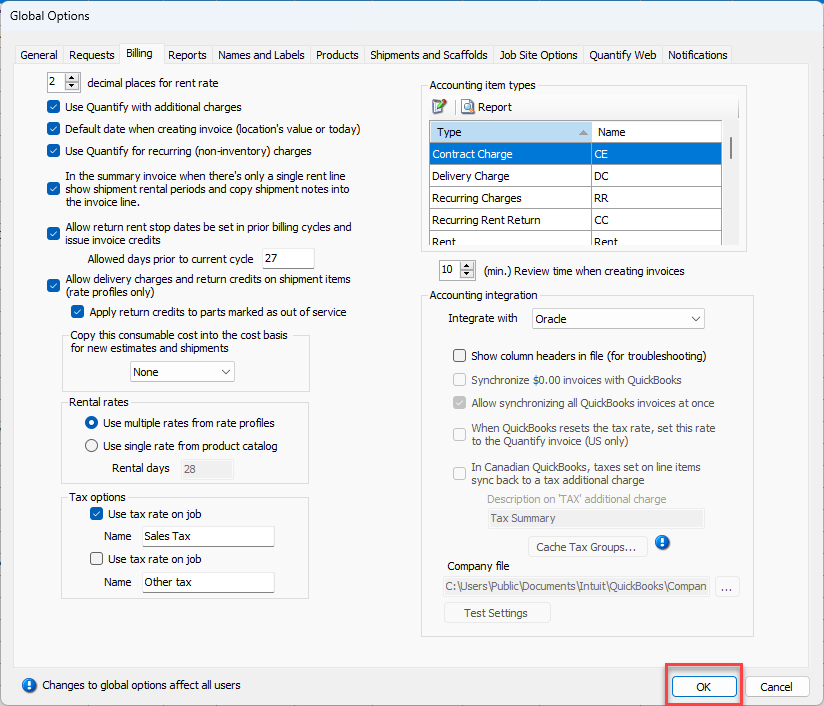
To establish the communication link between Quantify and Oracle, first use the Global Options dialog to enable Quantify's Accounting Integration feature.
To integrate Quantify with Oracle:
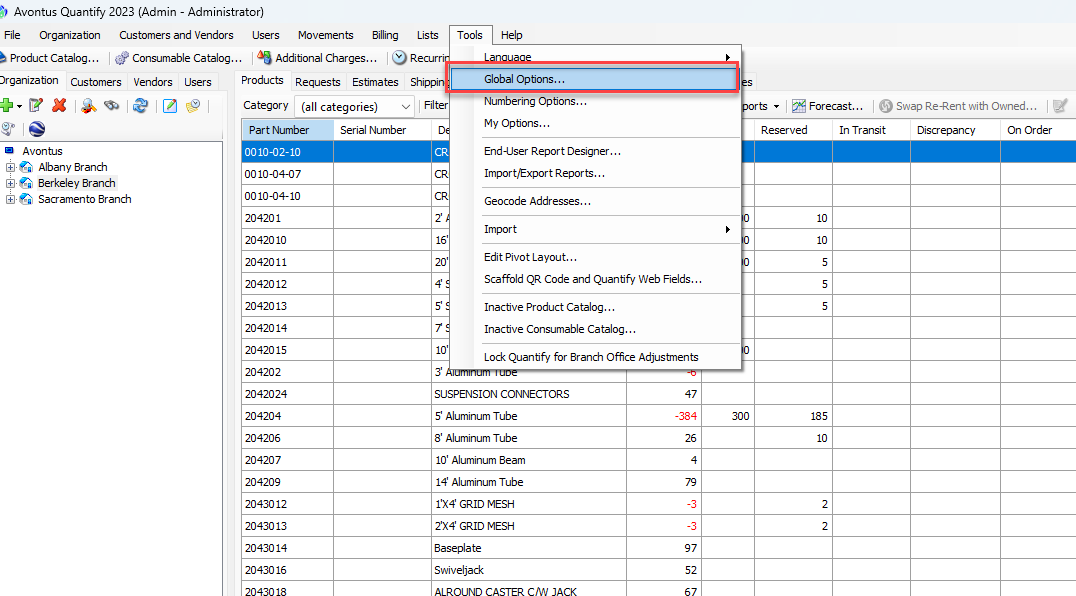
- Click the the Tools menu and select Global Options.
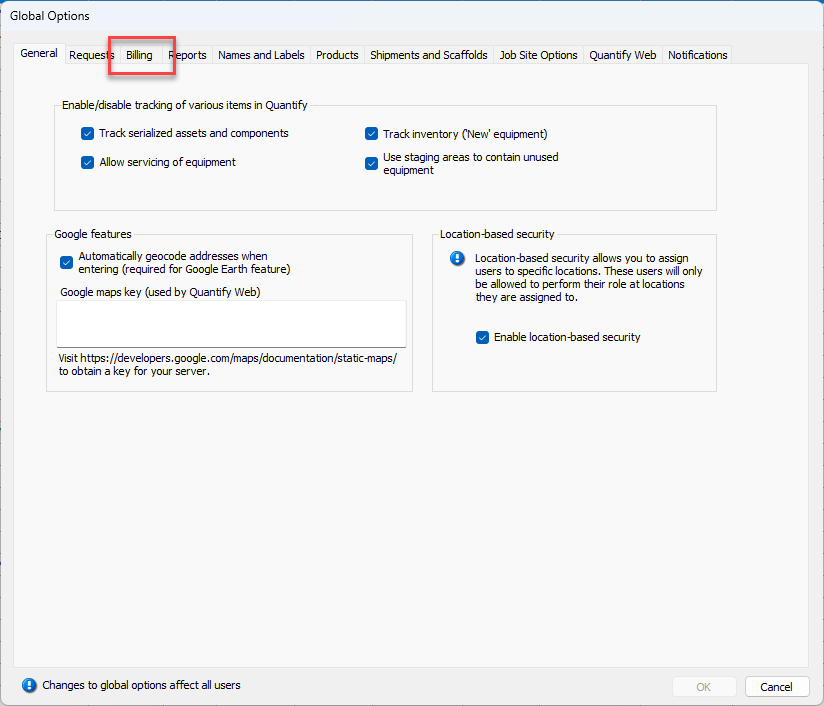
 The Global Options dialog appears.
 - Click the Billing tab.
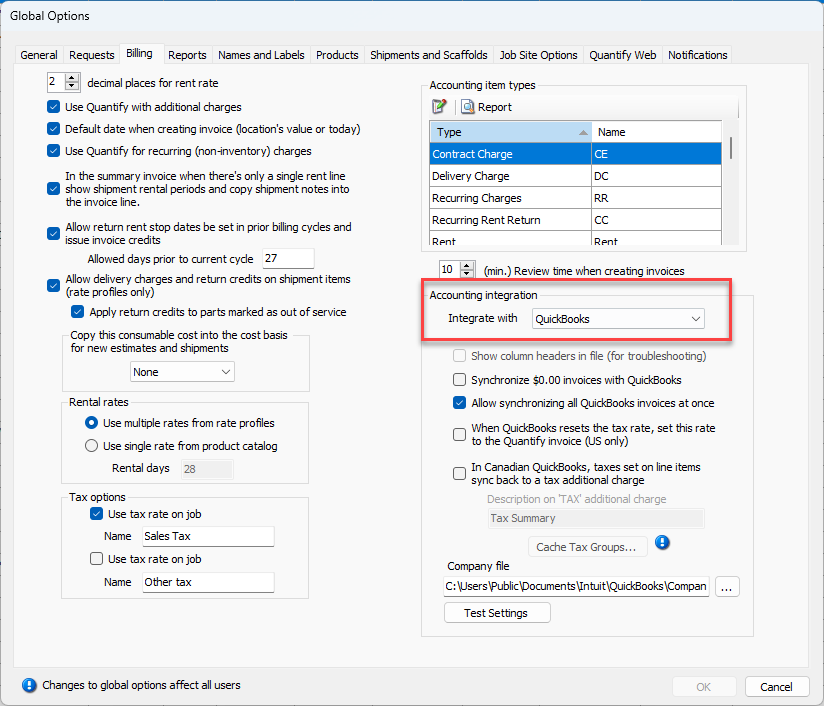
- Click the Integrate With dropdown and select Oracle.
- Click OK.