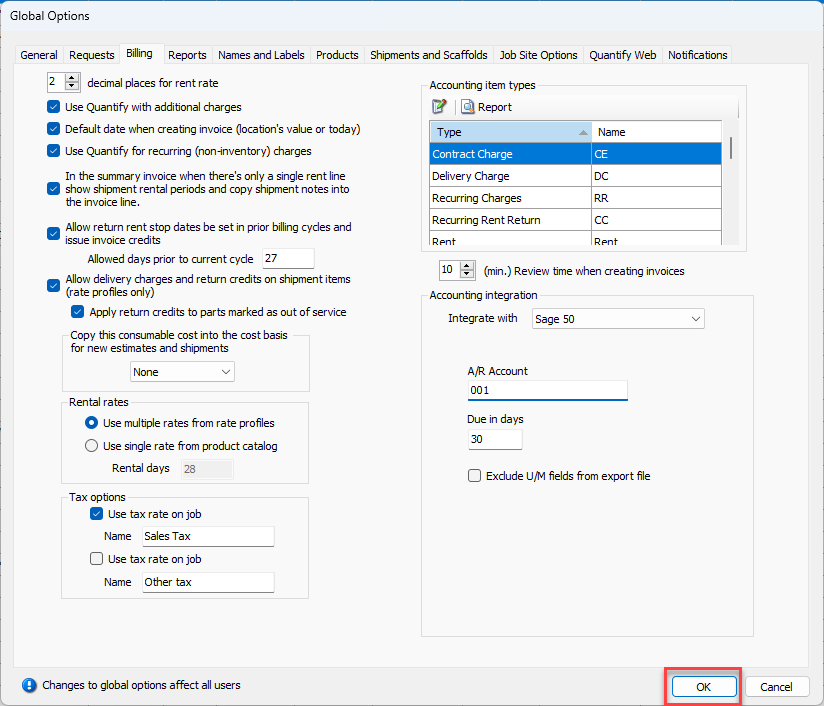
Sage 50 integration is set up globally, through the Global Options dialog. Before you begin, you need the following information: Sage 50 Accounts Receivable Account ID and the number of days between invoice cycles.
To integrate Quantify with Sage 50:
- Click the Tools menu and select Global Options.
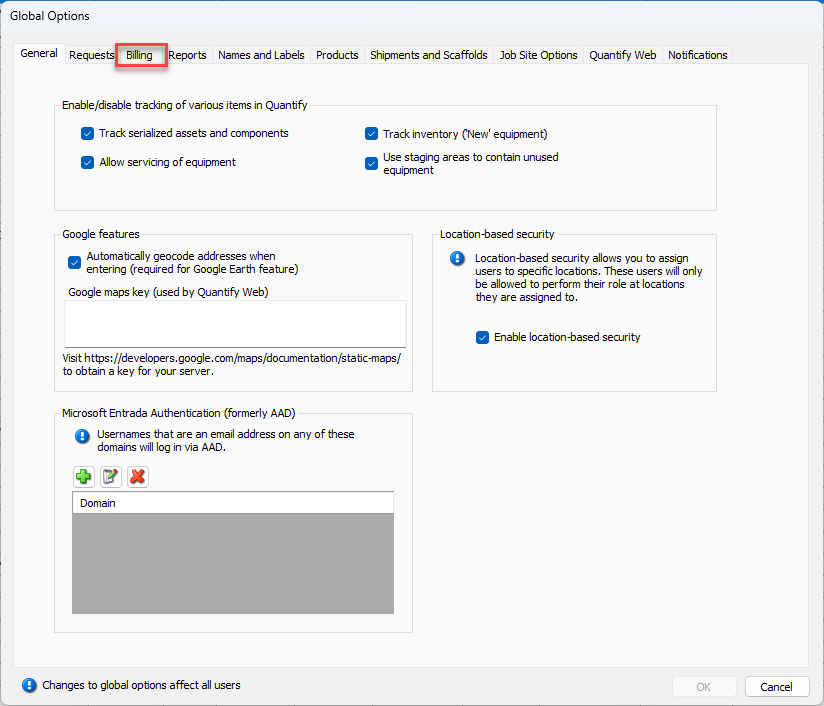
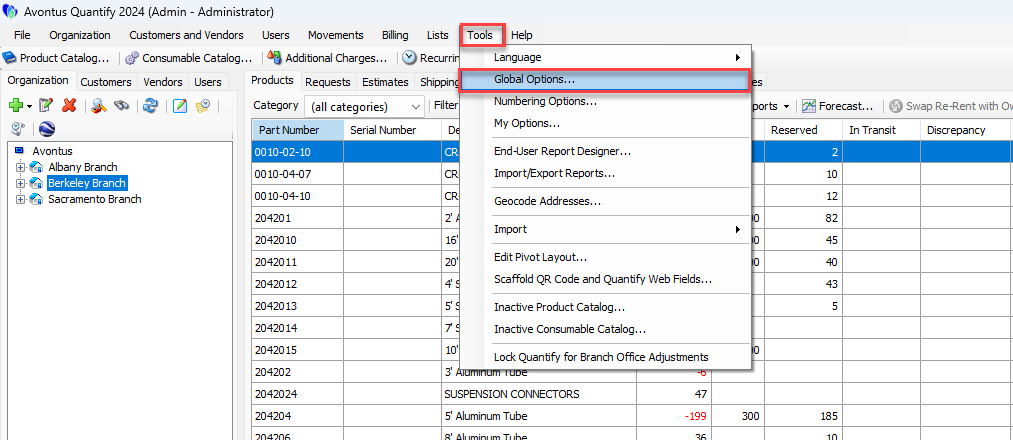 The Global Options dialog appears.
 - Click the Billing tab.
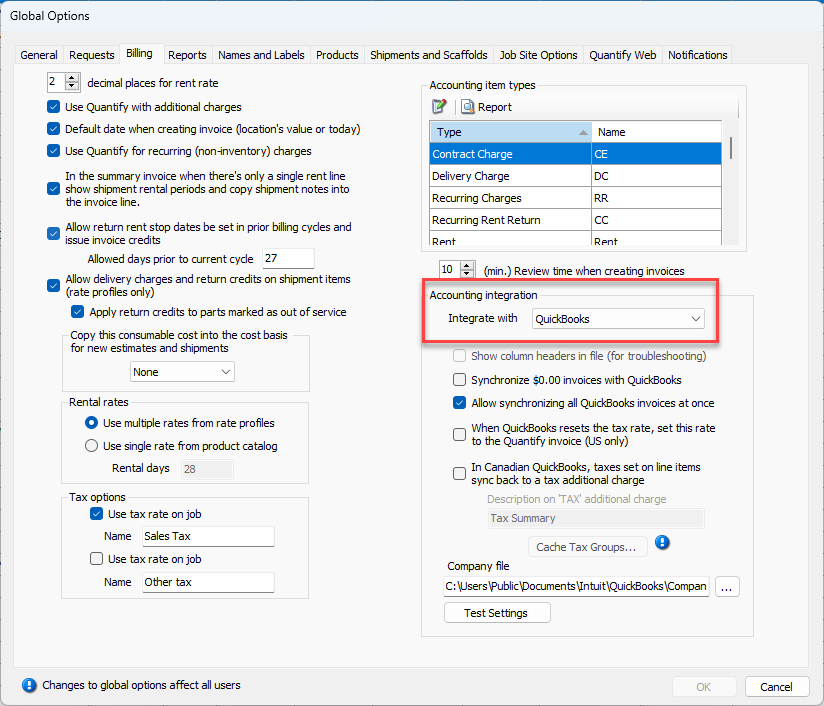
- Click the Integrate With dropdown and select Sage 50.
- Click in the A/R Account text field and enter the appropriate Sage 50 Accounts Receivable Account ID.
- Click in the Due in days text field and enter the number of days in which invoices will be due. (Quantify uses this number to calculate the due date for exported invoices.)
You can click the Exclude U/M fields from export file checkbox if you do not want the .csv file that Quantify exports to contain Sage 50's U/M ID and U/M No. of Stocking Units fields.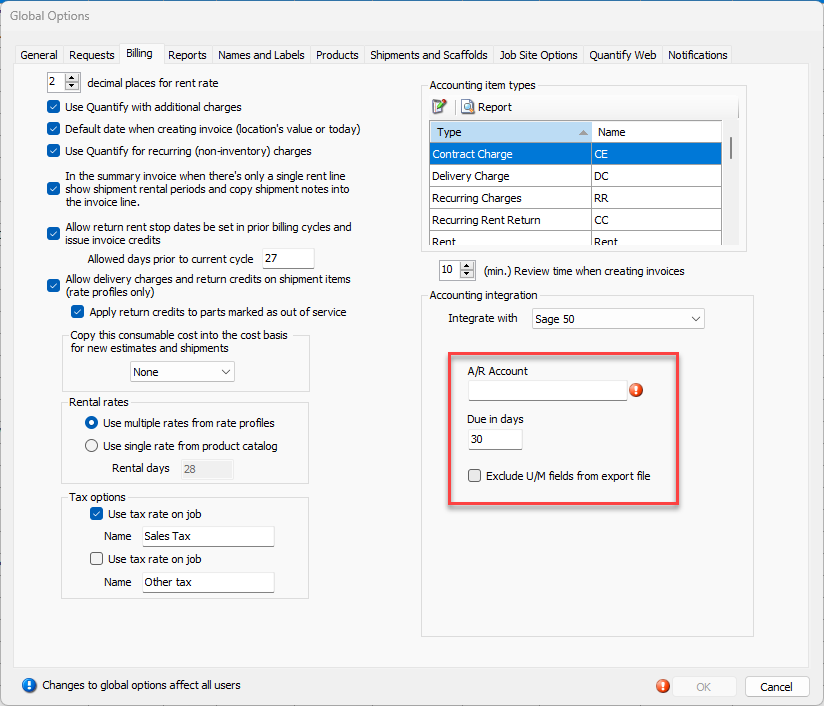
- Click OK.