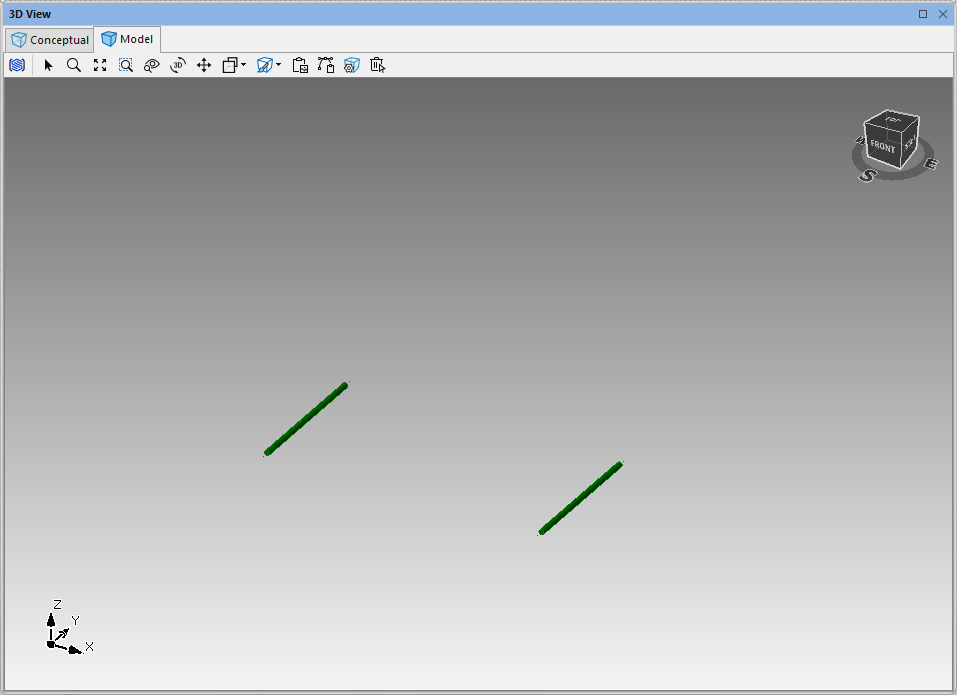
You can modify a Scaffodld bay leaving behind only a ledger, creating a ledger-only bay.
To create a Ledger-only Bay:
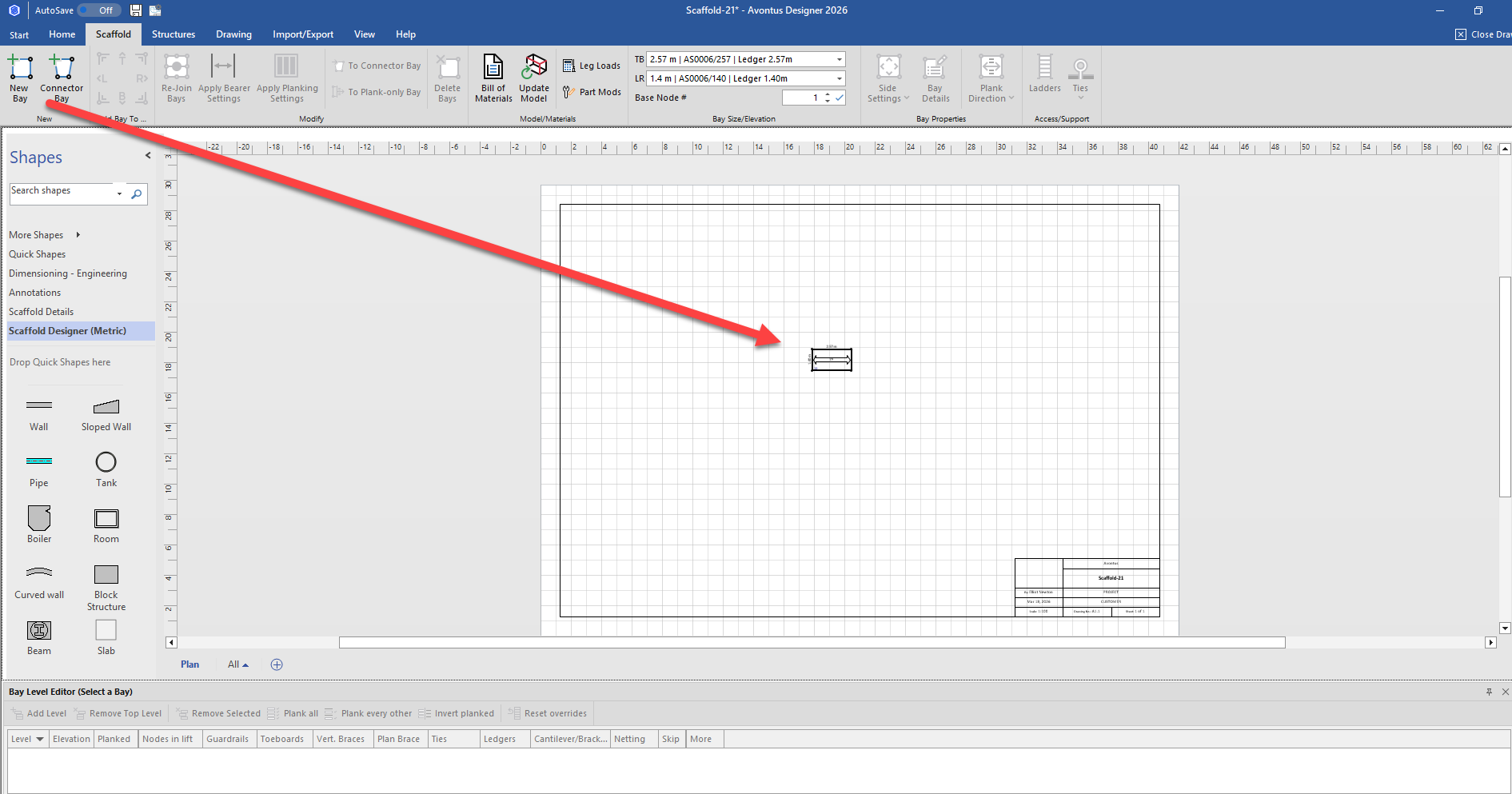
Add a Bay
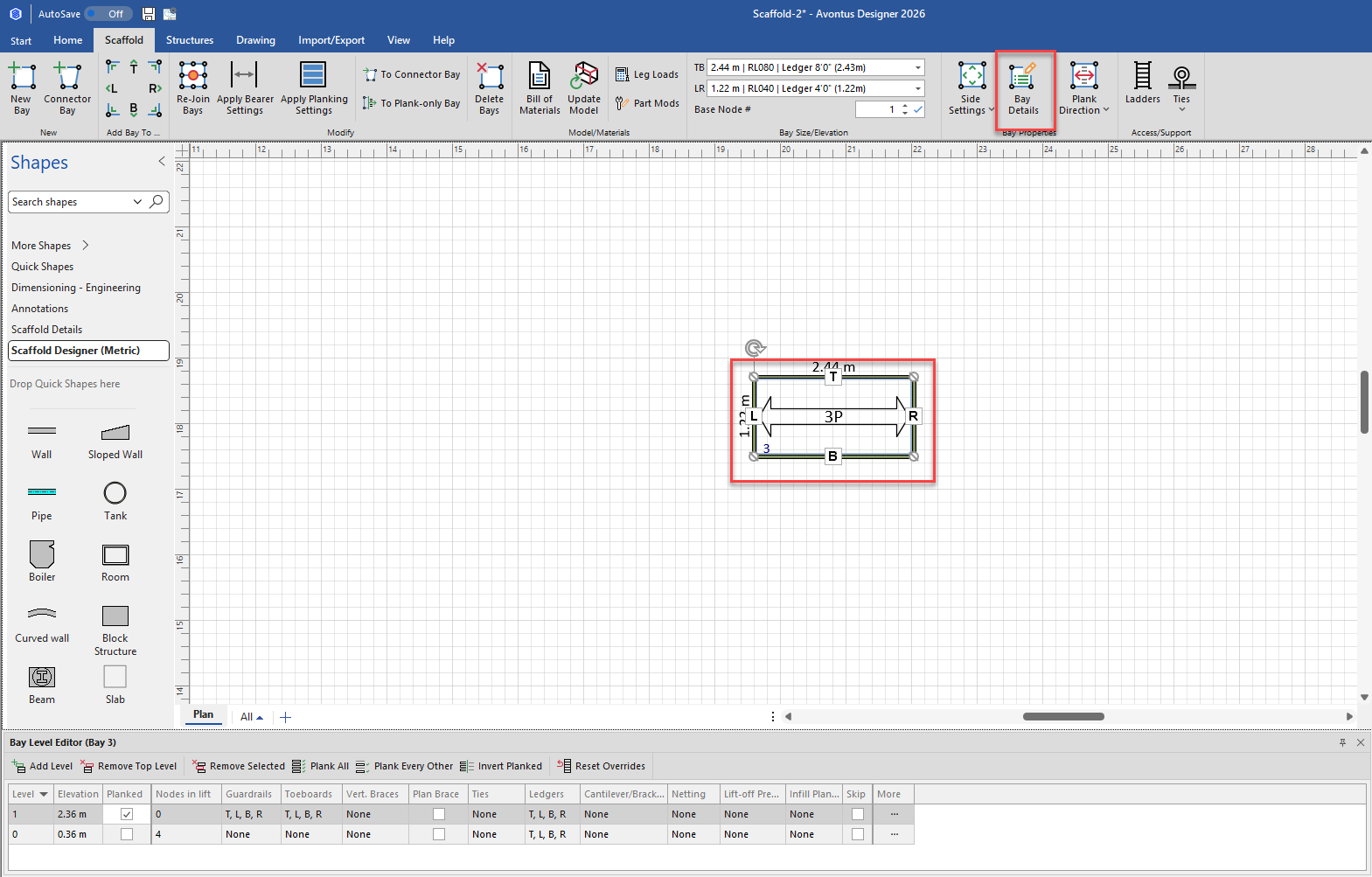
Click the new Bay (to select it), then click the Bay Details dropdown.
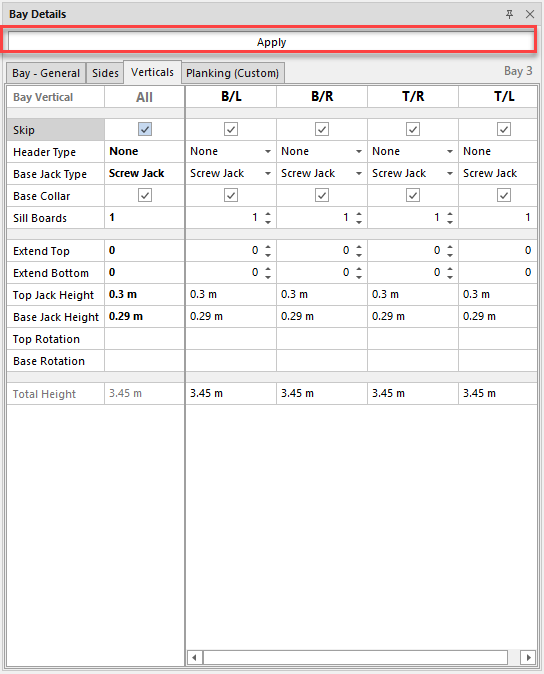
Click the Verticals tab
Click the All checkbox in the Skip row to put a tick in it
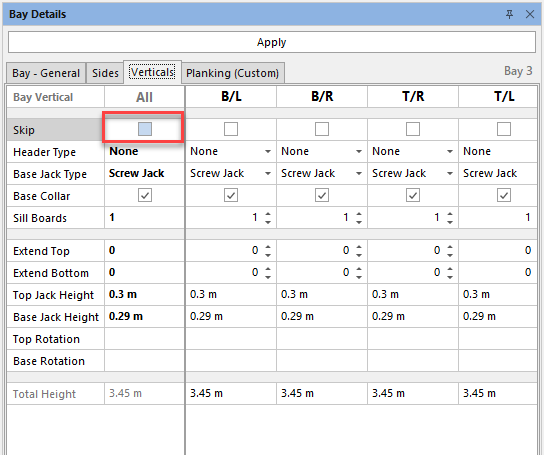
Click Apply.
In the Bay Level Editor, click Remove Top Level

Unplank the Bay

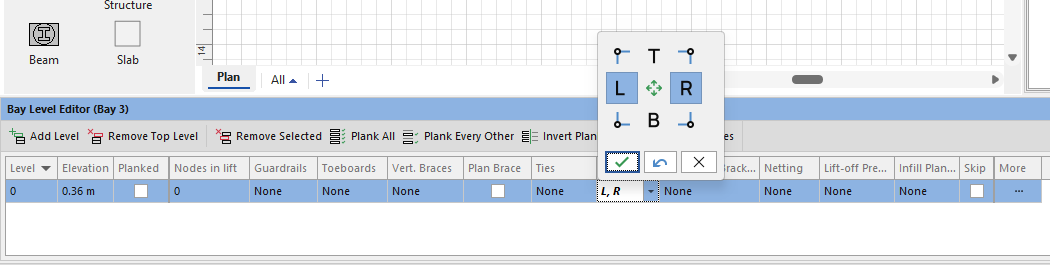
Click the Ledgers dropdown
Enable only L and R tap the tick icon
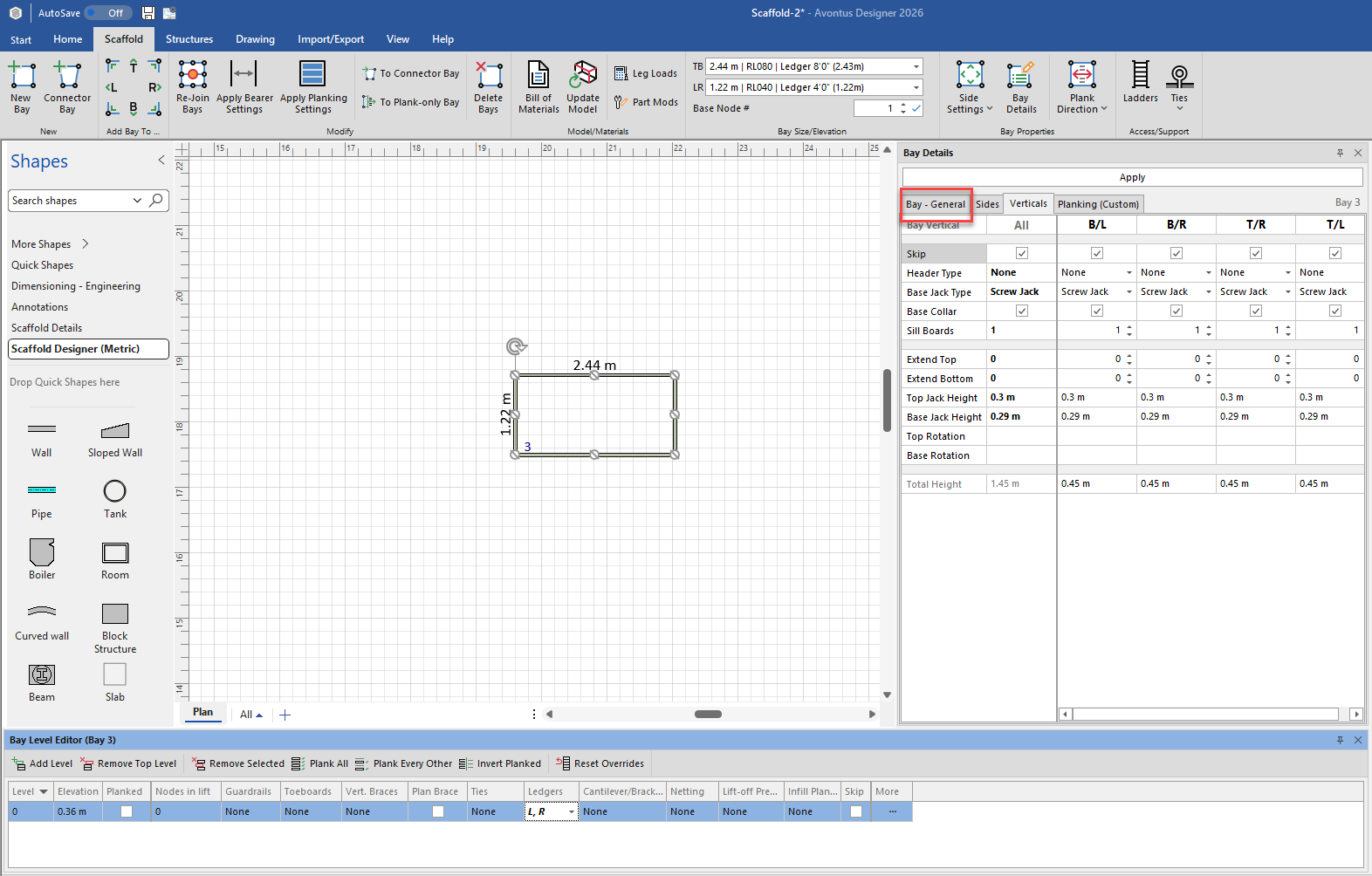
With the Bay still selected, click the Bay Details dropdown
Click the Bay General tab.
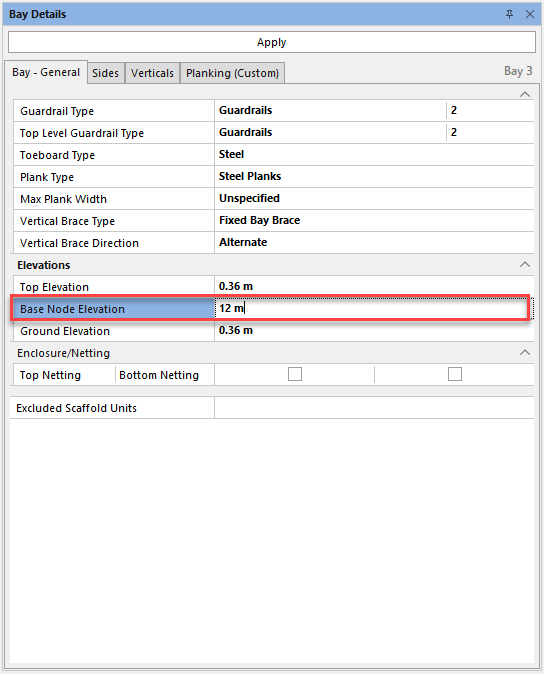
Click in the Base Node Elevation text field, enter the height at which you want the ledgers to connect to the Bay tower and click Apply.
Your bay will look like this.