Use Connector Bays for filling irregular spaces between Standard Bays, on structures such as irregular angles, curved walls or tanks.
To add a Connector Bay between two Standard Bays:
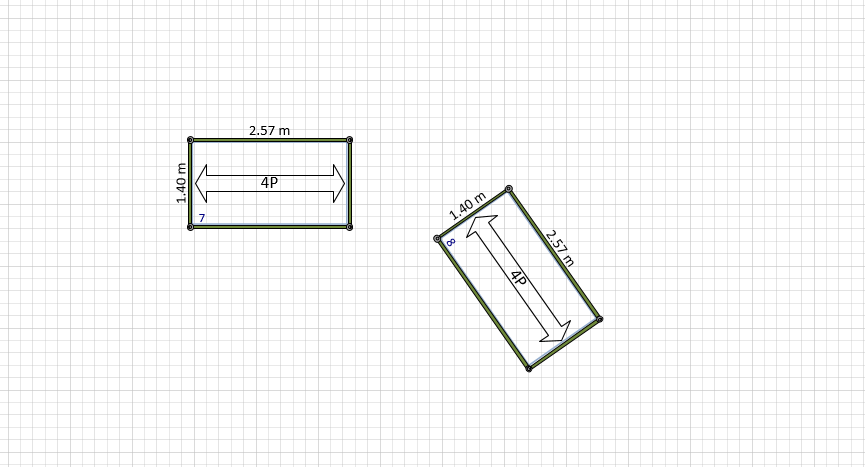
Start by placing Standard Bays at the desired angle.
Drag and drop a Connector Bay near the two Standard Bays.
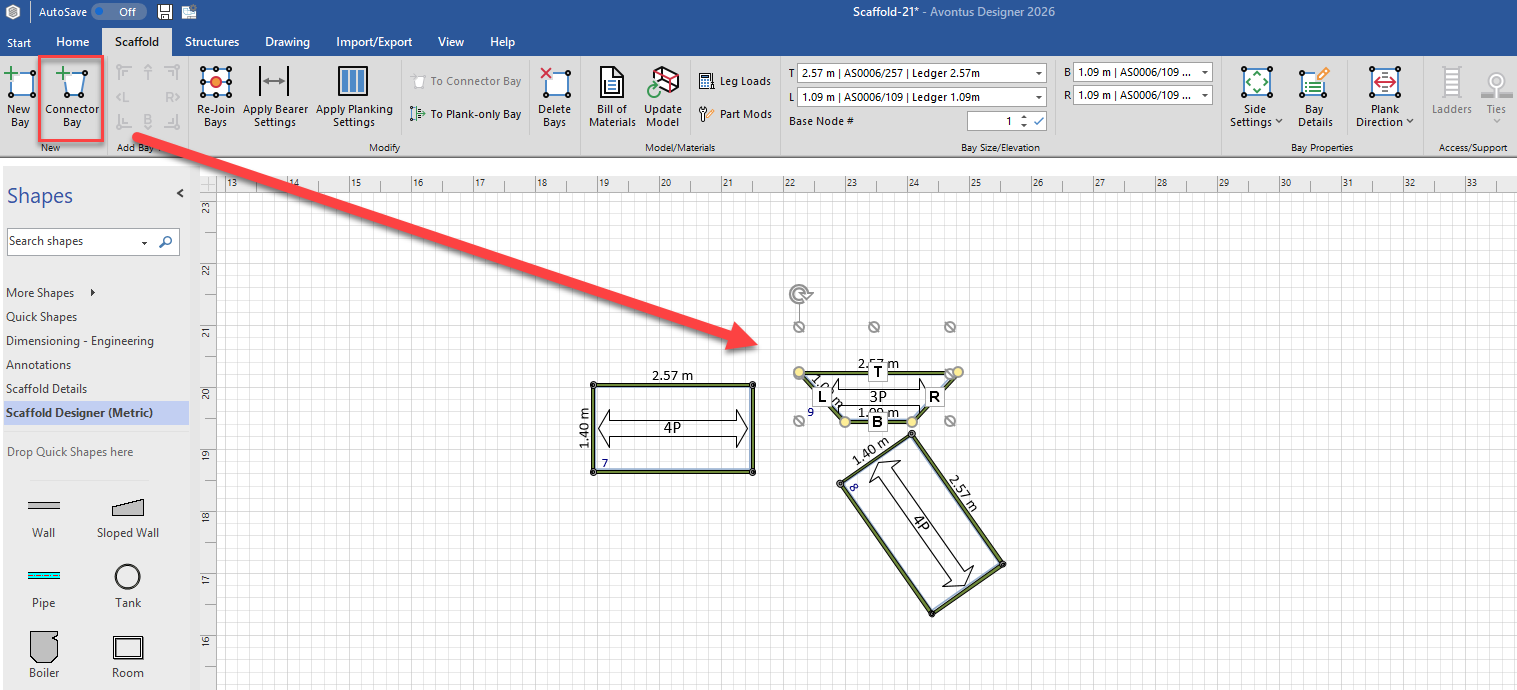
Select the Connector Bay.
Click and drag the first Connector Bay node to the desired Standard Bay node.
Note: When hovering over the Standard Bay node, it will turn green, indicating it is ready to glue.
Repeat for each of the other Connector Bay nodes:
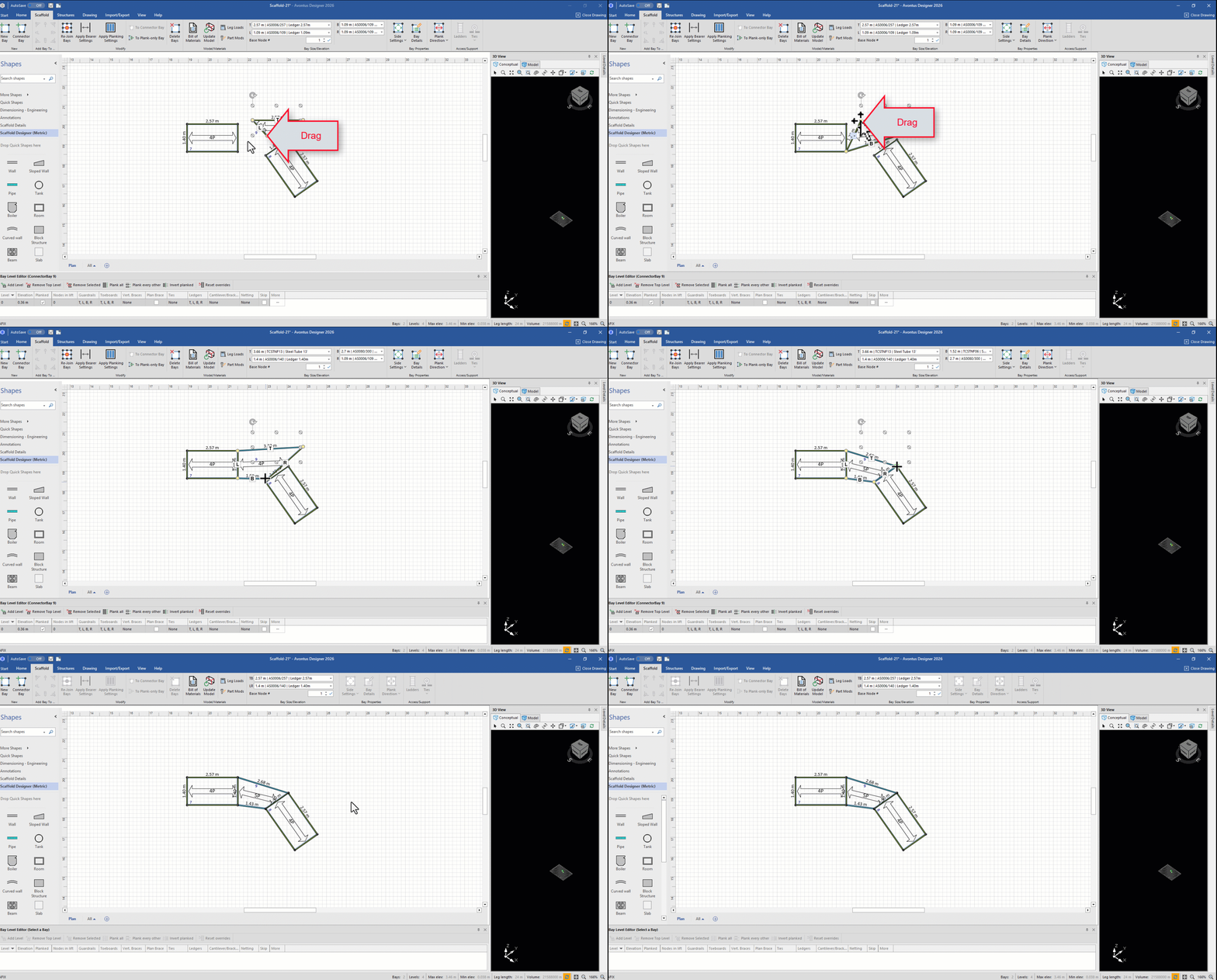
The Connector Bay lines up with and connects the two Standard Bays.