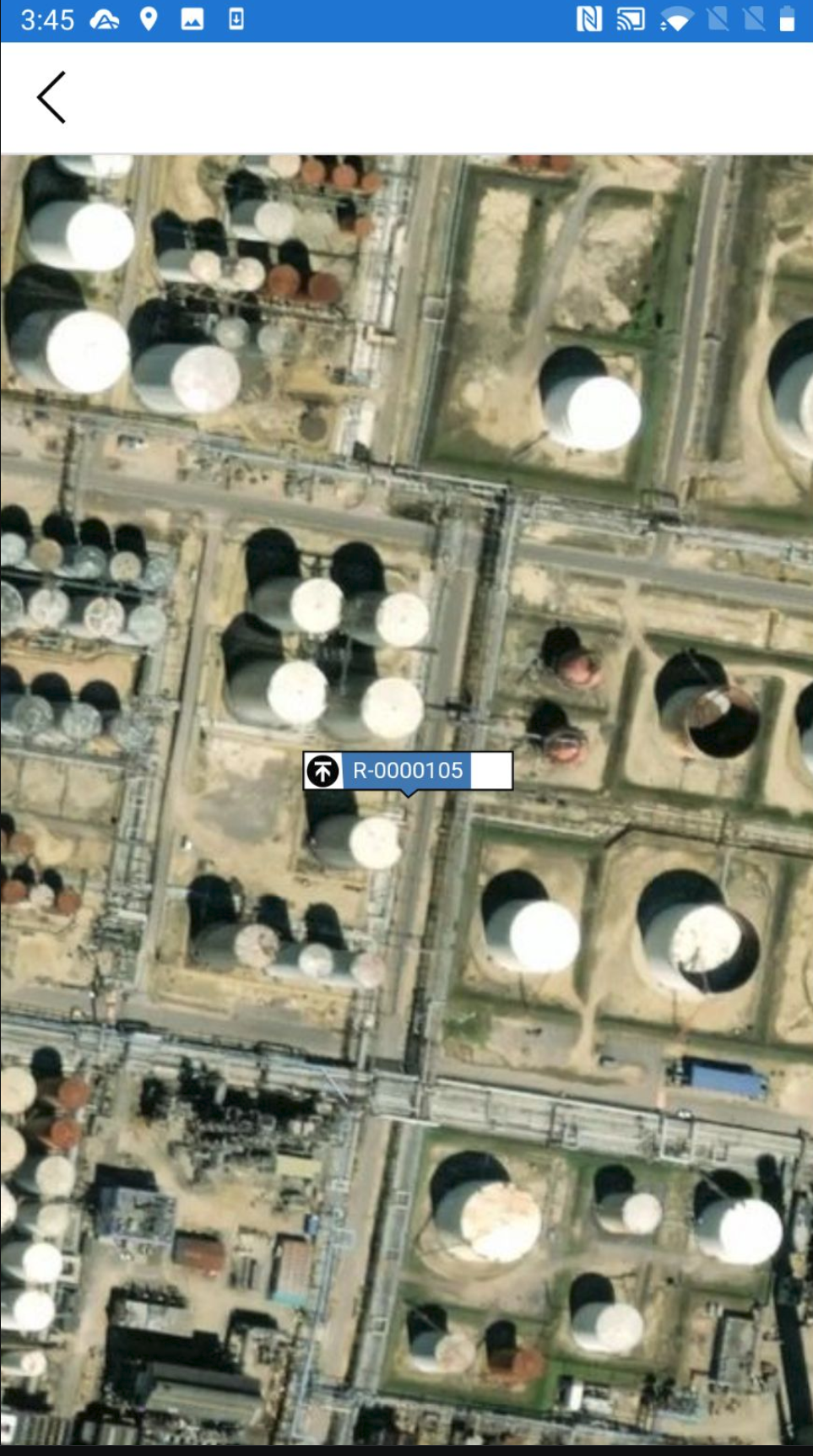
If you can't find a specific Request on the Map screen, you can use the Requests screen to locate the Request on the Map screen.
To do this:
Go to the Requests
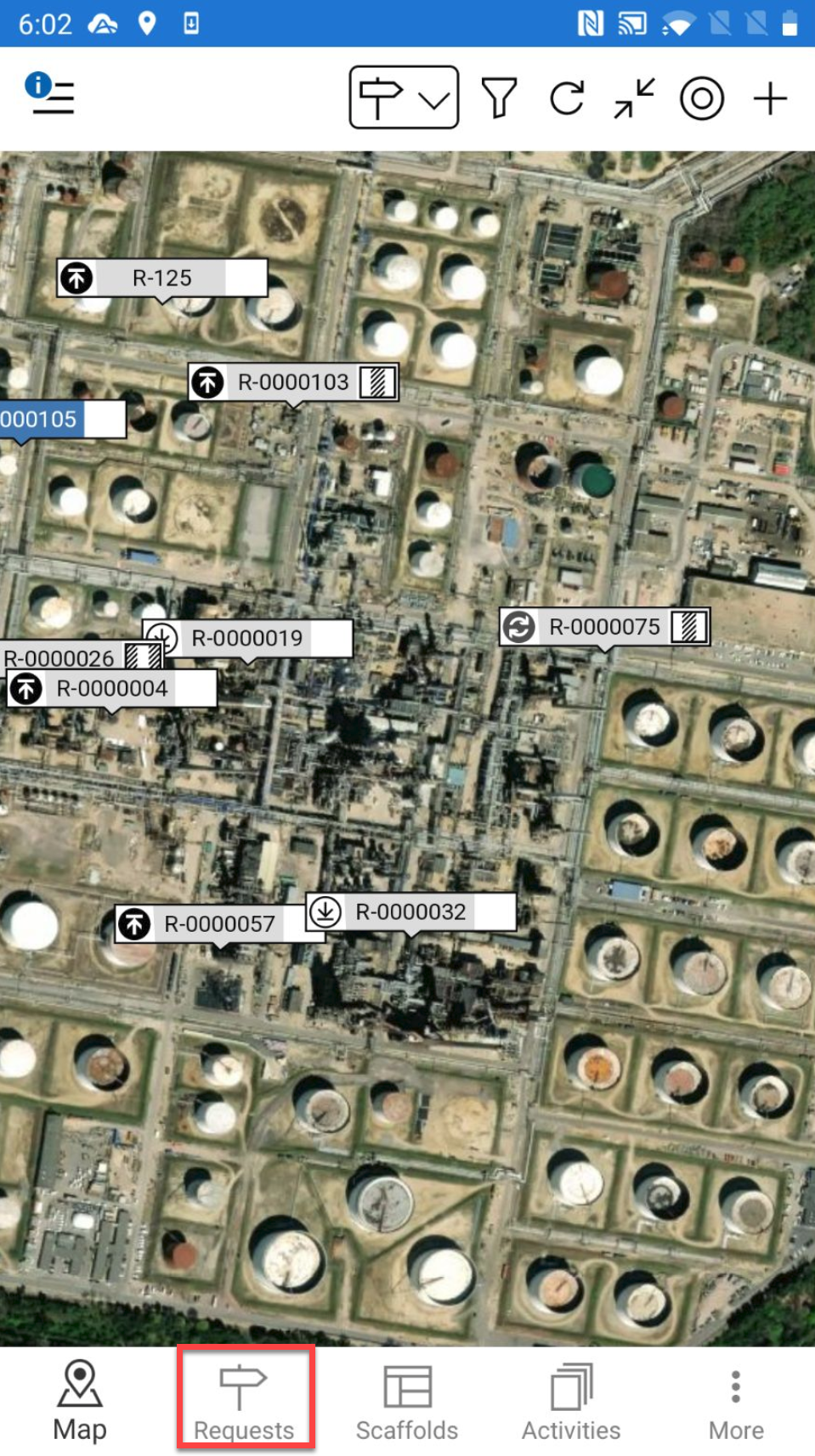
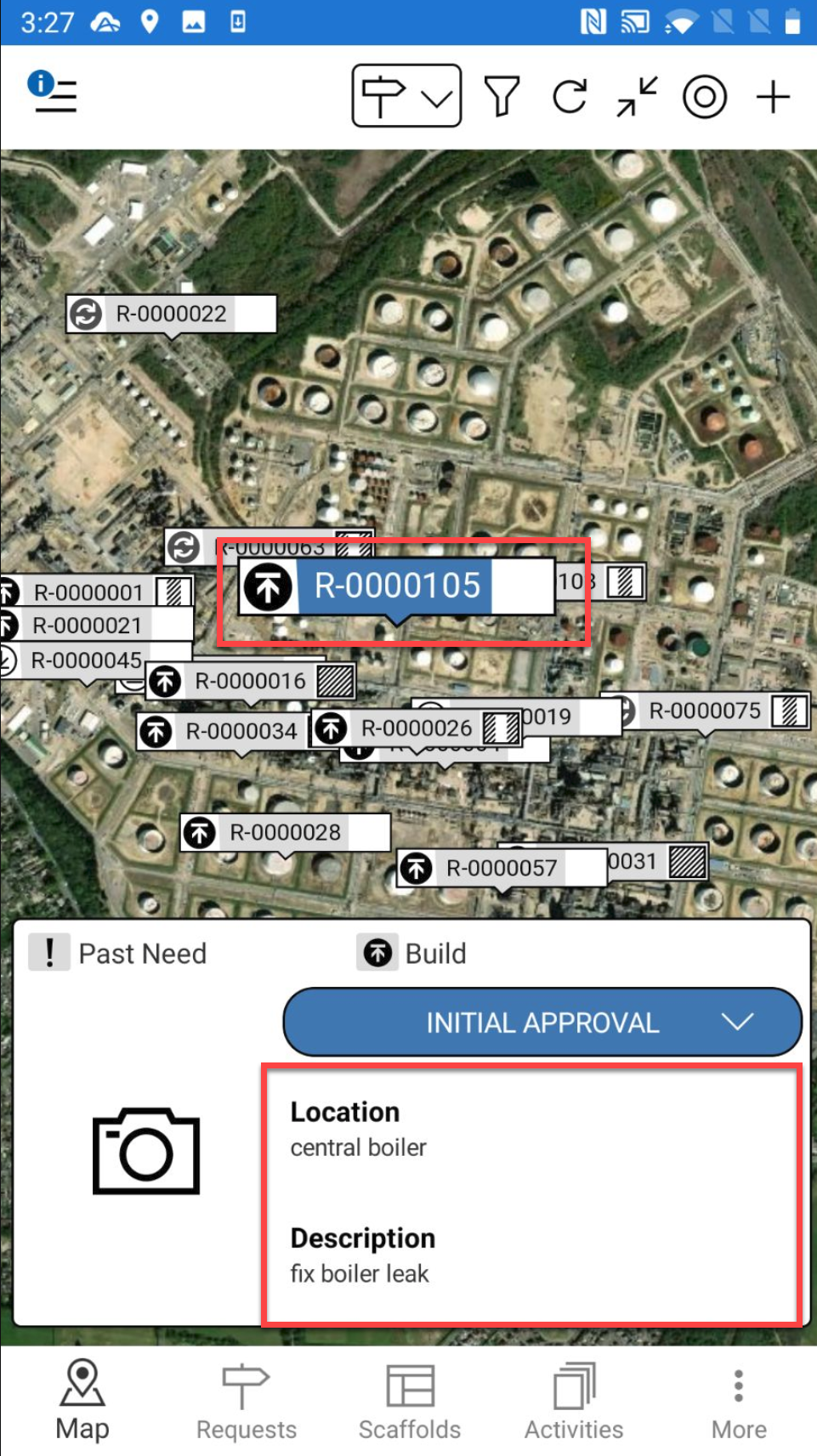
You can also access the Request details by tapping the Request pin and selecting the details section
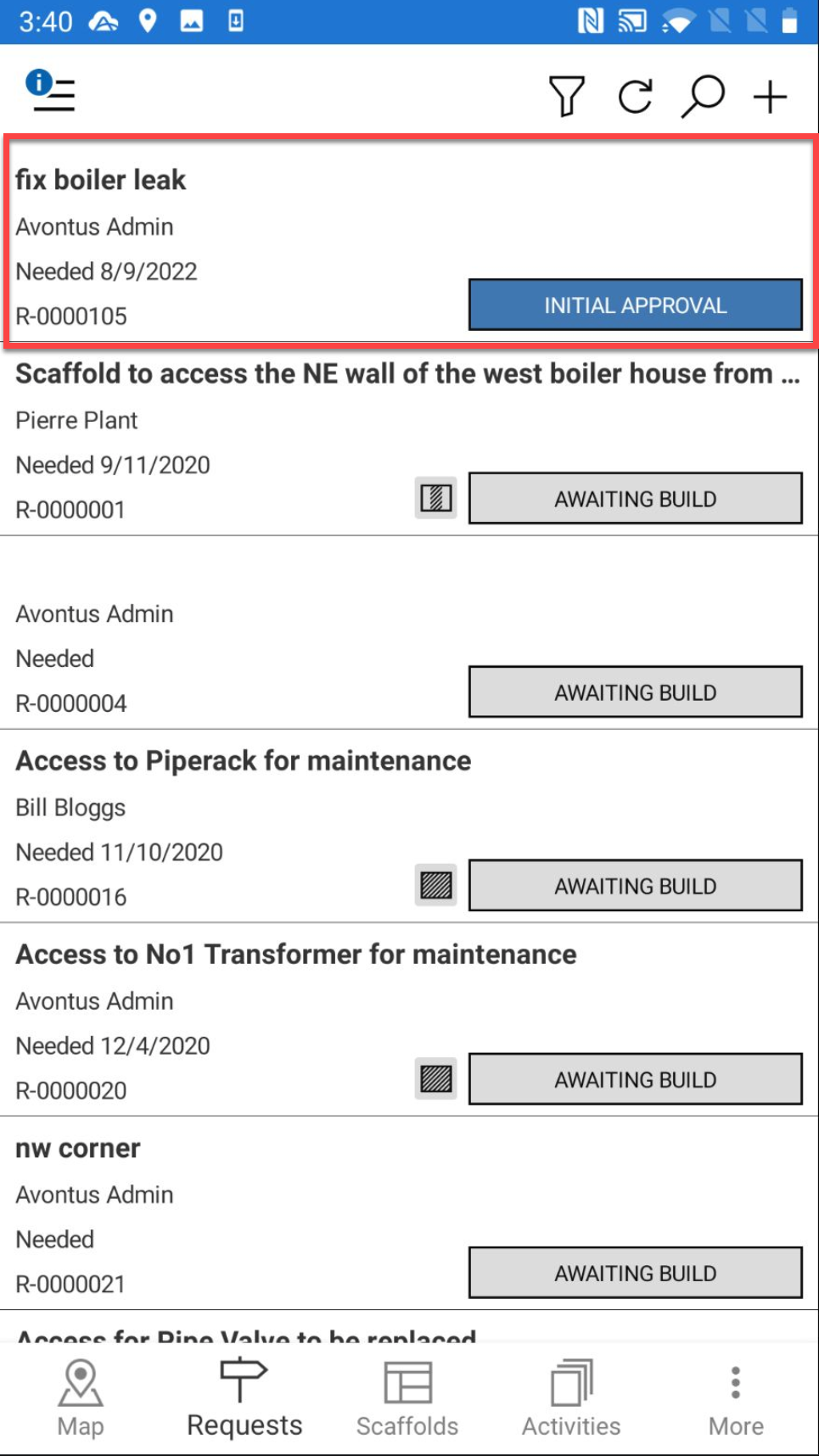
Tap a Request
Scroll down to the location section and tap anywhere in that section
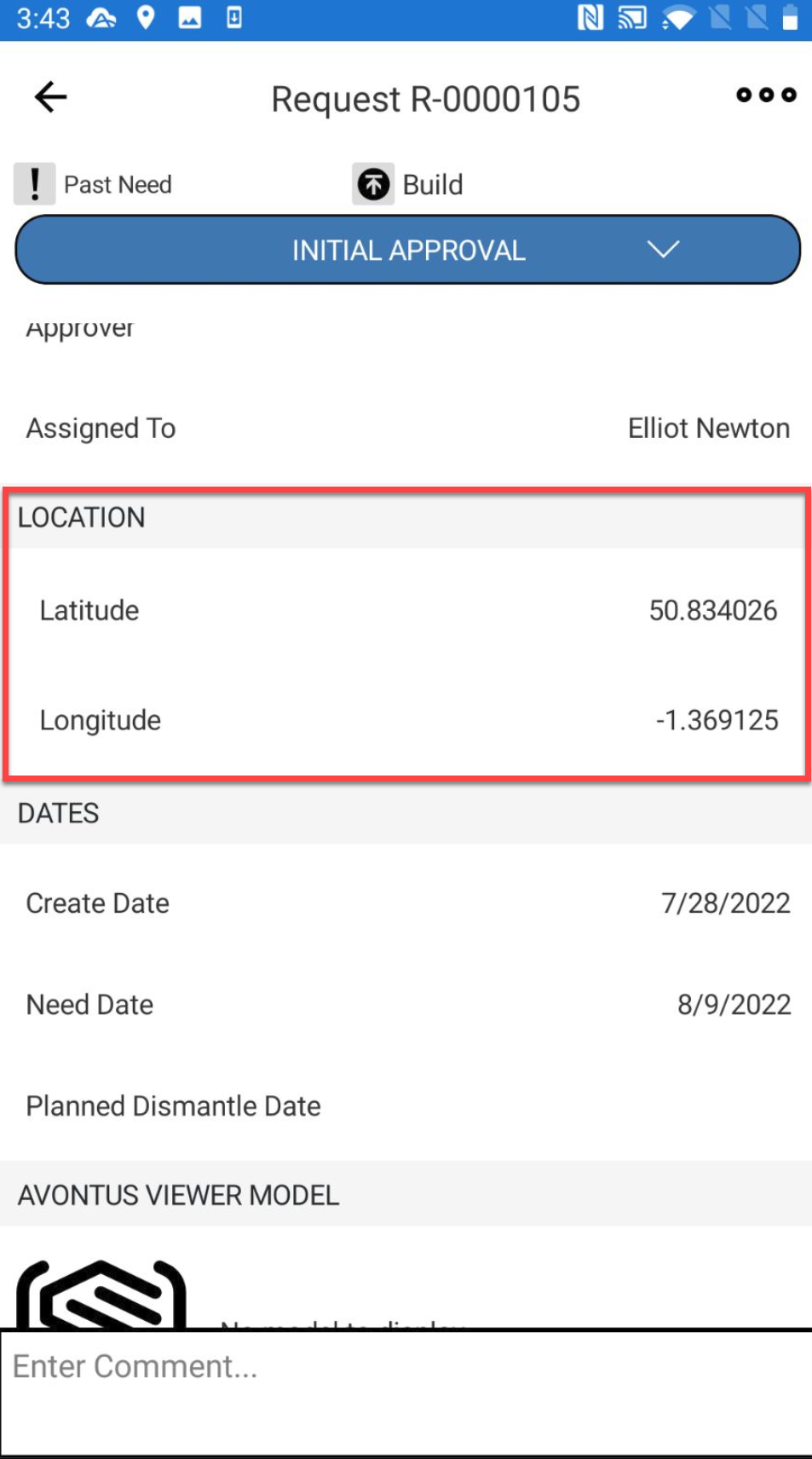
You will be taken to the Map screen where only that one Request is displayed